How to create a stage on Apollo
Here is how to create a stage on apollo
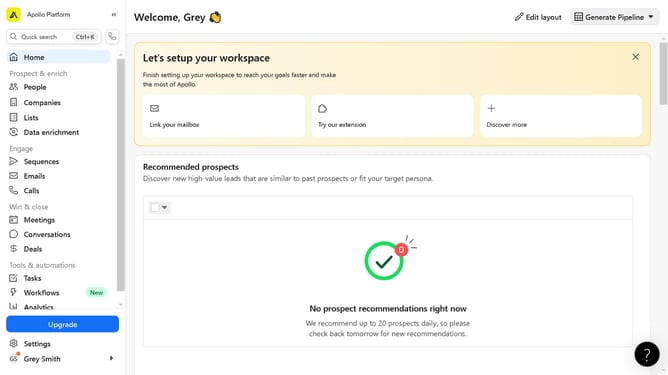
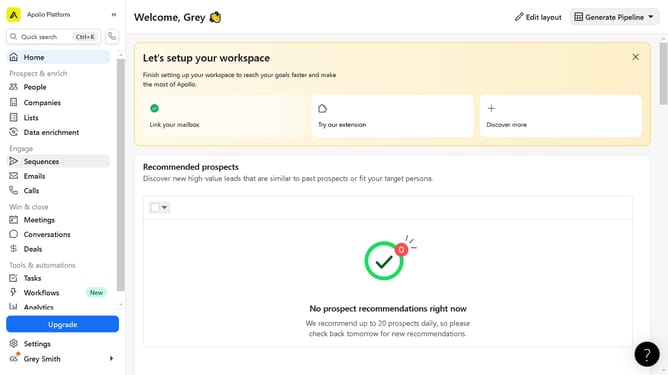
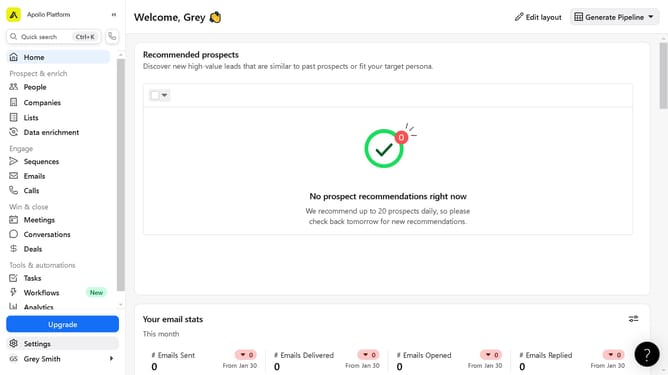
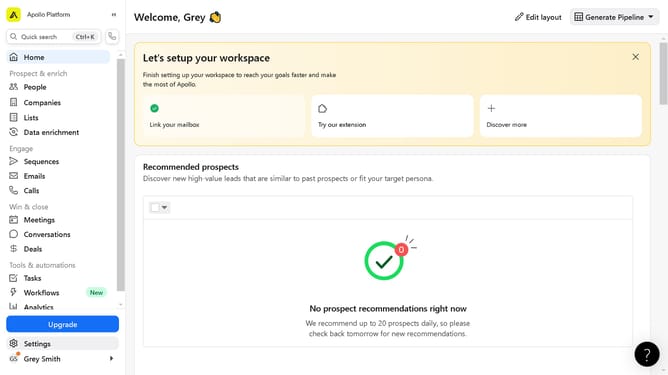
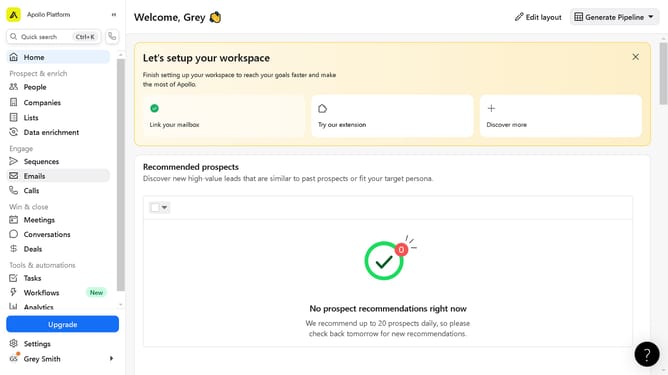
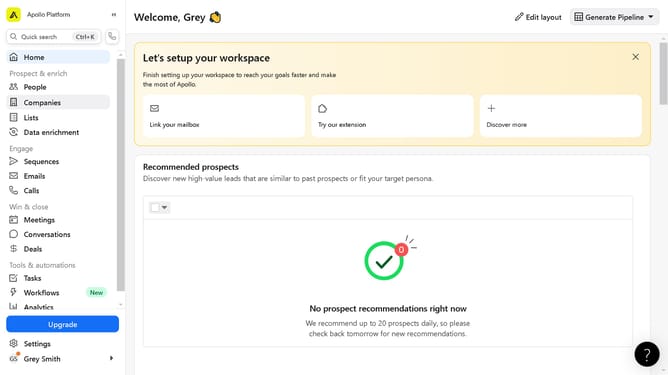
- First click on the "Settings" button in the left sidebar
- Then click on "Objects" section in the left sidebar settings menu
- Next click on "Contacts" item in the Objects submenu
- Then click on the "Add Stage" button in the top-right corner
- Input the "Stage" name in the open field provided
- Finally click on the "Create Stage" button in the modal window after entering stage details
Why should you create a stage on Apollo
Apollo is a powerful tool designed to enhance your productivity by enabling seamless project management and collaboration.
Creating a stage on Apollo allows you to organize tasks better, providing a structured workflow that boosts efficiency and team alignment.
Utilizing this feature facilitates clear communication and ensures everyone is on the same page, significantly reducing miscommunication and enhancing project outcomes.
Moreover, it empowers teams to focus on their goals, knowing that each task is part of a strategically organized process.
Last update