How to create a score on Apollo
Here is how to create a score on apollo
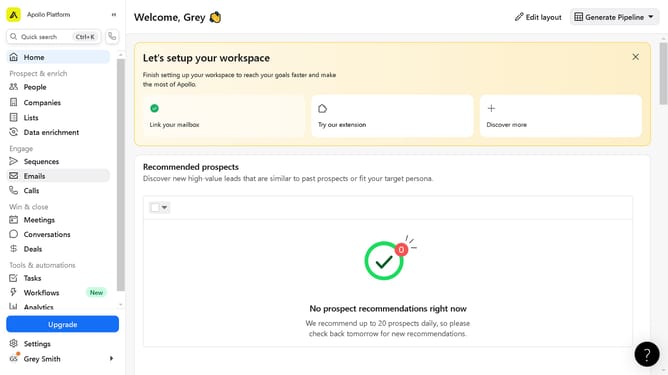
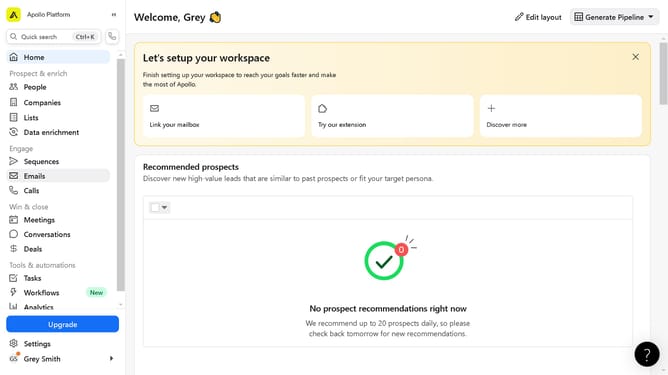
- First click on "Settings" in the left sidebar
- Then click on "Scoring and signals" in the left sidebar navigation
- Next click on "Scoring" under the Scoring and signals section
- Click on the "Create score" button in the top right corner
- Enter a name in the Score name field
- Click the "Next" button to proceed
- Click and drag the signals to begin adding to your scoring criteria
- Click "Next" to continue to the next step
- Click the "Render distribution" button to preview the distribution
- Finally click the "Submit" button to create the score
Why should you create a score on Apollo
Apollo is a robust platform designed to help you seamlessly navigate the realms of data and analytics.
Creating a score on Apollo is an invaluable feature that allows users to quantify and enhance their data-driven decisions.
This tool simplifies complex data, making it more accessible and easier to understand.
The ability to create a score ensures that users can track key metrics, leading to more precise evaluations and strategic insights.
Last update