How to set email address to receive invoices from Apollo
Here is how to set email address to receive invoices from apollo
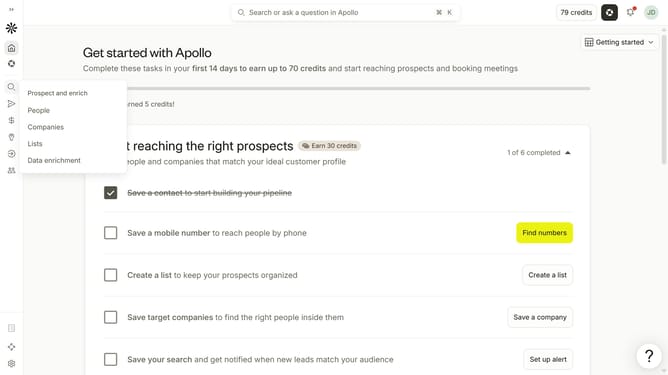
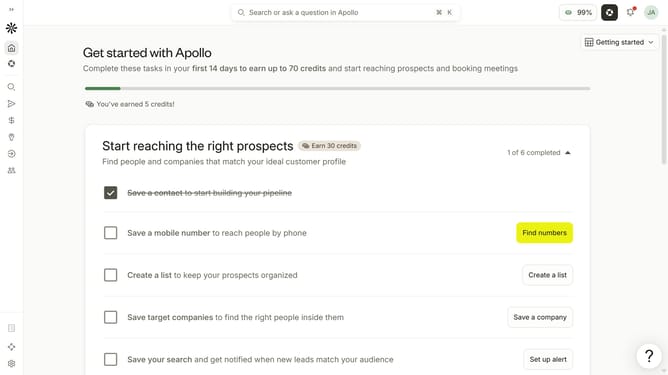
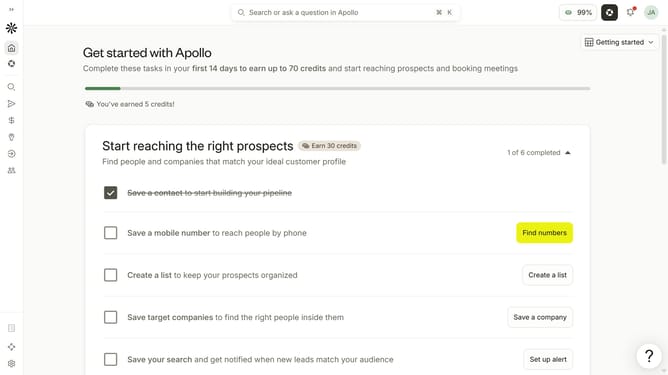
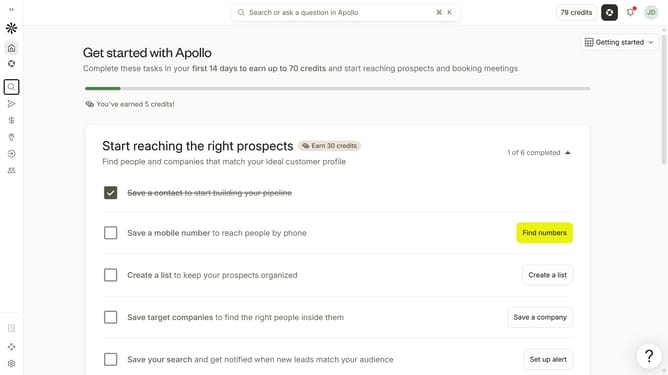
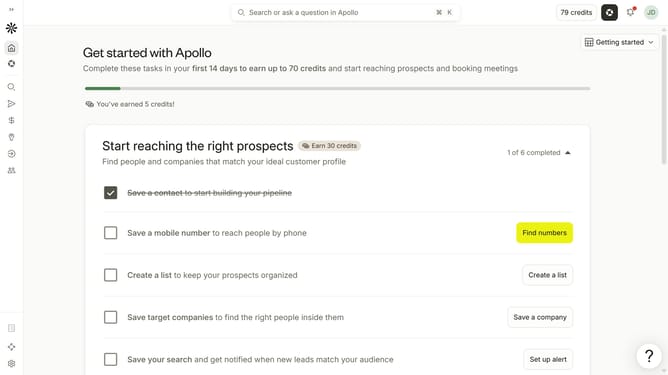
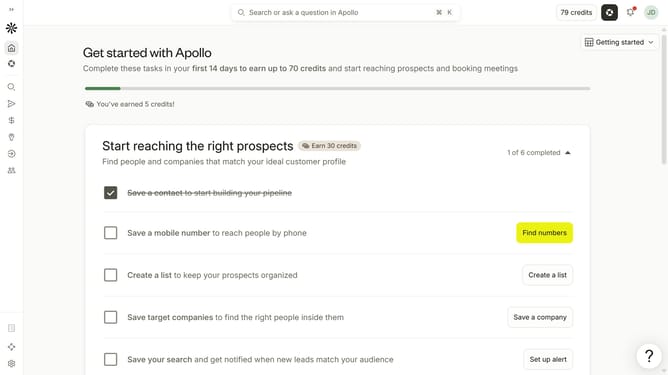
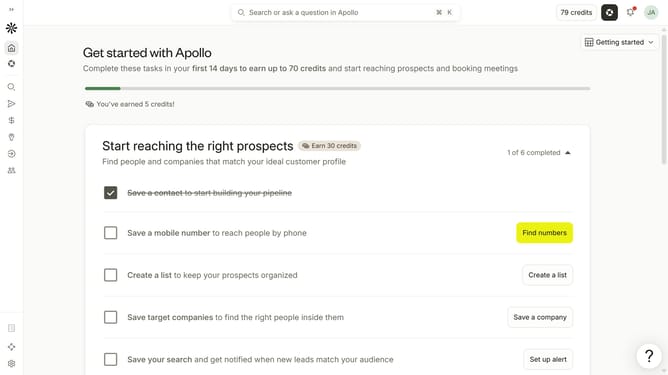
- First click on the user avatar in the top right corner of the header
- Then click on "Your profile" in the dropdown menu
- Then click on "Plan & billing" in the left sidebar
- Then click on "Billing" in the left sidebar
- Then click on the input field under "Send invoices to" and enter email address
- Finally click on the "Save" button
Why should you How to set email address to receive invoices from Apollo
Apollo is a dynamic tool designed to streamline business operations and enhance productivity.
By setting your email address to receive invoices from Apollo, you gain the advantage of having all your billing information organized and accessible directly in your inbox. This feature ensures you never miss a payment notification, keeping your financial management seamless and stress-free.
Utilizing this feature helps maintain an efficient workflow, reduces paperwork, and grants you more control over your financial interactions with Apollo, ultimately empowering your business growth.
Last update