How to create tasks for multiple contacts in a sequence on Apollo
Here is how to create tasks for multiple contacts in a sequence on apollo
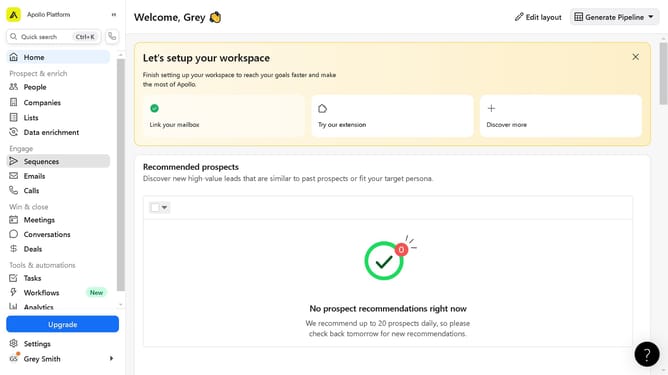
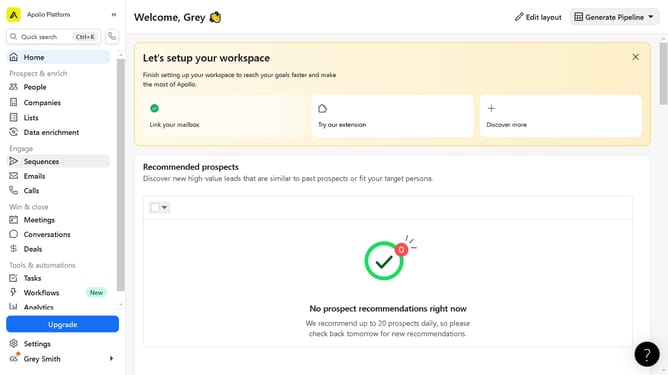
- First click on "Sequences" in the left sidebar under the Engage section
- Then click on the active sequence in the sequences list
- Next click on "Contacts" tab in the sequence details view
- Then click on the checkbox of the contacts to select in the contacts list
- Click on the "More options" button (three dots) in the toolbar
- Select "Create Tasks" from the dropdown menu
- Enter the "Task title" in the text field of the new task form
- Finally click "Create task" button to save the new task
Why should you create tasks for multiple contacts in a sequence on Apollo
Apollo is an innovative platform designed to streamline and enhance your sales prospecting efforts.
Creating tasks for multiple contacts in a sequence on Apollo allows for efficient and organized communication with potential leads. By automating the task creation for numerous contacts, users can ensure consistent follow-ups without the need for manual tracking.
This feature not only saves valuable time but also increases the chances of successful engagement by maintaining a systematic approach. Ultimately, it empowers teams to focus more on strategy and less on routine administration.
Last update