How to filter people by their course major in Apollo
Here is how to filter people by their course major in apollo
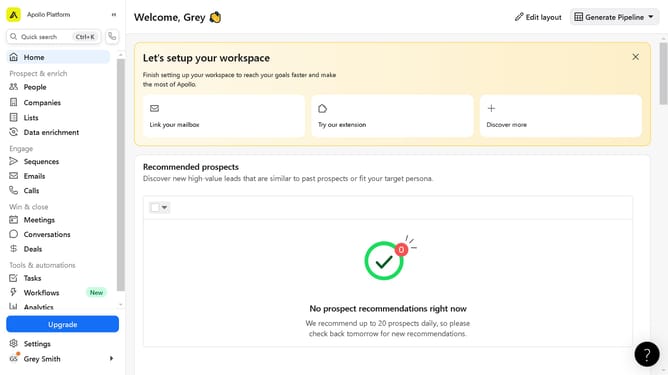
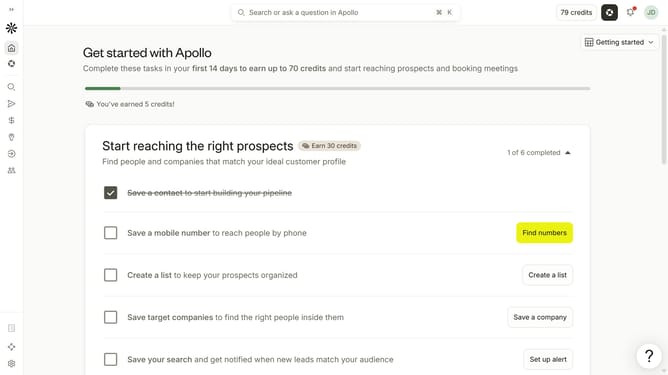
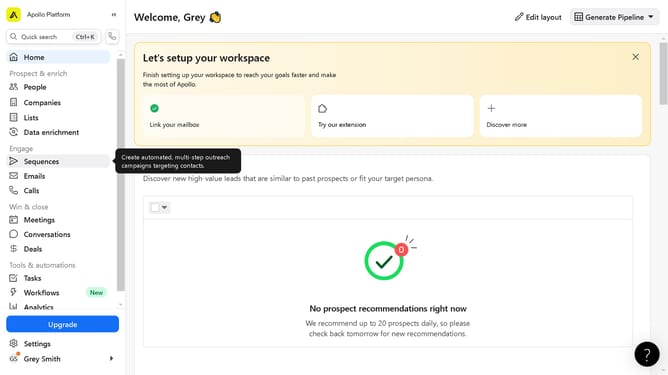
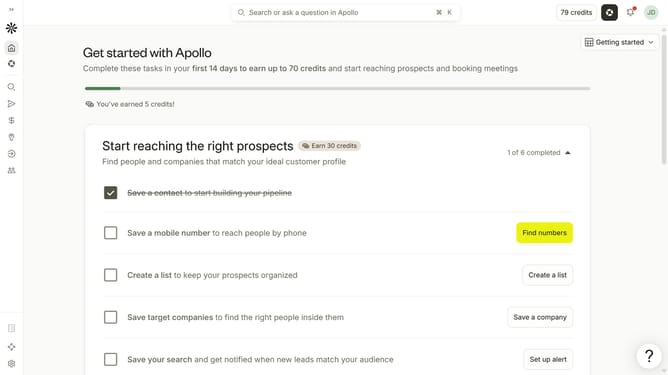
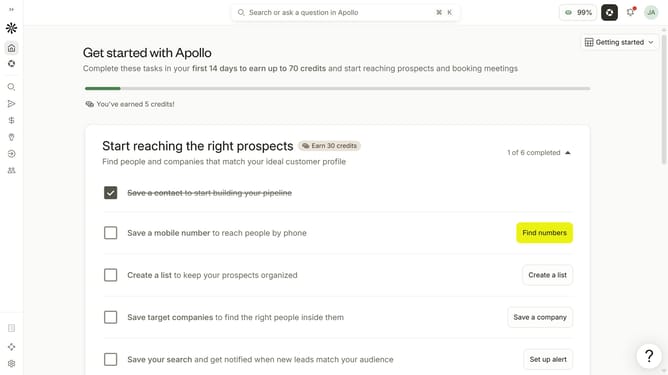
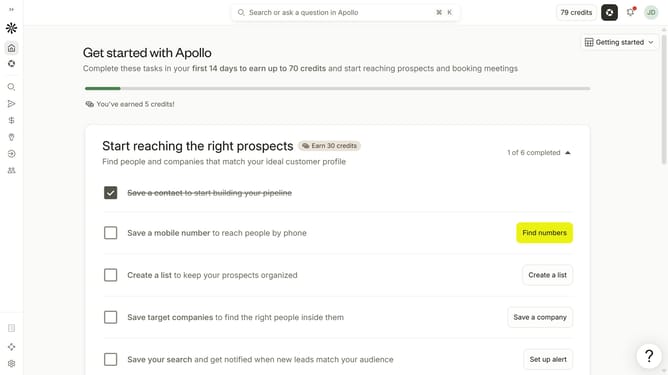
- First click on the search icon in the left sidebar
- Then click on the "People" option from the dropdown menu
- Next, click the dropdown arrow next to "Education" in the filters pane
- After that, click on the "Major" dropdown
- Finally select an option in the "Major" dropdown menu
Why should you How to filter people by their course major in Apollo
Apollo is a dynamic platform designed to connect individuals through seamless networking and valuable insights.
One of Apollo's standout features is its ability to filter people by their course major. This ensures users can easily identify and connect with peers who share similar academic interests. By leveraging this feature, individuals can enhance their networking opportunities, making it easier to collaborate on projects, share knowledge, and build meaningful professional relationships.
Whether you're a student seeking study partners or a professional looking to exchange ideas within your field, Apollo's filtering capability streamlines the process, saving you time and effort while enriching your connections.
Last update