How to enable receiving email for a daily digest of data requests completed in a day in Apollo
Here is how to enable receiving email for a daily digest of data requests completed in a day in apollo
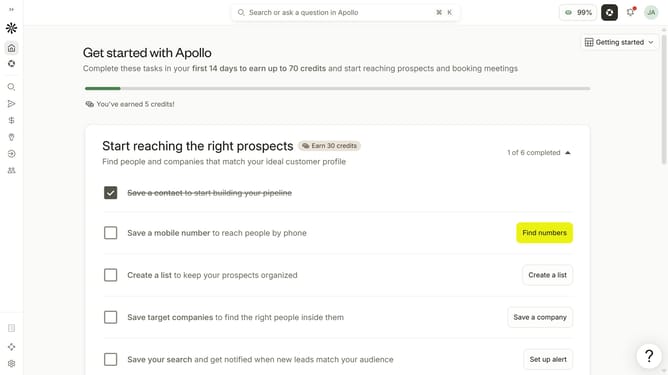
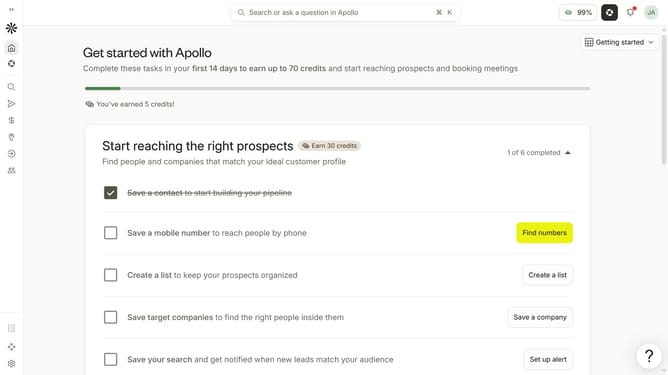
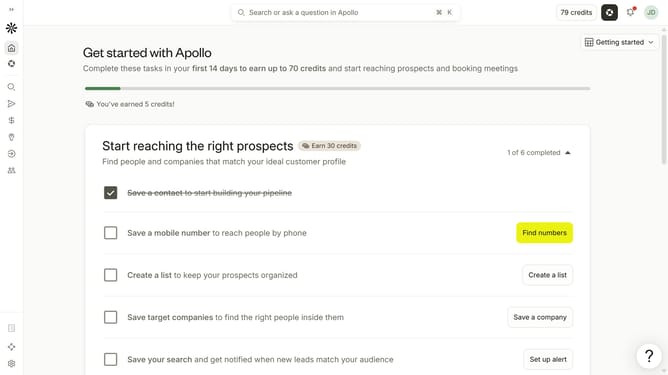
- First click on the user avatar in the top right corner of the header
- Then click on "Your profile" in the dropdown menu
- Next click on "Notification settings" item in the left sidebar
- Then check the checkbox for "Receive a daily digest of data requests completed in a day" to enable it
- Finally click on the "Save" button to apply the changes
Why should you How to enable receiving email for a daily digest of data requests completed in a day in Apollo
Apollo is a powerful platform designed to streamline data management and enhance decision-making processes.
Enabling the feature to receive a daily email digest of completed data requests in Apollo enhances your workflow efficiency by keeping you informed effortlessly. This feature allows you to stay updated with a concise summary of daily activities, ensuring that no important data slips through the cracks.
By utilizing this feature, you gain the advantage of improved organization and time management, allowing you to focus on strategic tasks while Apollo manages the routine updates seamlessly.
Last update