How to share a sequence on Apollo
Here is how to share a sequence on apollo
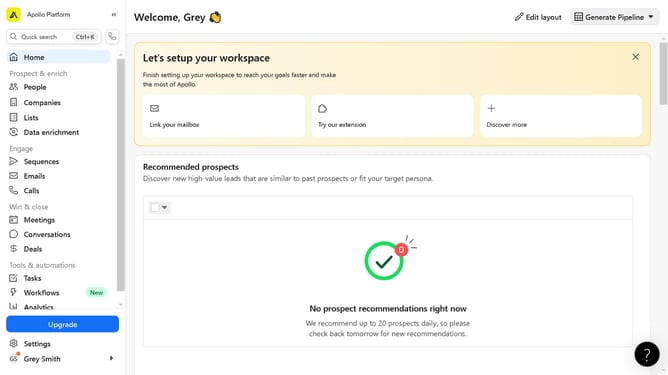
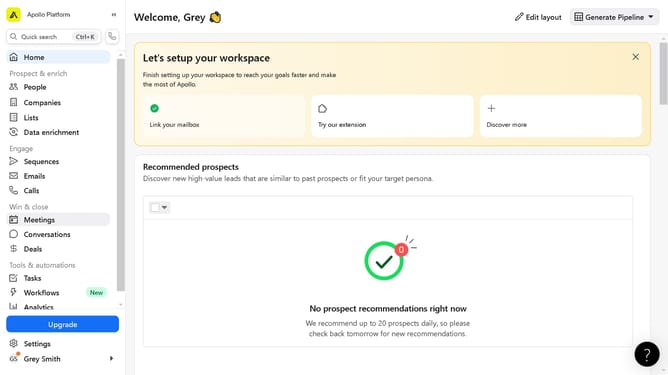
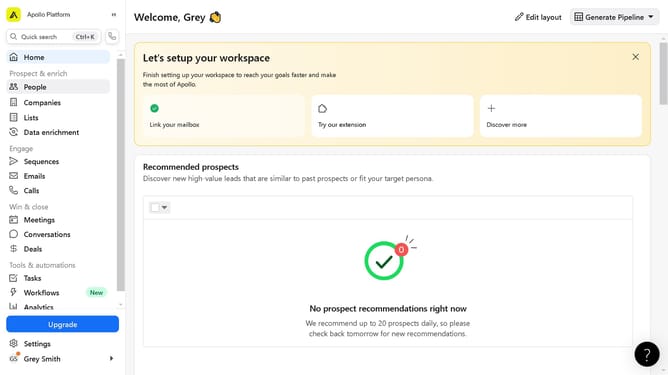
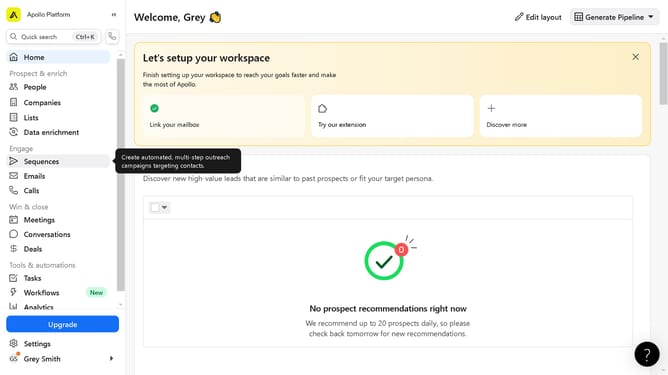
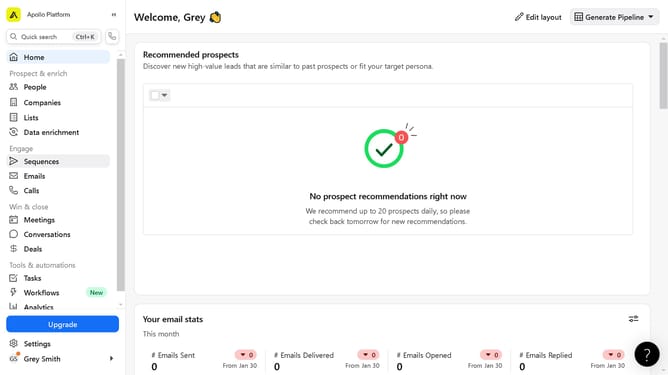
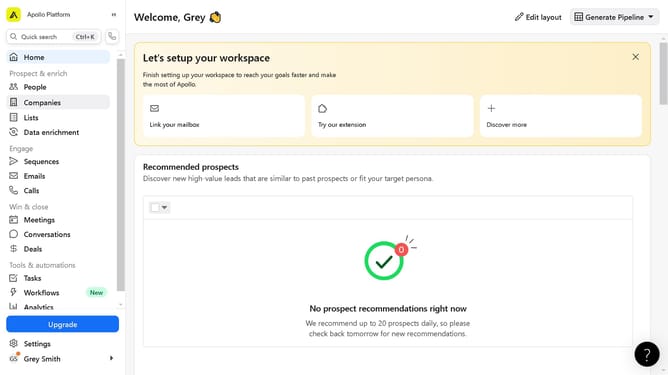
- First click on "Sequences" in the left sidebar menu
- Then click on the action menu (three dots) for the sequence in the main content area
- Next click on "Share" option from the dropdown menu
- Then click on the dropdown field in the Share dialog
- Now click on "Public" option from the visibility dropdown
- Finally click the "Done" button to complete sharing the sequence
Why should you share a sequence on Apollo
Apollo is a dynamic platform designed to streamline your outreach and sales process with ease.
Sharing a sequence on Apollo allows you to seamlessly distribute proven communication strategies with your team. This feature enhances collaboration by providing everyone access to successful outreach templates.
Using this feature not only boosts efficiency but also ensures consistency in messaging across your organization. By leveraging shared sequences, you can harness the insights and successes of the team, leading to improved overall performance.
Last update