How to search by account headquarters location in Apollo
Here is how to search by account headquarters location in apollo
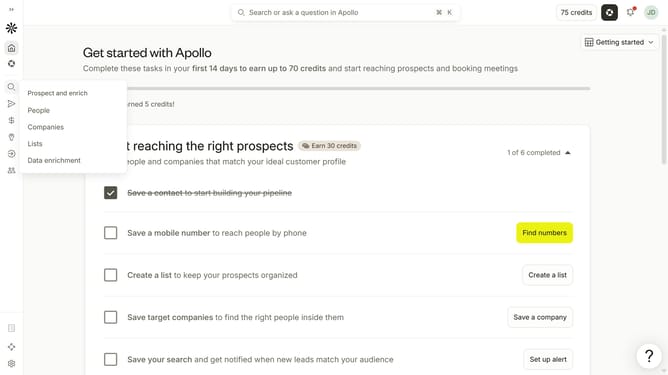
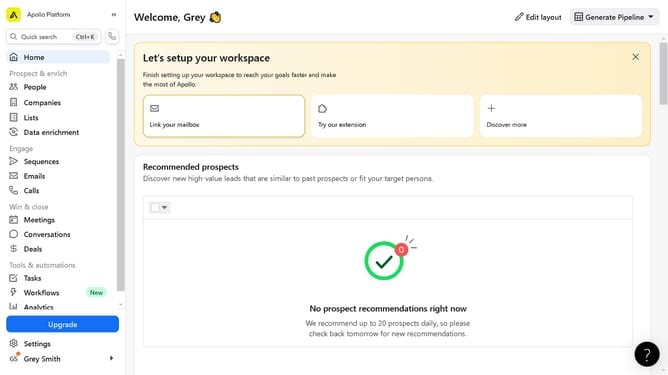
- First click on the search icon in the left sidebar
- Then click on the "People" option from the dropdown menu
- Next, click on the "Location" filter in the left sidebar
- After that, click on the "Account HQ" tab
- Then click on the dropdown menu under "select region"
- Next, select "Headquarters" from the dropdown options
- Then click on the dropdown for "City / State / Country / ZIP"
- Finally, select from the location options
Why should you How to search by account headquarters location in Apollo
Apollo is a powerful platform designed to streamline sales and prospecting efforts with its robust data and outreach tools.
One of Apollo’s standout features is the ability to search by account headquarters location. This feature enables users to pinpoint companies based on where they are situated geographically.
Searching by location empowers sales and marketing teams to tailor their strategies to specific regions, enhancing relevance and increasing the chances of conversion.
By focusing on headquarters location, businesses can align their outreach with local trends and regulations, ensuring more effective communication and engagement.
Last update