How to filter people by degree in Apollo
Here is how to filter people by degree in apollo
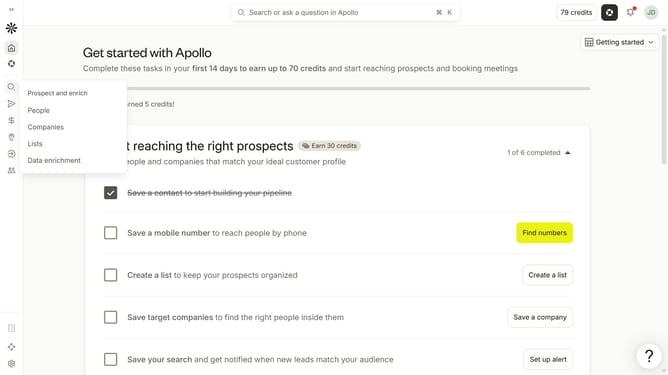
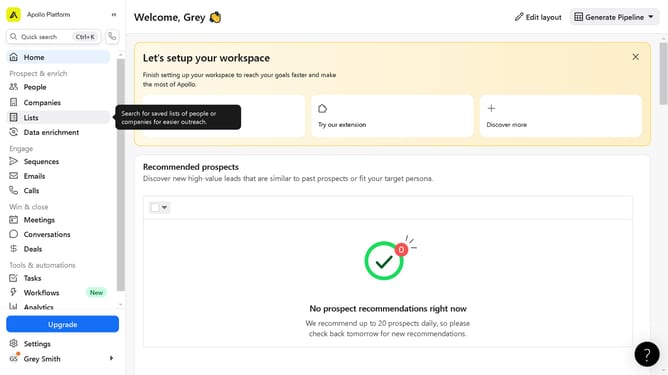
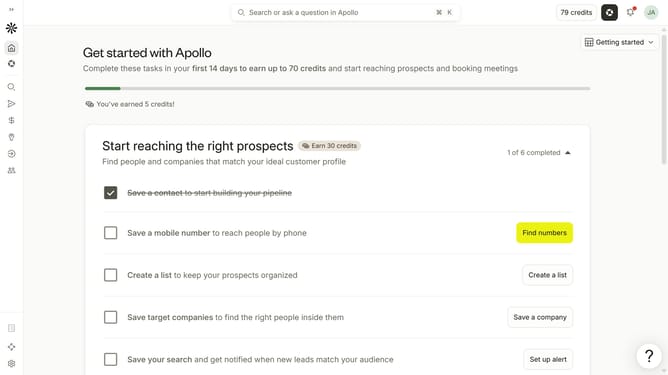
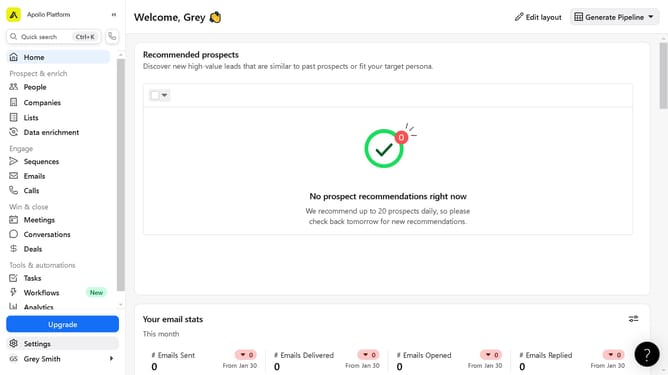
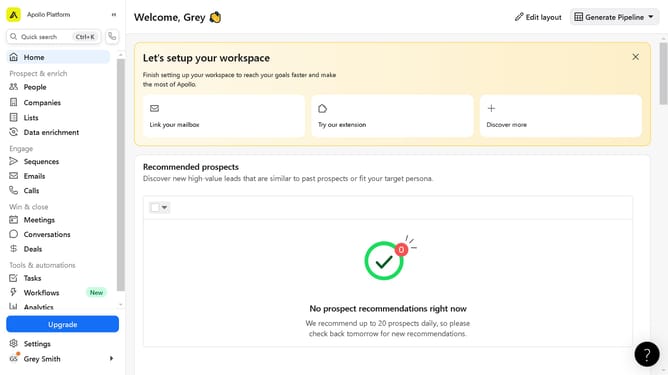
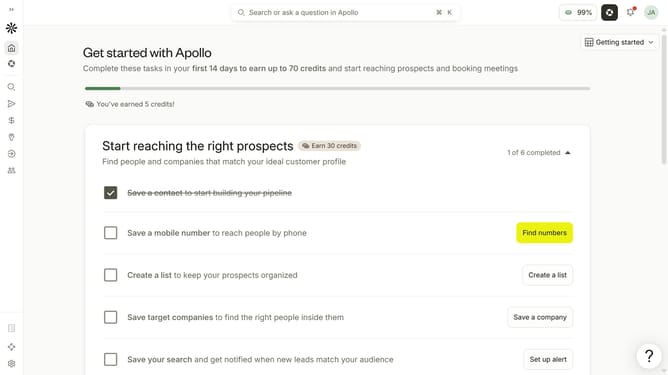
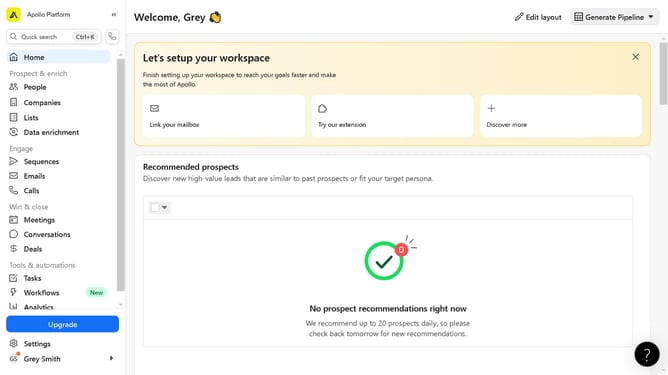
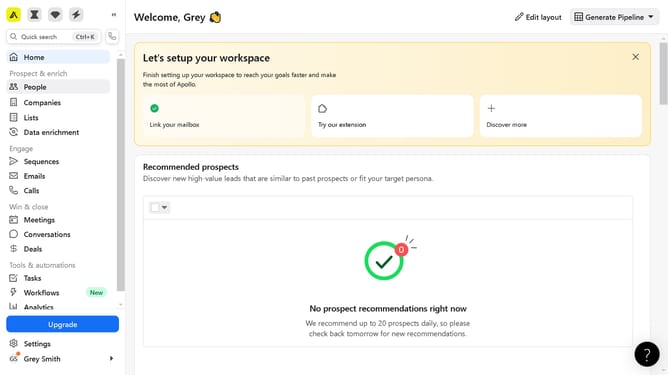
- First click on the search icon in the left sidebar
- Then click on the "People" option from the dropdown menu
- Next, click the dropdown arrow next to "Education" in the filters pane
- After that, click on the "Degree" dropdown
- Finally select from the options in the dropdown menu
Why should you How to filter people by degree in Apollo
Apollo is a powerful platform designed to enhance business growth by streamlining lead generation and sales intelligence.
One of Apollo’s standout features is the ability to filter people by degree, allowing users to precisely target individuals with specific educational backgrounds.
This functionality is particularly beneficial for businesses seeking candidates or leads with specialized knowledge or expertise. By focusing on individuals with the right academic qualifications, companies can optimize their outreach efforts and improve engagement with potential clients or partners.
This targeted approach not only saves time but also increases the likelihood of successful connections, ultimately driving better results for your business strategy.
Last update