How to filter people by location in Apollo
Here is how to filter people by location in apollo
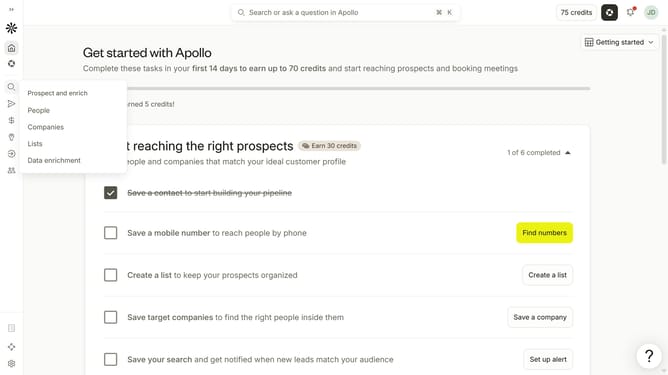
- First click on the magnifying glass icon in the left sidebar
- Then click on "People" in the opened menu
- Next click on the dropdown arrow next to "Location" in the left panel
- Then, click on the "Enter locations" dropdown in the main panel
- Finally, click on a location from the options in the sidebar
Why should you How to filter people by location in Apollo
Apollo is a robust platform designed to streamline and enhance your sales and marketing efforts.
One standout feature is its ability to filter people by location. This allows you to precisely target potential leads, ensuring your outreach is relevant and efficient.
Using location filters enhances your strategy by focusing on specific geographic areas, optimizing resource allocation, and increasing conversion rates. This feature empowers businesses to connect with the right audience at the right place, boosting engagement and potential growth.
Last update