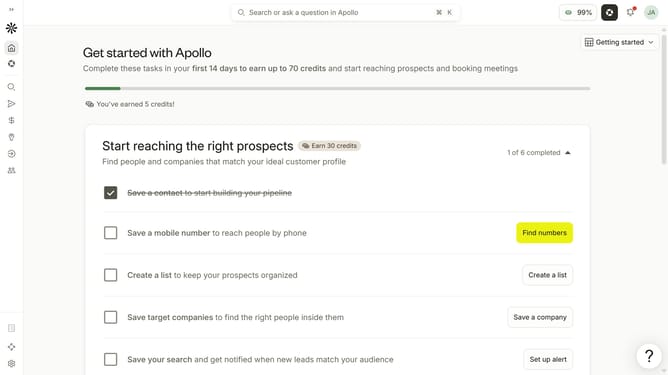
How to disable receiving email for a daily digest of data requests completed in a day in Apollo
Here is how to disable receiving email for a daily digest of data requests completed in a day in apollo
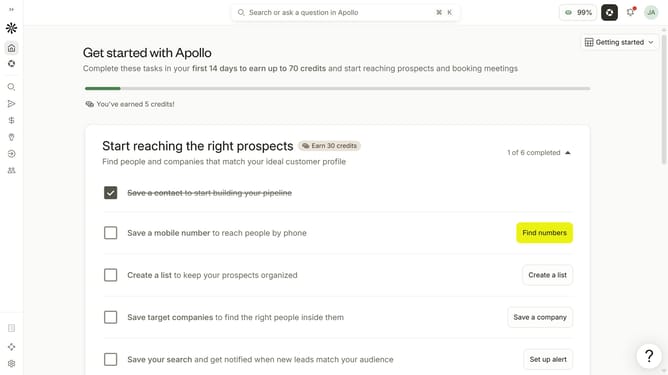
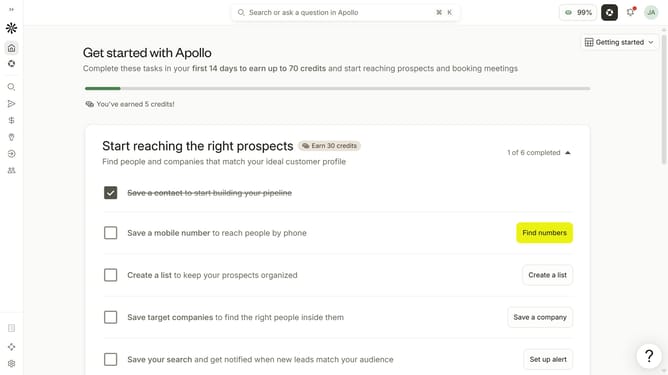
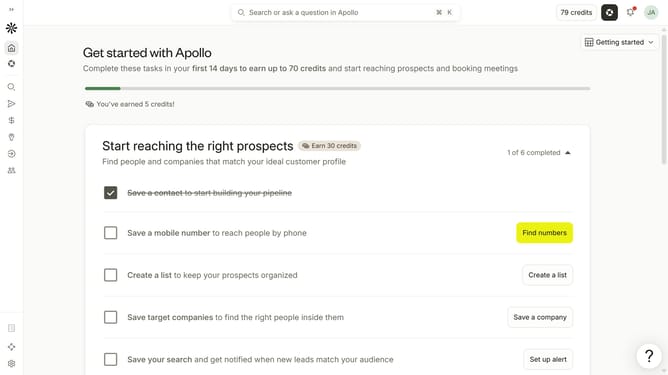
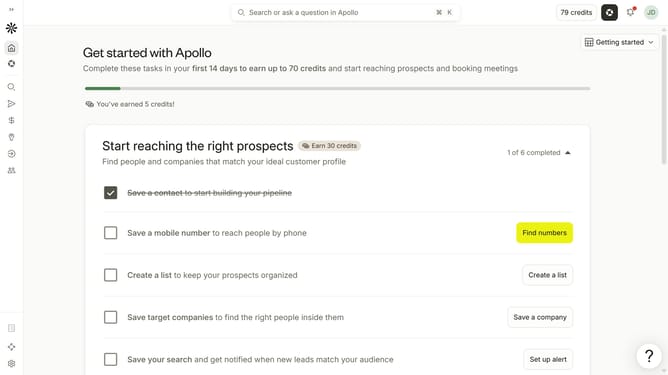
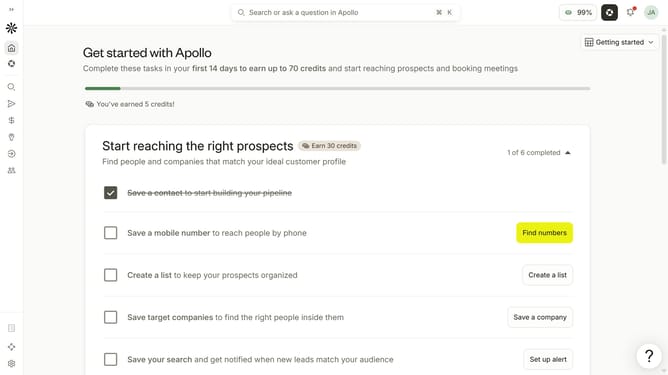
- First click on the user avatar in the top right corner of the header
- Then click on "Your profile" in the dropdown menu
- Next click on "Notification settings" item in the left sidebar
- Then uncheck the checkbox for "Receive a daily digest of data requests completed in a day" to disable it
- Finally click on the "Save" button to apply the changes
Why should you How to disable receiving email for a daily digest of data requests completed in a day in Apollo
Apollo is a cutting-edge platform designed to streamline data management with ease.
Disabling the daily digest of completed data requests can enhance your user experience by reducing email clutter. By turning off these notifications, you maintain focus on tasks that matter most, without the distraction of unnecessary emails.
This feature is perfect for those who prefer to check their request statuses directly on the platform. It allows for a cleaner inbox and provides a more organized workflow, helping you prioritize your daily activities.
Last update