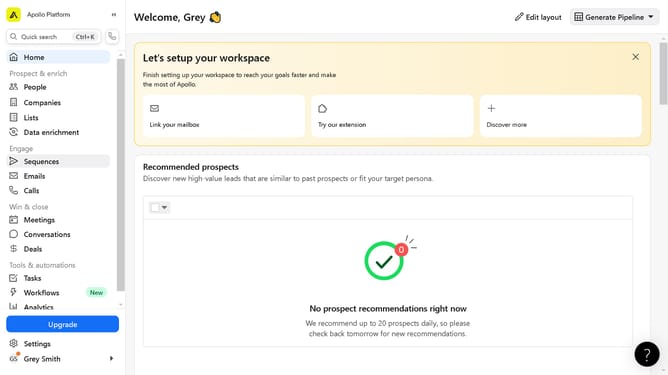
How to search companies by market segment in Apollo
Here is how to search companies by market segment in apollo
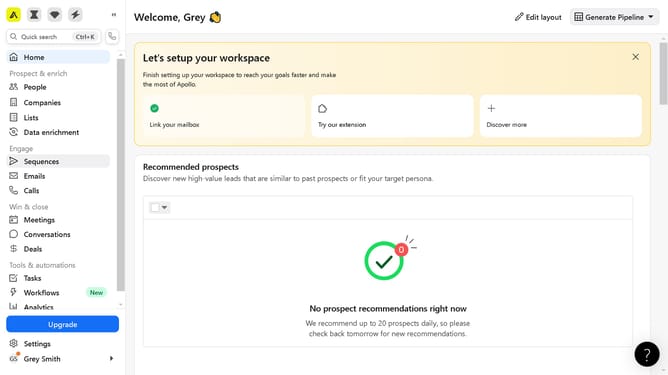
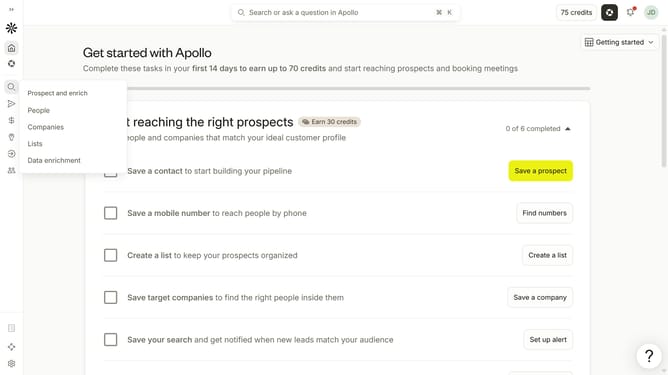
- First click on the search icon on the left sidebar
- Then click on "Companies" in the dropdown menu
- Next click on the dropdown arrow next to "Market Segments" in the left sidebar
- Finally click on the checkbox in the left sidebar of your preferred market segment
Why should you How to search companies by market segment in Apollo
Apollo is a cutting-edge platform designed to revolutionize business development and sales by providing rich data and insights.
One of Apollo’s standout features is its ability to search companies by market segment. This feature allows users to efficiently pinpoint businesses within specific industries or niches, enhancing targeting precision.
By utilizing this capability, stakeholders can gain valuable insights into competitive landscapes and emerging opportunities. This ensures efforts are directed towards the most relevant markets, boosting efficiency and strategic planning.
Ultimately, searching companies by market segment in Apollo empowers businesses to refine their outreach efforts, optimize resource allocation, and achieve superior results.