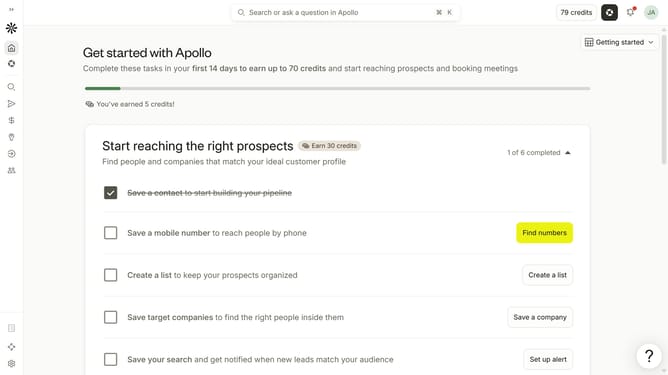
How to filter people by timezone in Apollo
Here is how to filter people by timezone in apollo
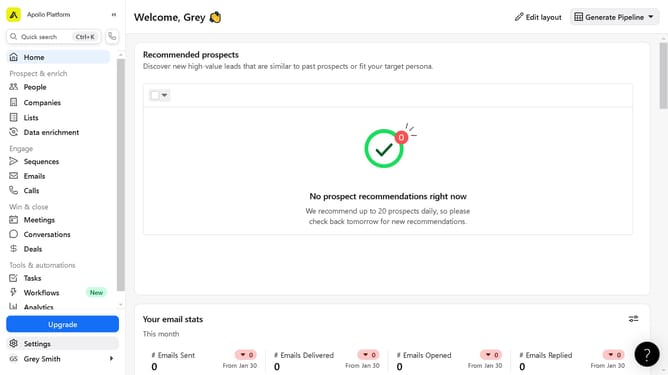
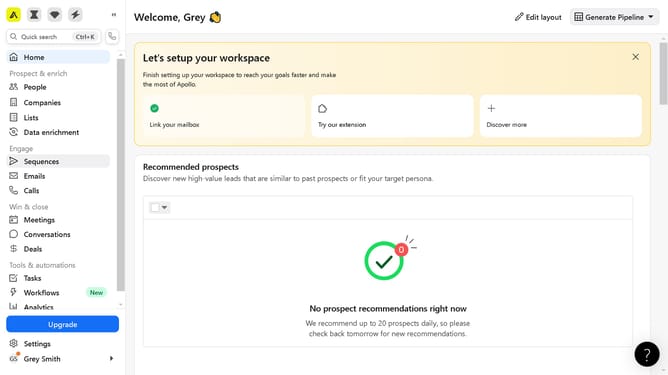
- First click on the search icon in the left sidebar
- Then click on the "People" option from the dropdown menu
- Then click on the dropdown arrow next to "Time Zone" in the left sidebar
- Then click on the "Timezone" button in the left sidebar
- Then click on the "Select timezone" dropdown in the left sidebar
- Finally select from the list of timezones
Why should you How to filter people by timezone in Apollo
Apollo is a powerful platform for sales and marketing teams to streamline prospecting and outreach processes.
With the feature to filter people by timezone, Apollo enhances your ability to connect with prospects at the most convenient times.
Using this feature ensures your outreach is timely and relevant, increasing the chances of engagement and fostering positive relationships.
By aligning your communication with prospects' local times, you're not only respecting their schedule but also optimizing your success rate.
Last update