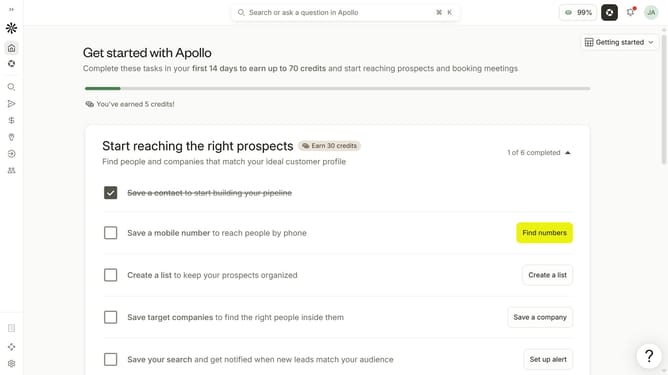
How to filter people with unavailable emails in Apollo
Here is how to filter people with unavailable emails in apollo
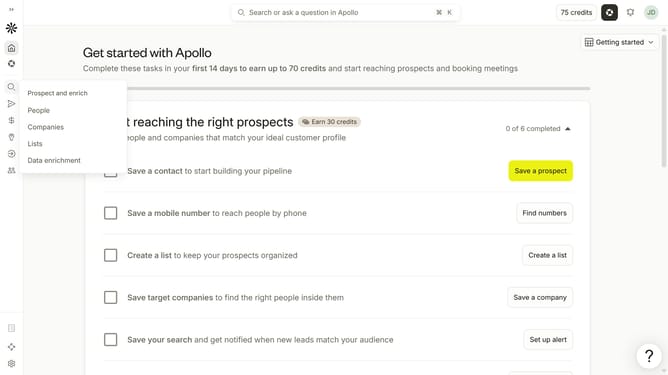
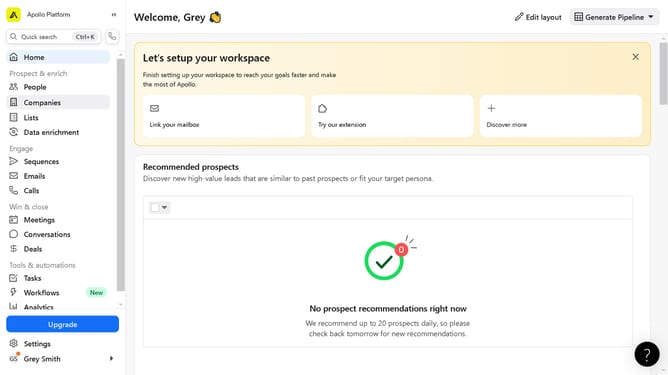
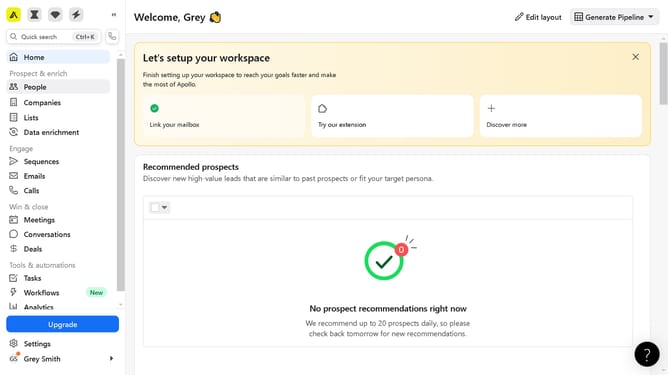
- First click on the search icon in the left sidebar
- Then click on the "People" option from the dropdown menu
- Next, click on the "Email Status" filter in the sidebar
- Finally, click on the "Unavailable" checkbox
Why should you How to filter people with unavailable emails in Apollo
Apollo is a powerful platform designed to streamline your sales and marketing efforts by providing accurate data and insights.
Filtering people with unavailable emails in Apollo is an intuitive feature that enhances the efficiency of your outreach strategy. By excluding contacts without valid email addresses, you ensure that your communication efforts target only reachable prospects.
Utilizing this feature saves time and resources, allowing your team to focus on engaging with genuine leads. This increased precision contributes to a more productive workflow and higher conversion rates.
Last update