How to view all company employees on Apollo
Here is how to view all company employees on apollo
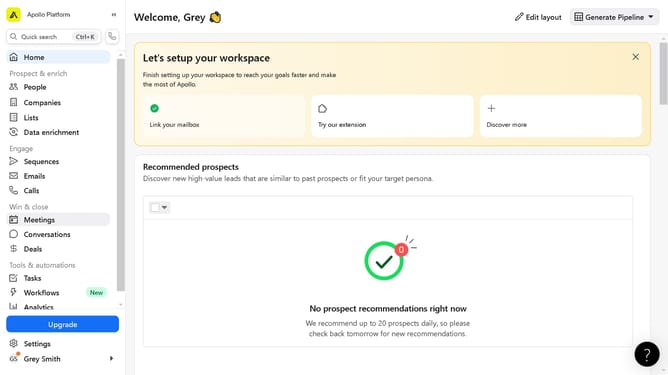
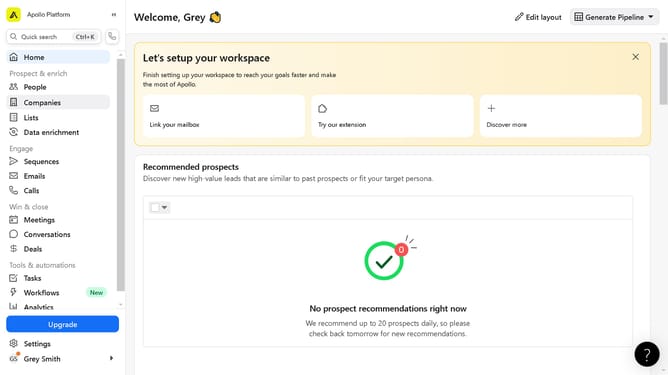
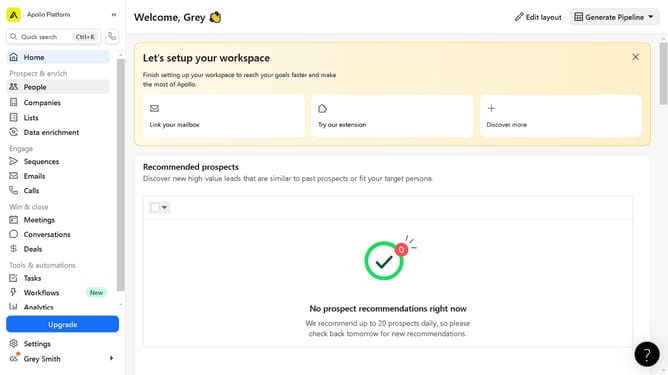
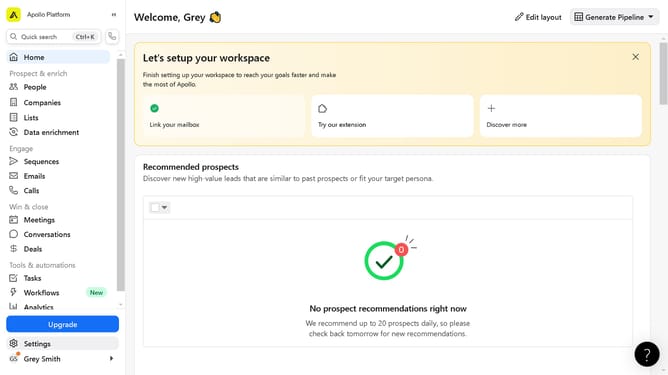
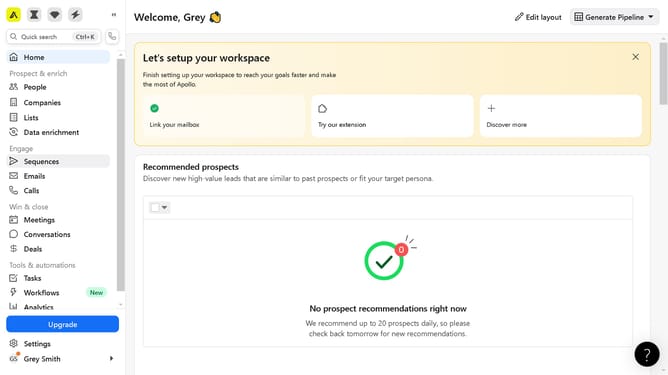
- First click on the "Companies" item in the left sidebar
- Then click on the company in the companies list you want to view
- Finally click on "Employees" tab in the company details page header
Why should you view all company employees on Apollo
Apollo is a powerful platform designed to streamline business communication and boost team collaboration.
The feature that lets you view all company employees on Apollo is your gateway to a more organized and cohesive workforce. This capability enhances internal communications by providing easy access to contact details, helping coworkers connect and collaborate more efficiently.
Furthermore, visualizing the entire team structure can empower management with insights on workforce distribution, enabling more informed decision-making. Embrace this feature to facilitate smoother interactions and a united corporate environment.
Last update