How to set zip code radius in a search in Apollo
Here is how to set zip code radius in a search in apollo
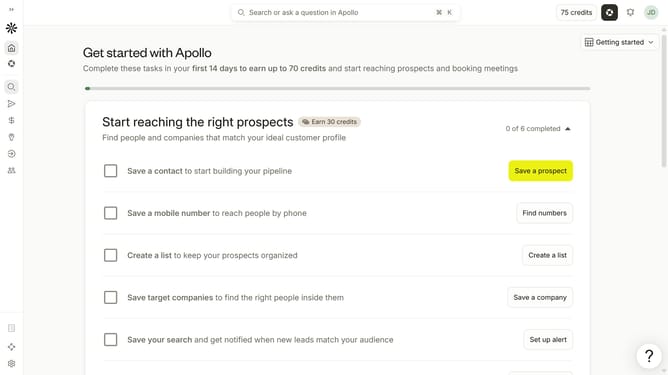
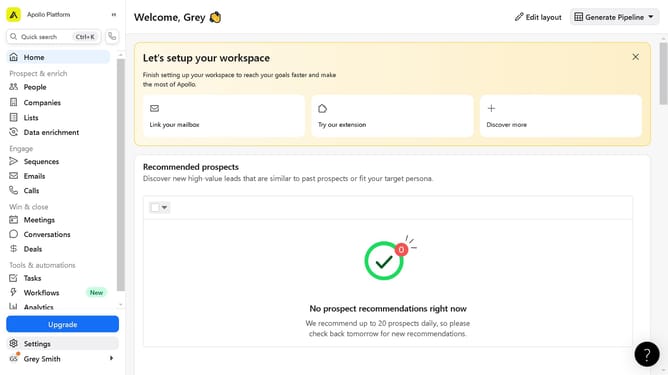
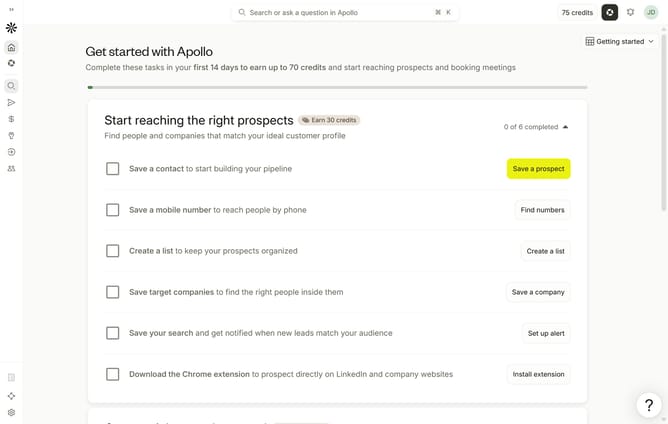
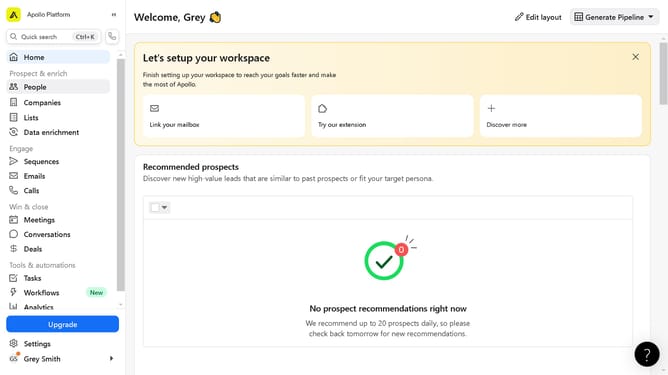
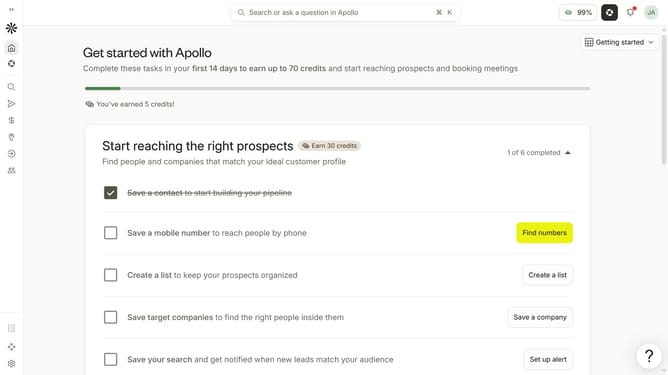
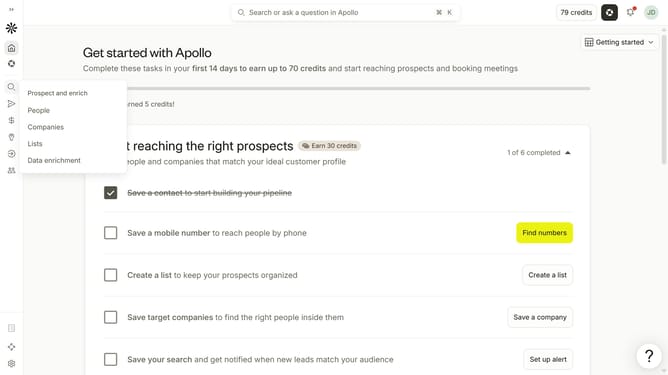
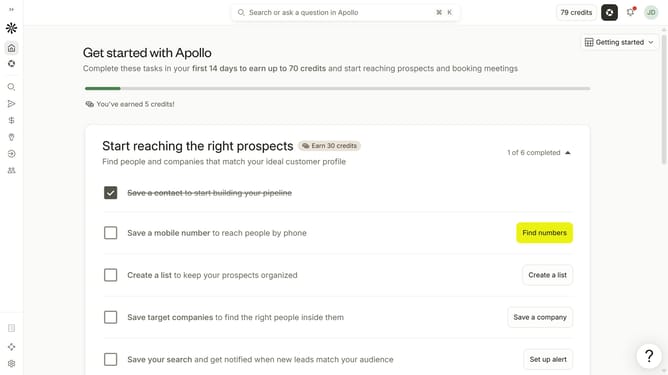
- First click on the search icon in the left sidebar
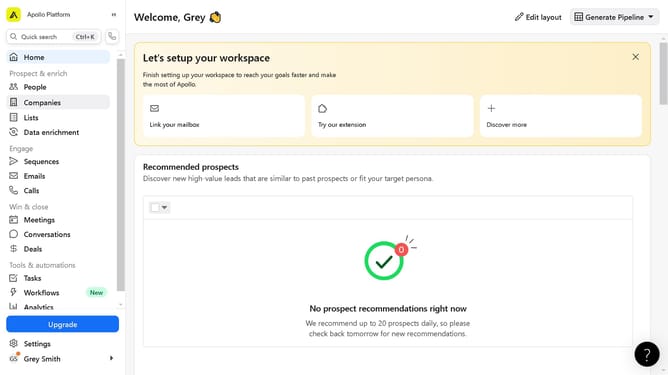
- Then click on the "People" option from the dropdown menu
- Next, click on the "Location" filter in the left sidebar
- After that, click on the "miles" dropdown
- Finally, select a mile from the list of options
Why should you How to set zip code radius in a search in Apollo
Apollo is a powerful tool designed to enhance your search capabilities and connect you with the right opportunities.
One standout feature in Apollo is the ability to set a zip code radius in your searches. This feature allows you to refine your search results by specifying the geographic area you want to cover, ensuring you connect with opportunities in your preferred locations.
Using the zip code radius enhances precision by narrowing down prospects in targeted regions, saving you time and increasing efficiency. This targeted approach can significantly improve your outreach success and strategy.
Last update