How to access my personas on Apollo
Here is how to access my personas on apollo
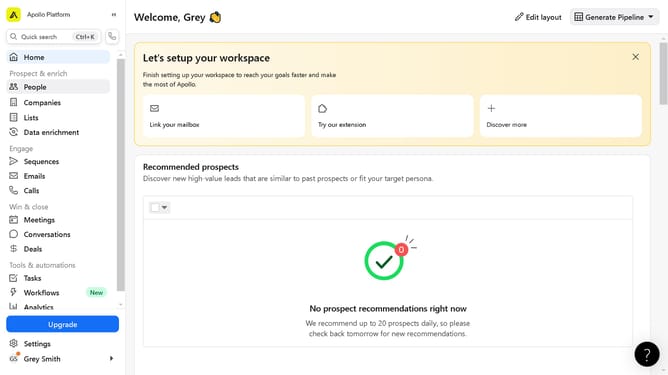
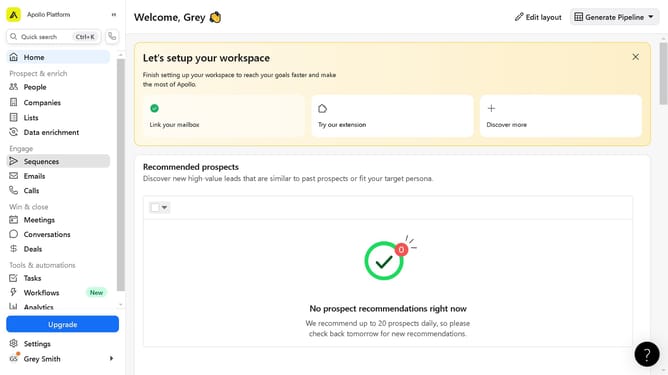
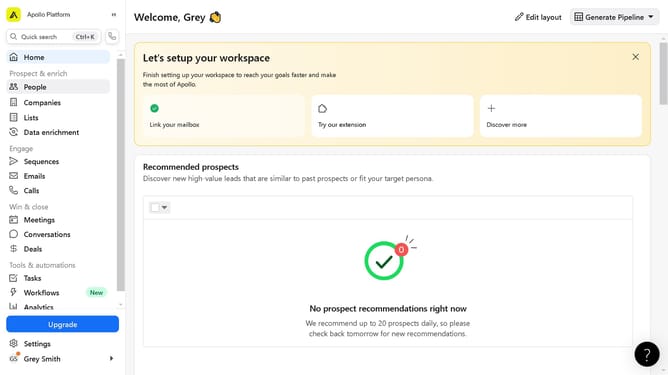
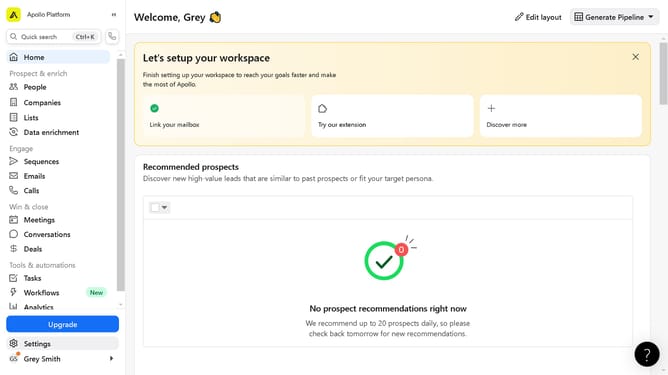
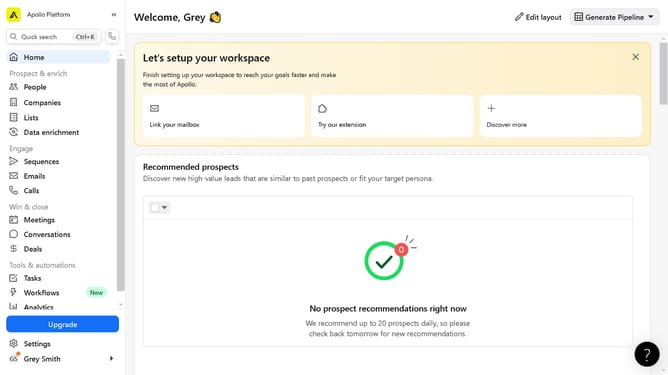
- First click on the "Settings" option located in the left sidebar menu
- Then click on the "Prospecting" section in the settings sidebar menu
- Finally click on "Personas" under the Prospecting section in the settings sidebar menu
Why should you access my personas on Apollo
Apollo is a robust platform designed to enhance your business communications and engagement strategies.
Accessing your personas on Apollo allows you to finely tailor your marketing and communication efforts. It provides insights into your customer profiles, ensuring that your outreach is relevant and effective.
Understanding and utilizing these personas can boost your engagement rates and foster stronger relationships with your audience. By leveraging this feature, you become more adept at meeting your clients' needs and expectations.
Last update