How to add contacts from a list to a sequence on Apollo
Here is how to add contacts from a list to a sequence on apollo
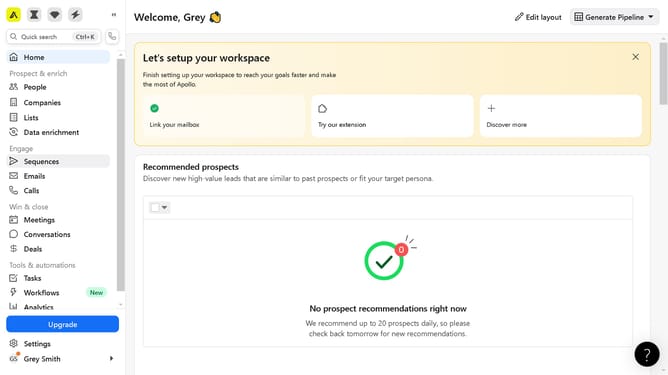
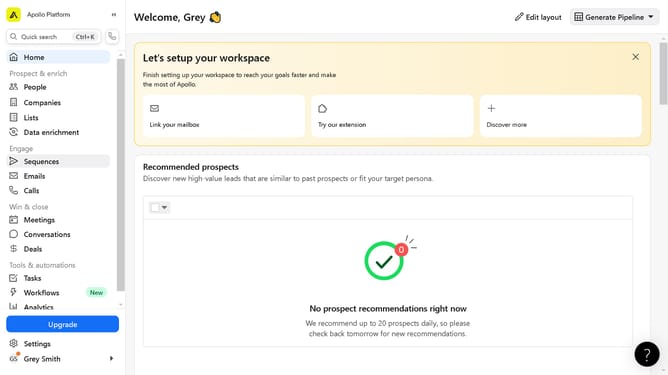
- First click on "Sequences" in the left sidebar menu under the Engage section
- Then click on the active sequence in the sequences list
- Next click on "Add Contacts" button in the top right corner of the sequence details page
- Then click on "Select list" option from the Add Contacts dropdown menu
- Next click on the dropdown field in the Select list dialog
- Then click the list to add the sequence in the list selection area
- Finally click on the "Add contacts" button at the bottom of the Select list dialog
Why should you add contacts from a list to a sequence on Apollo
Apollo is a dynamic platform designed to supercharge your sales engagement efforts.
Adding contacts from a list to a sequence on Apollo streamlines your outreach process, ensuring precision and efficiency.
This feature allows you to target specific segments of your audience, enhancing personalized communication and boosting engagement rates.
Utilizing this approach not only saves time but also maximizes the potential for meaningful connections, leading to higher conversion and success rates.
Last update