How to connect Salesforce to Apollo
Here is how to connect salesforce to apollo
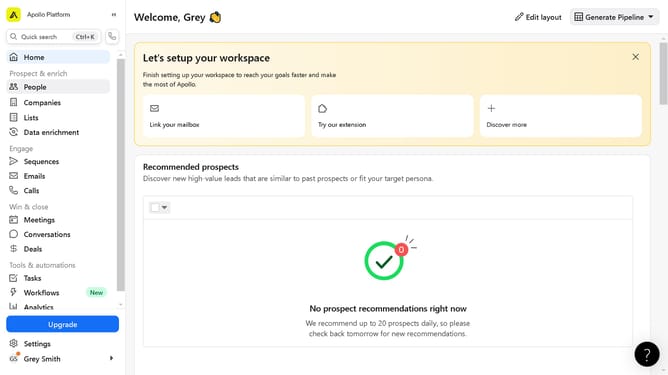
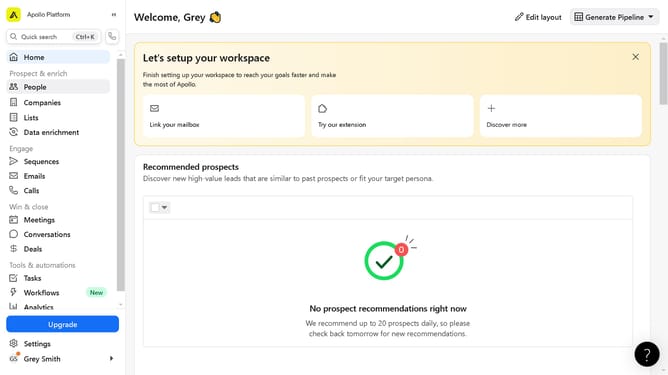
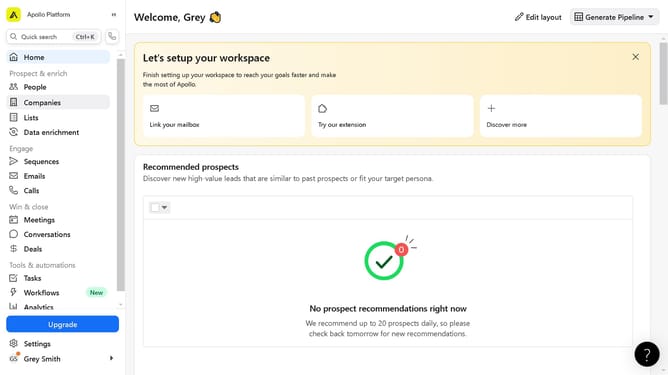
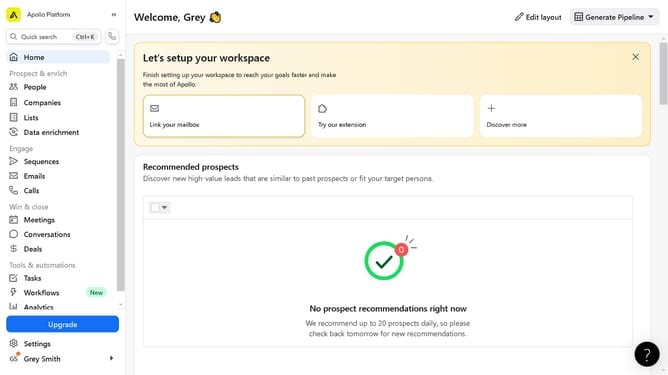
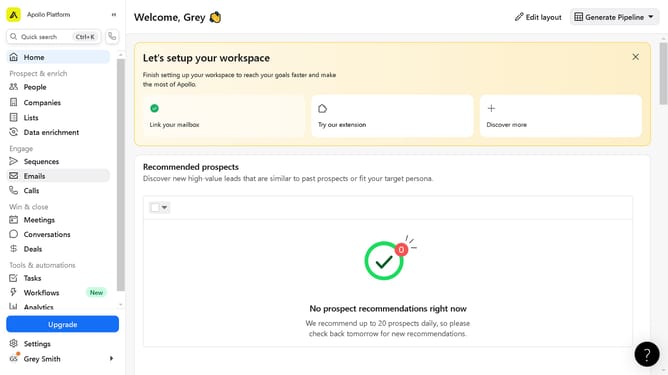
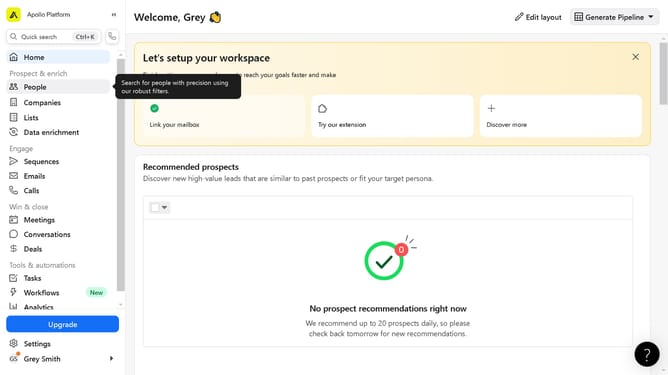
- First click on the "Settings" item in the left sidebar menu
- Next click on "Integrations" option in the left settings menu
- Then click on the "Connect" button next to the Salesforce CRM integration in the main content area
- Finally click on the "Yes, continue" button in the Salesforce connection confirmation popup
Why should you connect Salesforce to Apollo
Apollo is a dynamic platform designed to supercharge your sales and marketing efforts by refining prospecting techniques and contact management.
Connecting Salesforce to Apollo enhances your CRM capabilities, allowing seamless data synchronization that improves information accuracy and decision-making.
This integration ensures that your sales team has access to the most up-to-date leads and customer profiles, fostering customer engagement and maximizing sales opportunities.
The harmonization between these platforms streamlines workflows, reduces manual data entry, and liberates time for more strategic endeavors.
Last update