How to add a location zip code in a search in Apollo
Here is how to add a location zip code in a search in apollo
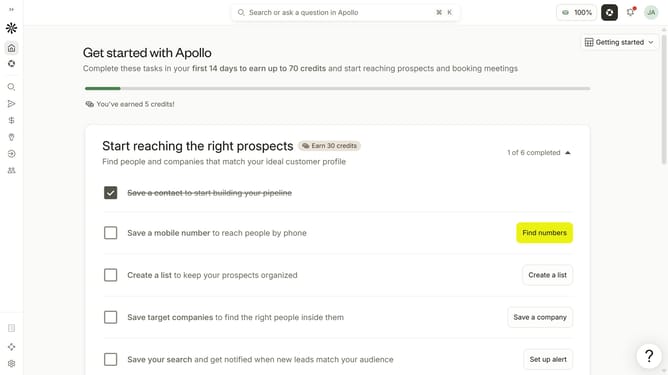
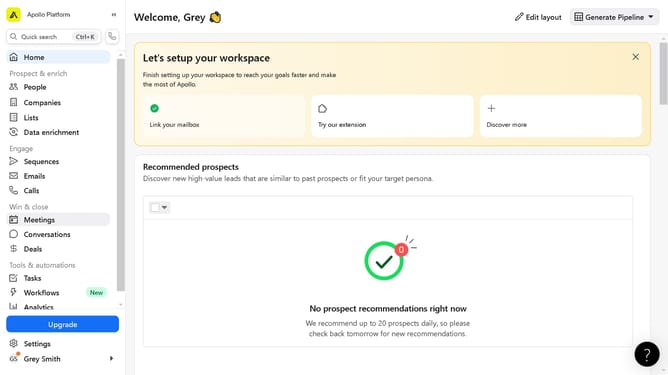
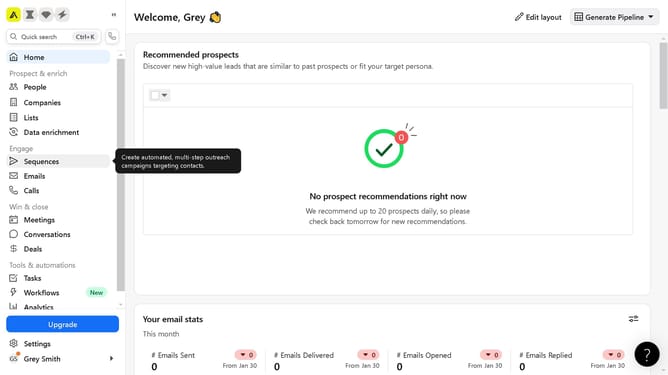
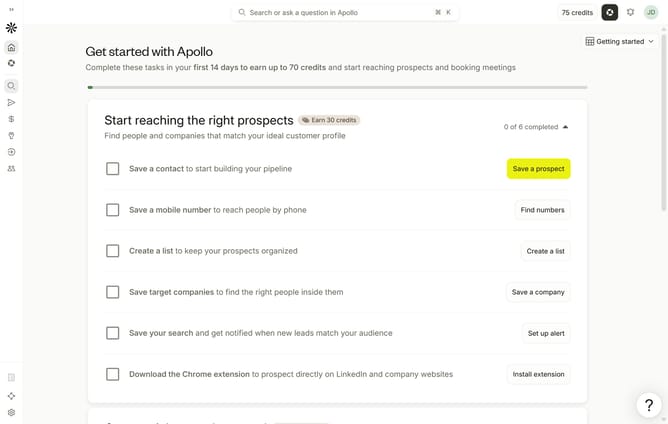
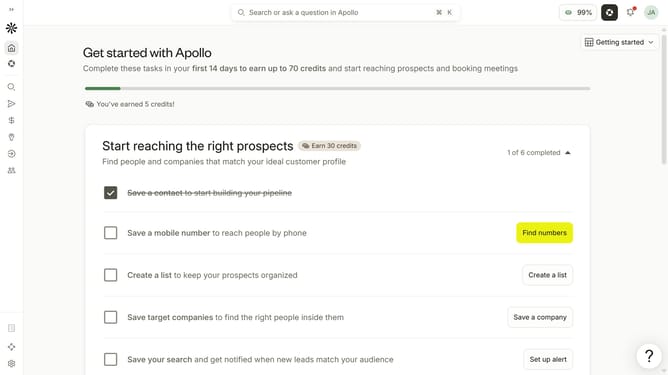
- First click on the search icon in the left sidebar
- Then click on the "People" option from the dropdown menu
- Next, click on the "Location" filter in the left sidebar
- After that, select the "Select ZIP code radius" radio button
- Then enter your preferred zip code
- Finally, click on the "Add" button
Why should you How to add a location zip code in a search in Apollo
Apollo is a cutting-edge platform designed to streamline and enhance prospecting efforts with precision and efficiency.
Adding a location zip code to your search in Apollo offers a targeted approach to your prospecting strategy. By including specific zip codes, you can refine your search results to focus on particular geographic regions, ensuring a more relevant and impactful outreach.
This feature allows you to connect more effectively with local leads, tailor your messaging to regional audiences, and ultimately boost your conversion rates. Embrace pinpoint accuracy in your searches and enjoy a higher level of engagement with Apollo's location-based capabilities.
Last update