How to enable receiving email notifications for reminders when tasks are due within a day in Apollo
Here is how to enable receiving email notifications for reminders when tasks are due within a day in apollo
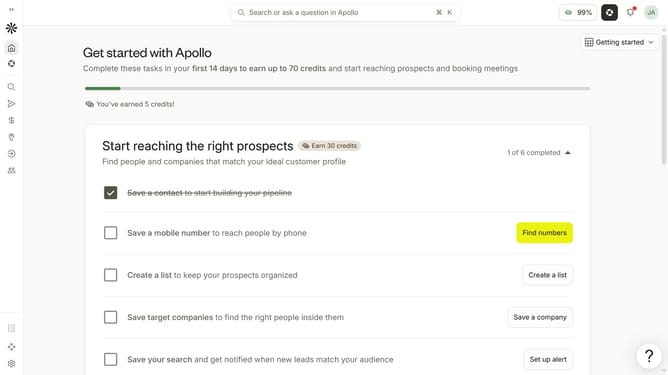
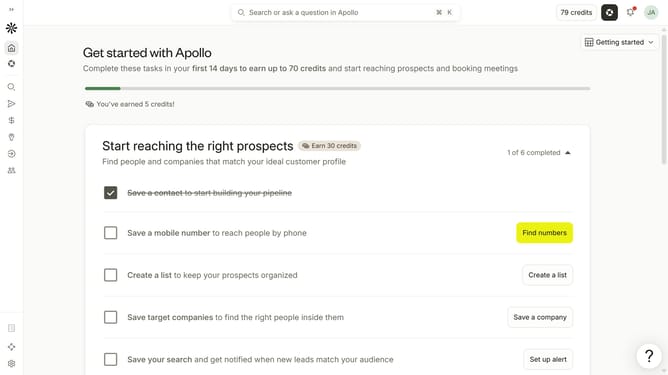
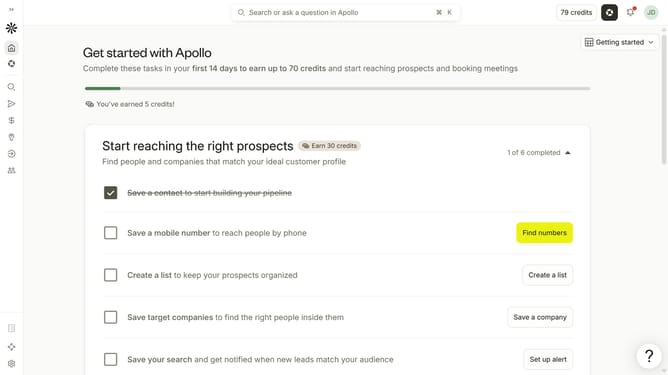
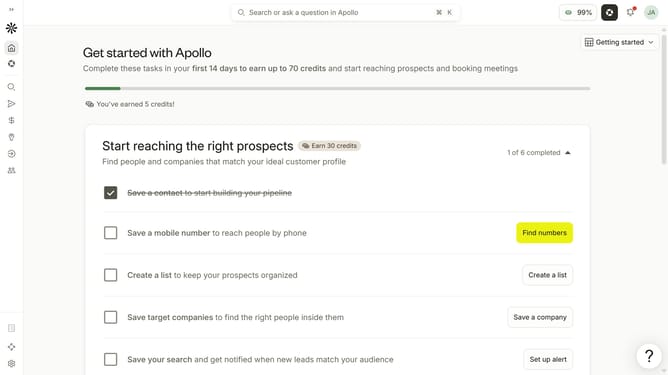
- First click on the user avatar in the top right corner of the header
- Then click on "Your profile" in the dropdown menu
- Next click on "Notification settings" item in the left sidebar
- Then check the checkbox for "Receive reminders when tasks are due within a day" to enable it
- Finally click on the "Save" button to apply the changes
Why should you How to enable receiving email notifications for reminders when tasks are due within a day in Apollo
Apollo is a dynamic task management tool designed to streamline projects and enhance productivity.
With email notifications for reminders, Apollo ensures you never miss a task due within a day.
This feature keeps you organized, promptly alerting you about upcoming deadlines, thereby reducing stress and improving efficiency.
By activating these notifications, you stay ahead of your schedule, maintain focus on priorities, and ensure timely completion of tasks, contributing to more effective project management.
Last update