How to filter for contacts outside of the US on Apollo
Here is how to filter for contacts outside of the us on apollo
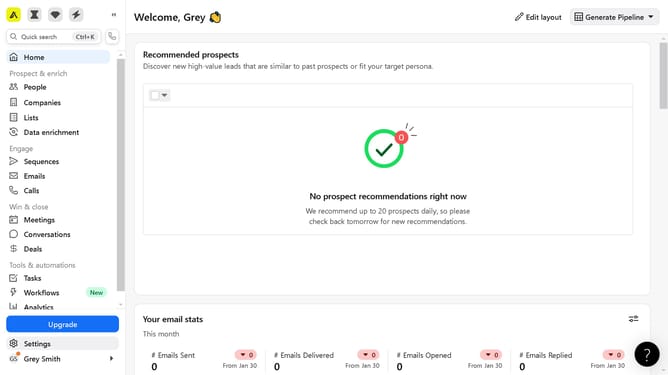
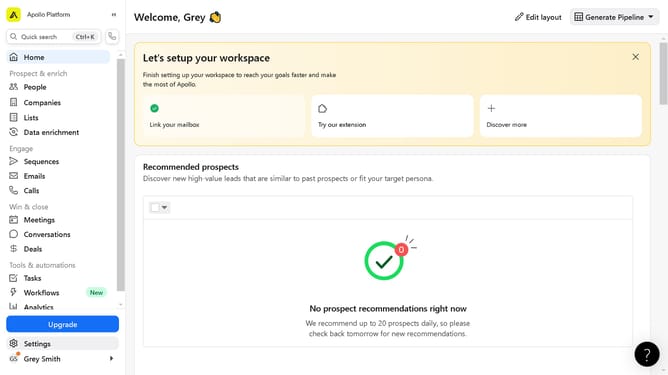
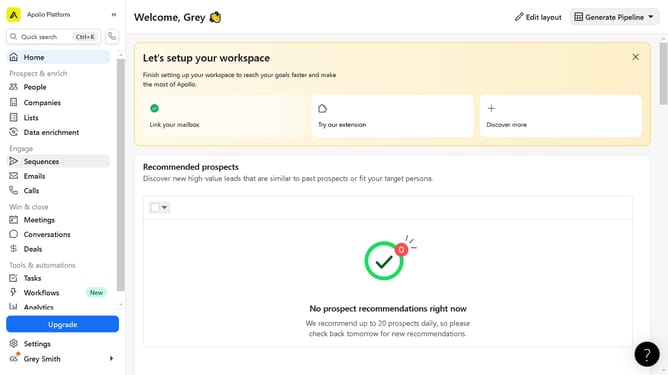
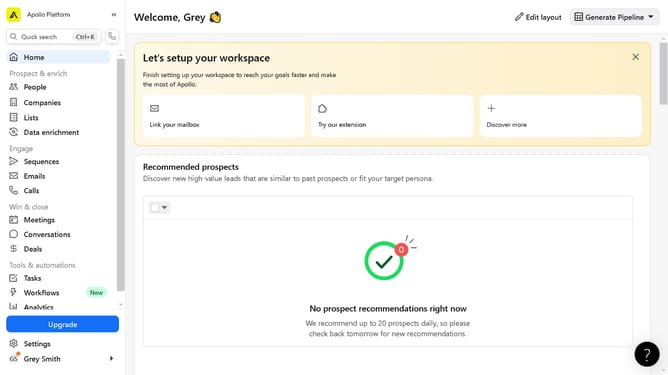
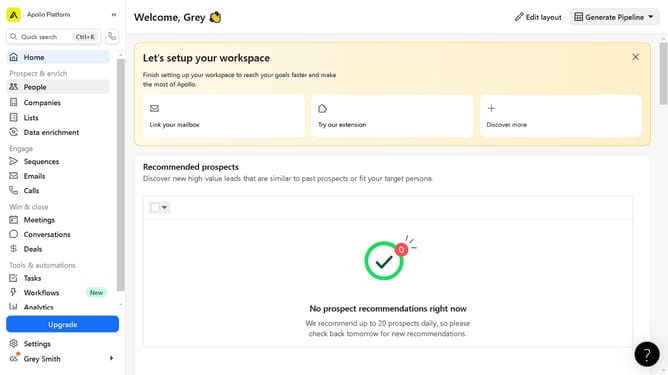
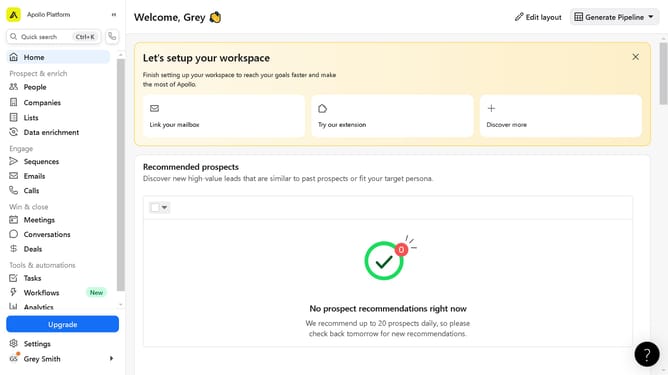
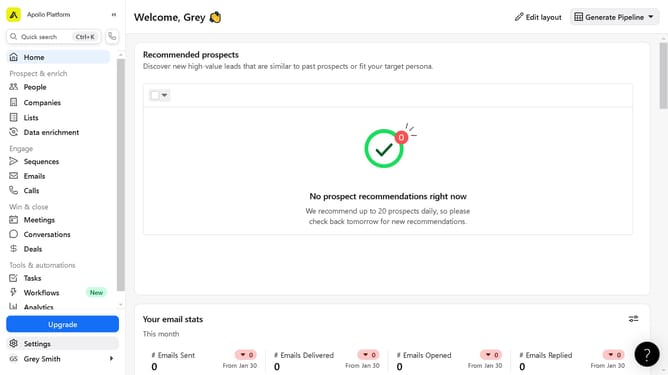
- First click on the "People" option in the left sidebar menu section
- Then click to expand the filter panel to start applying search filters
- Next click on the dropdown field under the Location filter section
- Then click on the locations search field to begin typing a location
- Finally click on a list item in the results table showing contact names and job titles
Why should you filter for contacts outside of the US on Apollo
Apollo is a powerful tool designed to revolutionize your sales prospecting by giving you access to a world of contact data.
Filtering for contacts outside of the US on Apollo enhances your ability to tap into international markets effortlessly. This feature allows users to tailor their search criteria, focusing solely on global audiences and expanding their reach.
By utilizing this function, you can enhance your networking and marketing strategies with precision, ensuring that you connect with relevant audiences for your business growth.
Last update