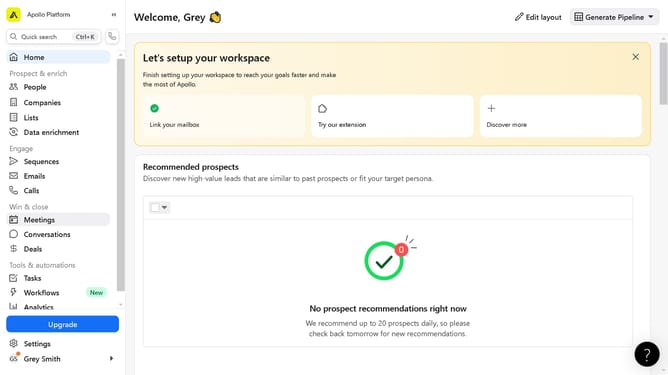
How to include specific past company in a job search Apollo
Here is how to include specific past company in a job search apollo
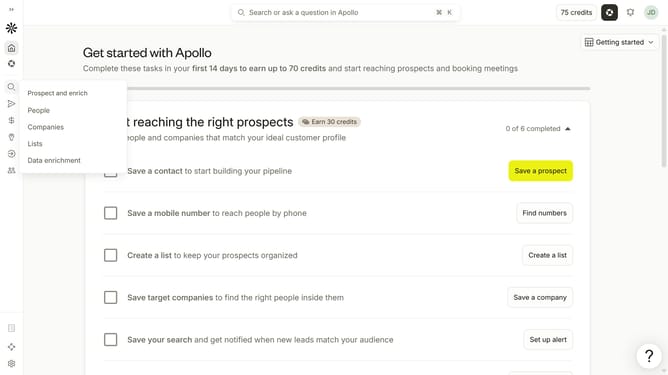
- First click on the magnifying glass icon in the left sidebar
- Then click on "People" in the opened menu
- Next click on the dropdown arrow next to "Company" in the left panel
- After that, click on the "Is any of" button under "Past Company"
- Then click on the "Enter companies" input field and enter the included company name
- Finally select from the list of suggested companies
Why should you How to include specific past company in a job search Apollo
Apollo is a cutting-edge platform designed to streamline job searches and optimize career opportunities effortlessly.
Including a specific past company in your job search within Apollo enhances your profile and visibility. By showcasing your experience with a notable company, you highlight your expertise and skills, attracting potential employers more effectively.
Leveraging this feature enriches your professional narrative, making your profile stand out. It adds context to your career journey, demonstrating proven success and valuable insight to prospective employers.
Last update