How to search companies by their headquarters' location in Apollo
Here is how to search companies by their headquarters' location in apollo
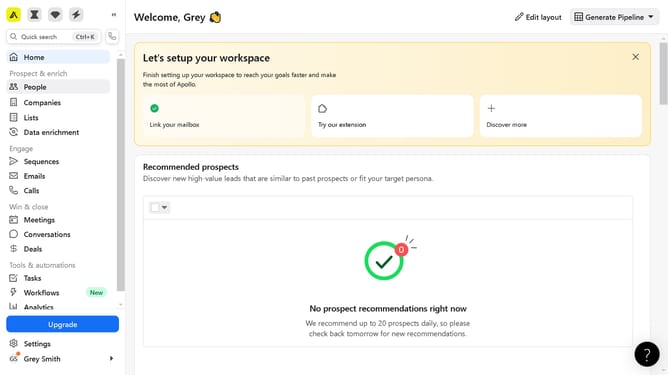
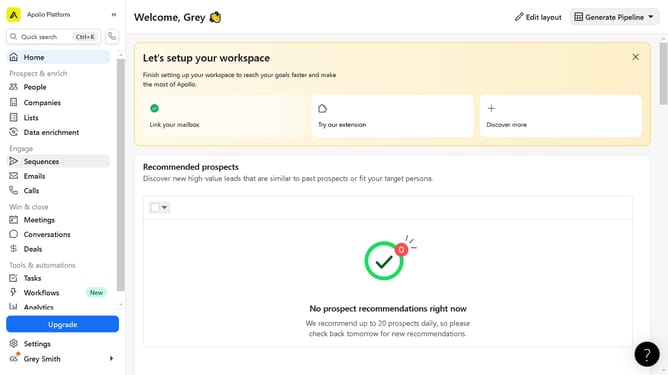
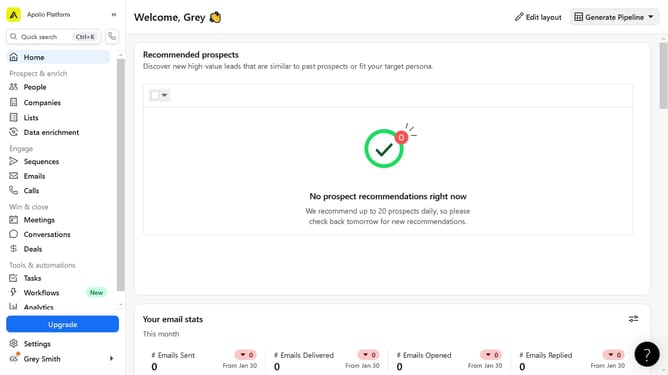
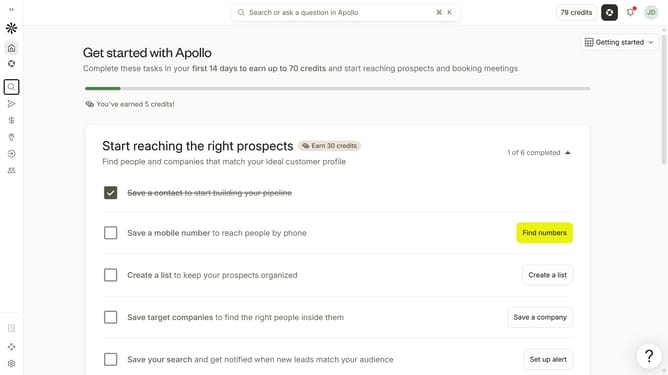
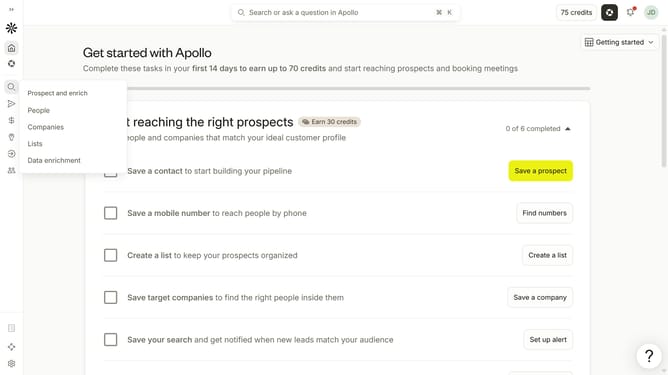
- First click on the search icon on the left sidebar
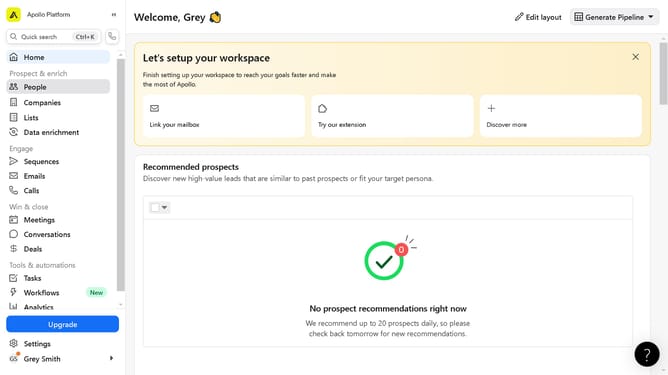
- Then click on "Companies" in the dropdown menu
- Next, click on the dropdown arrow next to "Account Location"
- After that, click on the location dropdown
- Then, click on the "Headquarters" option
- Next, click on the "Enter locations" input field
- Finally, select an option from the list of regions
Why should you How to search companies by their headquarters' location in Apollo
Apollo is a powerful platform designed to enhance business growth through intelligent prospecting and engagement tools.
One standout feature is the ability to search for companies by their headquarters' location. This allows users to pinpoint businesses precisely where they need, tailoring outreach strategies regionally.
Utilizing this feature helps businesses optimize their market penetration, foster relevant connections, and streamline their sales efforts. It's a strategic approach to maximizing efficiency and driving results.
Last update