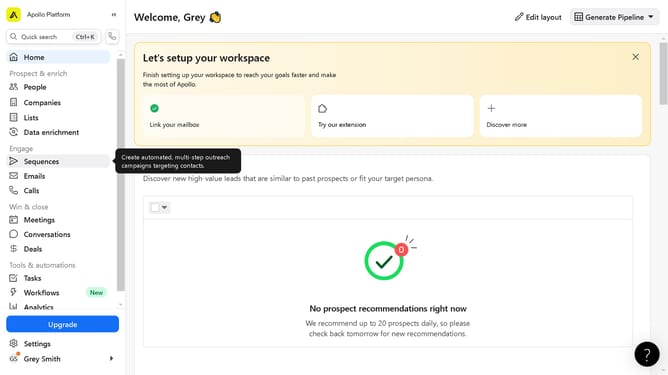
How to apply a sending schedule to a sequence on Apollo
Here is how to apply a sending schedule to a sequence on apollo
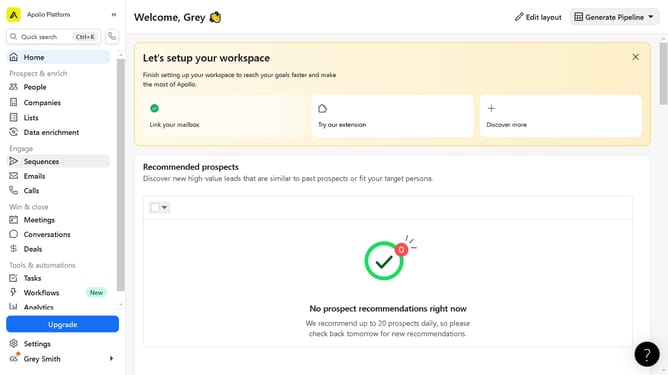
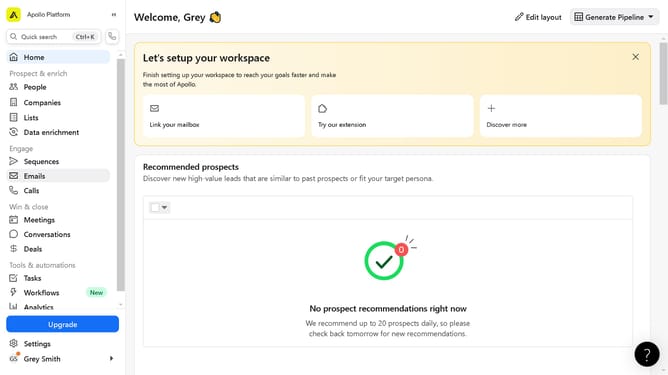
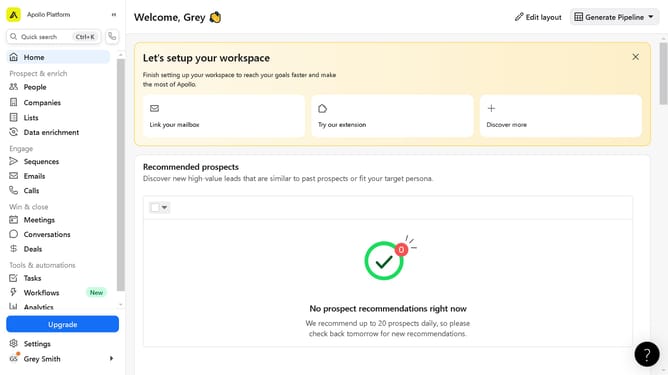
- First click on the "Sequences" item in the left sidebar menu
- Then click on the sequence in the main sequence list
- Next click on the "Settings" tab in the sequence details view
- Click on the dropdown in the Schedule section
- Select the schedule option from the schedule dropdown menu
- Finally click on the "Save" button in the top-right corner of the screen
Why should you apply a sending schedule to a sequence on Apollo
Apollo is a cutting-edge sales engagement platform designed to streamline communication strategies.
Applying a sending schedule to a sequence in Apollo allows for precise control over when your messages are delivered, enhancing engagement efficiency.
This feature ensures your outreach efforts resonate with recipients by aligning with the best times to connect.
Utilizing sending schedules maximizes your outreach potential, helping maintain consistency while optimizing response rates.
Last update