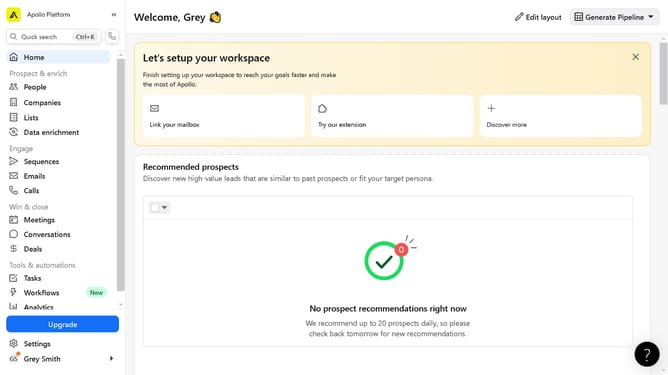
How to customize the Search View Layout on Apollo
Here is how to customize the search view layout on apollo
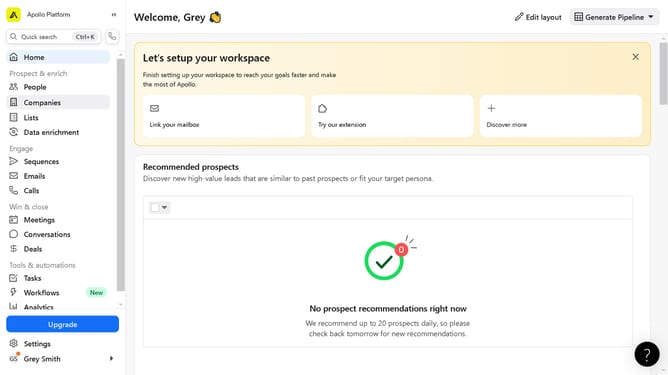
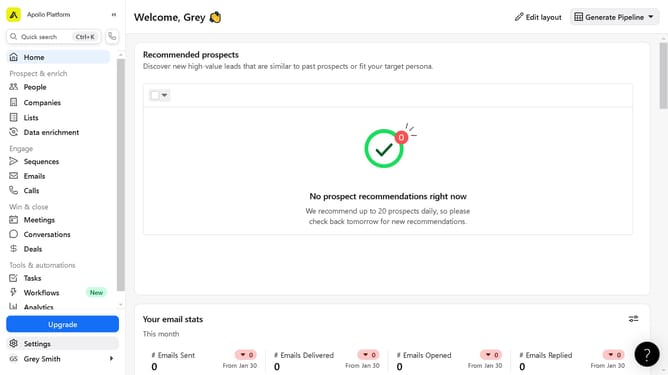
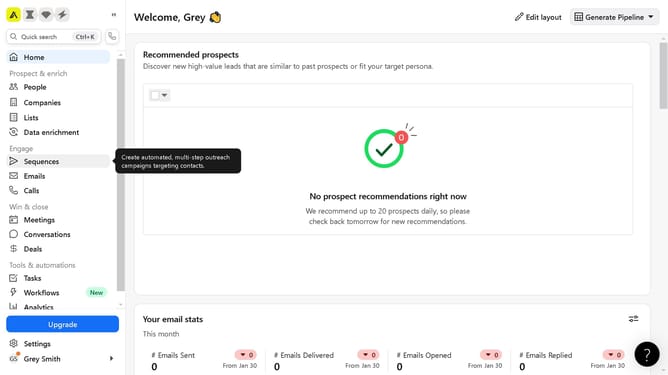
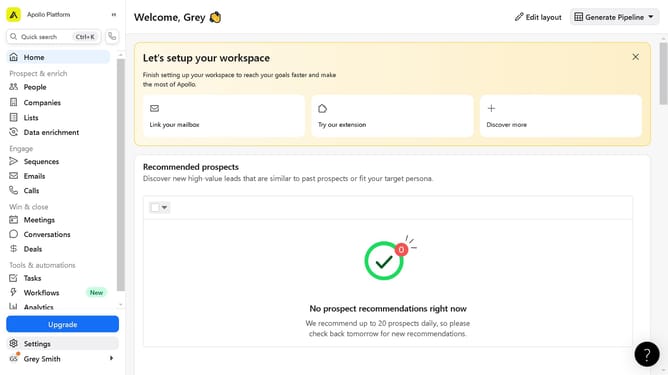
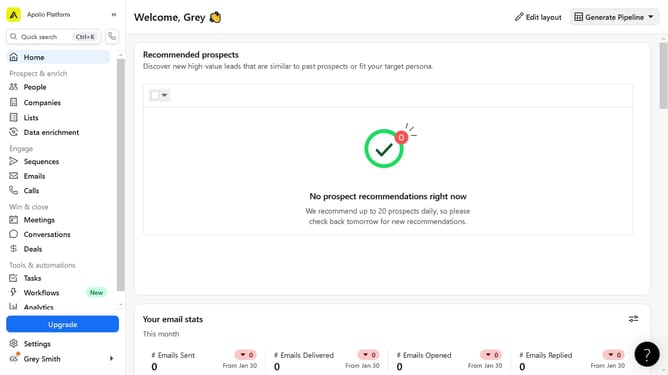
- First click on the "People" section in the left sidebar menu
- Next click on the "Search settings" button on the right side on the "People" section
- Then click on the "Fields" button to open options menu
- Next click on the "Add fields" button in the bottom part of the "Fields" settings
- Next click on the "Company" tab on the upper part of the window panel
- Finally click on the "Create field" button to finish setting up your search view layout
Why should you customize the Search View Layout on Apollo
Apollo is an innovative platform designed to enhance productivity and streamline workflows for businesses.
Customizing the Search View Layout on Apollo offers flexibility, allowing users to tailor their interface according to specific needs.
This feature enhances user experience by enabling a personalized approach to data retrieval, making it quicker and more efficient.
By adapting the search layout, users can focus on the most relevant information, ultimately boosting productivity and satisfaction.
Last update