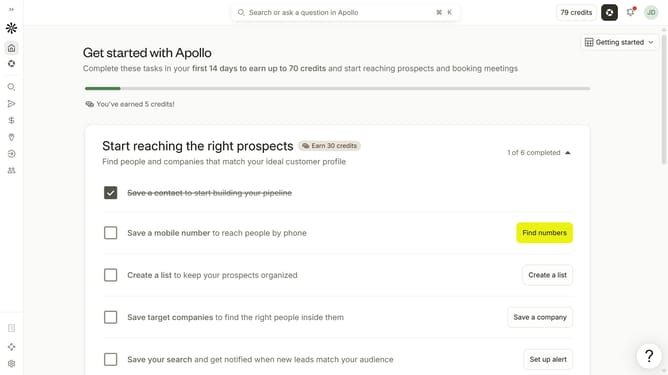
How to disable receiving email notifications for reminders when tasks are due within a day in Apollo
Here is how to disable receiving email notifications for reminders when tasks are due within a day in apollo
- First click on the user avatar in the top right corner of the header
- Then click on "Your profile" in the dropdown menu
- Next click on "Notification settings" item in the left sidebar
- Then uncheck the checkbox for "Receive reminders when tasks are due within a day" to disable it
- Finally click on the "Save" button to apply the changes
Why should you How to disable receiving email notifications for reminders when tasks are due within a day in Apollo
Apollo is an intuitive project management tool designed to streamline workflows and enhance productivity.
One fantastic feature of Apollo is the ability to disable email notifications for reminders when your tasks are due within a day. By turning off these specific notifications, you can reclaim control over your inbox and reduce unnecessary digital clutter. This feature is especially beneficial for those who prefer to check reminders directly within the app, keeping their email focused on other communications.
Using this feature helps create a cleaner, more focused work environment, allowing you to maintain productivity without being overwhelmed by excessive alerts. It's a small change that can lead to a more organized and peaceful workflow.