How to unarchive a sequence on Apollo
Here is how to unarchive a sequence on apollo
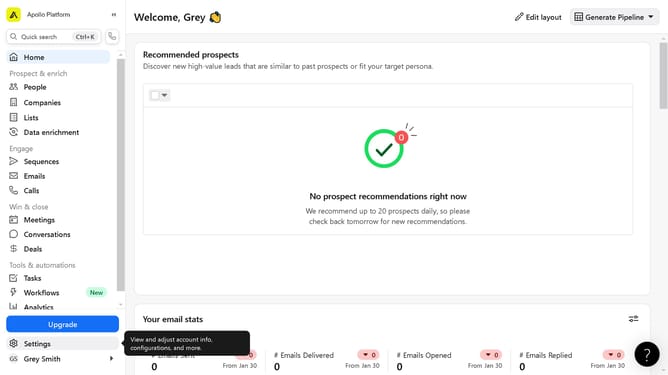
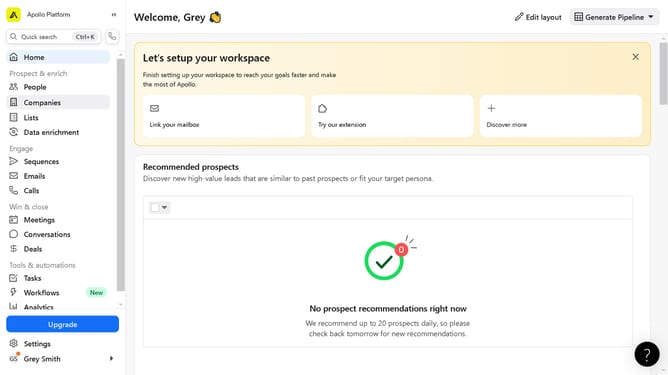
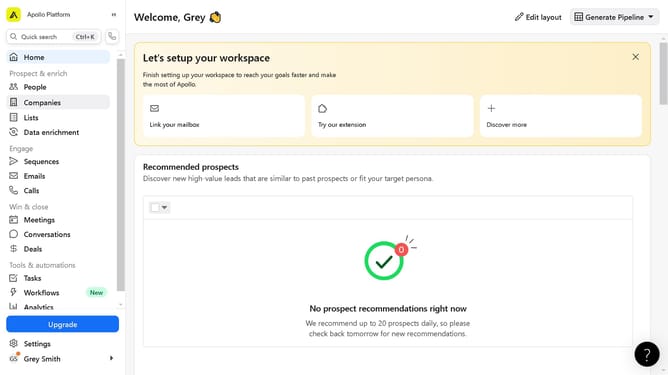
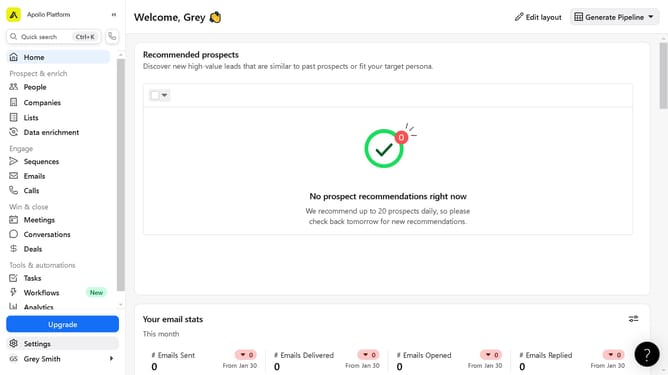
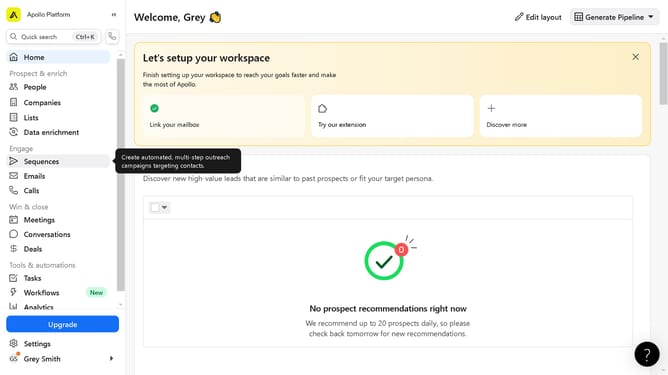
- First click on the "Sequences" option in the left sidebar menu
- Next click on the "Status" dropdown menu in the filters panel
- Then select "Active & Inactive" from the Status dropdown menu
- Then select "Archived" from the Status dropdown menu
- Next click on the "more options" menu (three dots) for the sequence
- Finally click on the "Unarchive" option in the dropdown menu
Why should you unarchive a sequence on Apollo
Apollo is a powerful platform designed to streamline sales processes and enhance communication strategies.
One notable feature is the ability to unarchive a sequence, which allows you to regain access to previously stored marketing campaigns or outreach sequences. This function ensures your data and efforts remain reusable, maximizing their potential over time.
By unarchiving sequences in Apollo, you save time and resources, making it easier to adapt and refine strategies without starting from scratch. This capability not only promotes efficiency but also empowers teams to respond adeptly to shifting business landscapes.
Last update