How to unlink your Hubspot account from Apollo
Here is how to unlink your hubspot account from apollo
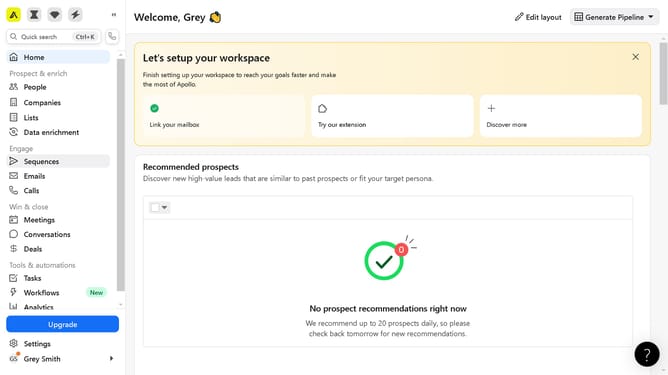
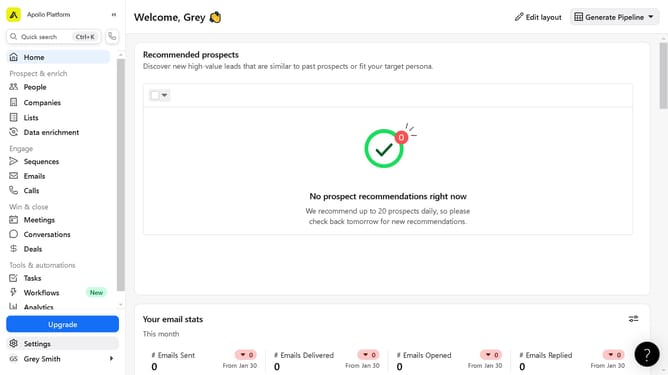
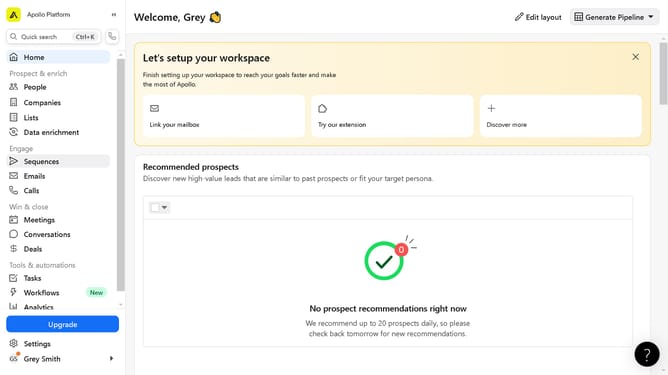
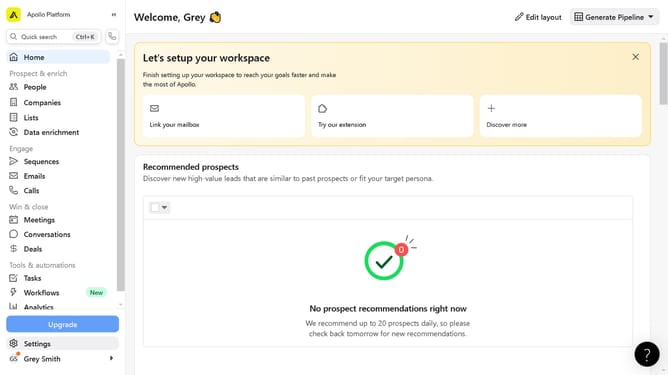
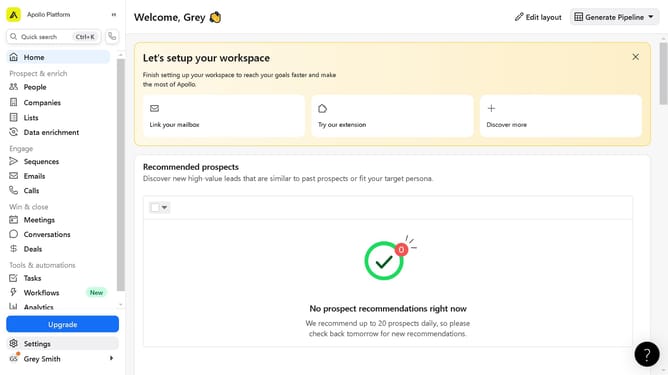
- First click on "Settings" in the left sidebar menu
- Then click on "Integrations" in the left sidebar settings menu
- Next click on "View" button in the HubSpot integration card
- Click on "Authentication" tab in the HubSpot settings page
- Click on "Disconnect HubSpot account" button in the authentication section
- Finally click "Confirm" button in the disconnect confirmation dialog
Why should you unlink your Hubspot account from Apollo
Apollo is a powerful sales intelligence and engagement platform designed to streamline and optimize lead generation for businesses.
Unlinking your Hubspot account from Apollo can enhance control over your integrations, offering a cleaner workspace and greater privacy for your business data.
This feature is beneficial for teams looking to refine their CRM strategies, ensuring that valuable data is kept secure and interactions are precisely managed.
Efficiently managing your tools means more focused efforts, leading to enhanced productivity and organized data flow.
Last update