How to disable including people with similar titles in a job search in Apollo
Here is how to disable including people with similar titles in a job search in apollo
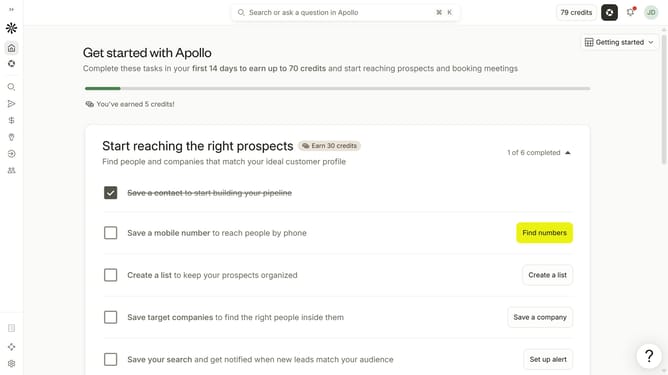
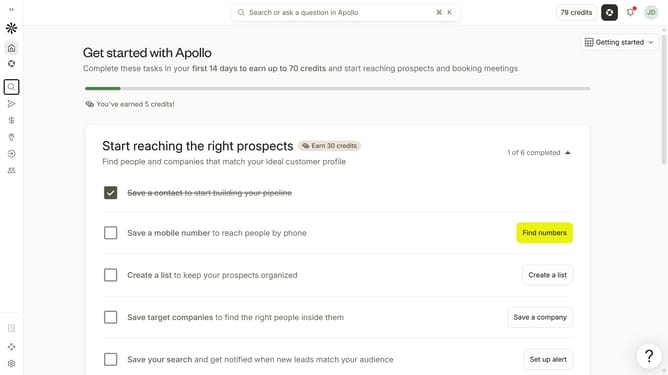
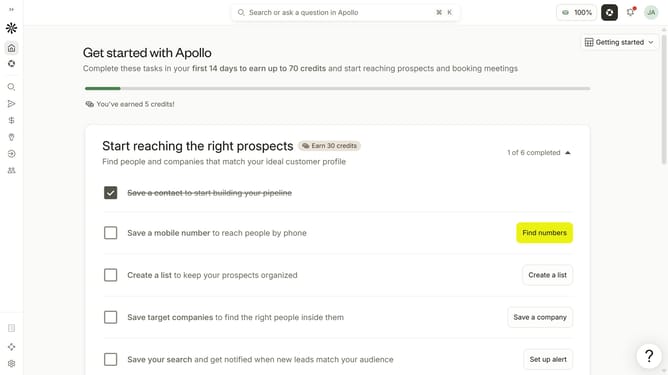
- First click on the magnifying glass icon in the left sidebar
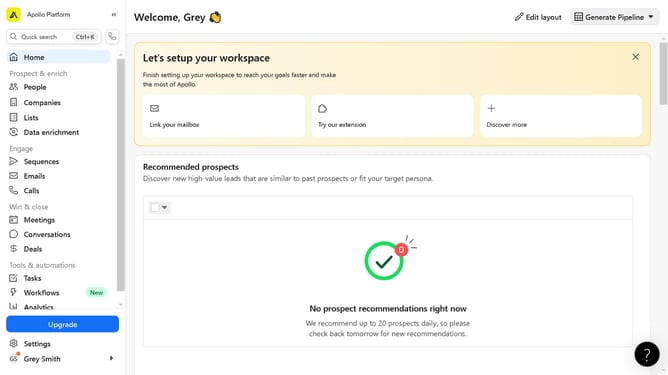
- Then click on "People" in the opened menu
- Then click on the "Job Title" dropdown
- Finally uncheck the checkbox next to "Include people with similar titles"
Why should you How to disable including people with similar titles in a job search in Apollo
Apollo is a dynamic platform designed to elevate your business outreach by connecting you with the right professionals.
The feature of disabling the inclusion of people with similar titles in a job search within Apollo can significantly streamline your efforts. By using this option, you can focus on pinpointing the precise individuals who match your specific criteria, ensuring a more targeted and efficient search.
This refined approach not only saves time but also enhances the quality of your leads, making your outreach more effective and impactful.
Last update