How to search companies by number of countries with corporate locations in Apollo
Here is how to search companies by number of countries with corporate locations in apollo
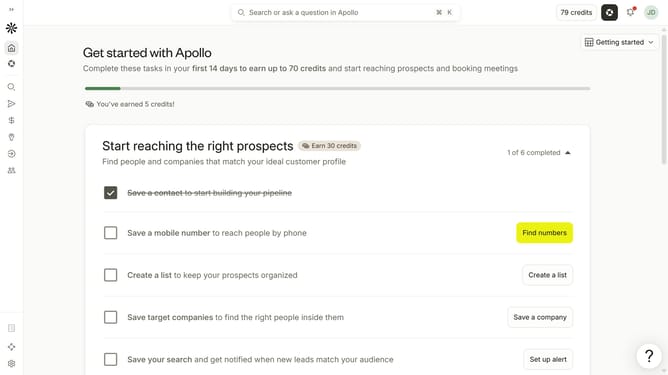
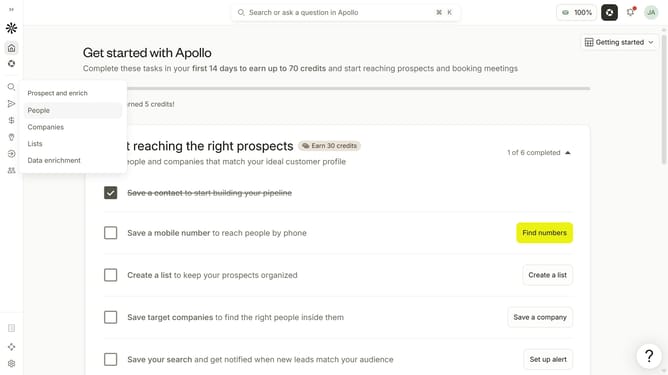
- First click on the search icon on the left sidebar
- Then click on "Companies" in the dropdown menu
- Next, click on the dropdown arrow next to "Account Location"
- Then click on the dropdown arrow next to "Filter by number of locations"
- After that, click on the "Min" input field and enter a value
- Finally, click on the "Max" input field and enter a value
Why should you How to search companies by number of countries with corporate locations in Apollo
Apollo is an innovative platform designed to enhance business growth by providing valuable company insights and contact data.
The feature to search companies by the number of countries with corporate locations in Apollo empowers users to strategically identify global business players. This powerful tool allows you to effortlessly filter companies based on their international presence, making it ideal for businesses looking to expand their partnerships or target global markets.
Using this feature, you can swiftly pinpoint companies with the desired geographical reach, streamlining your search and focusing your efforts on the most relevant opportunities. Harnessing Apollo's capabilities enables more informed decision-making, leading to optimized business strategies and growth potential.