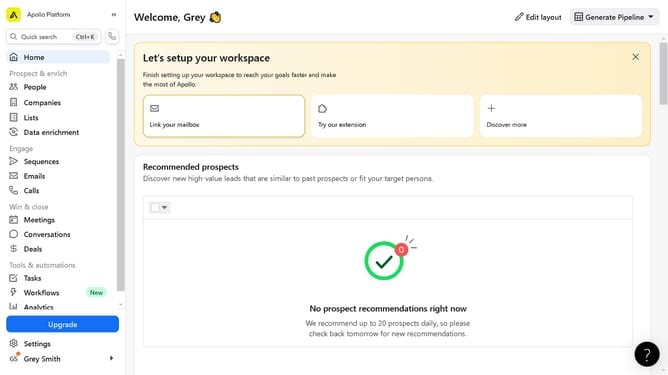
How to search companies by number of corporate locations in Apollo
Here is how to search companies by number of corporate locations in apollo
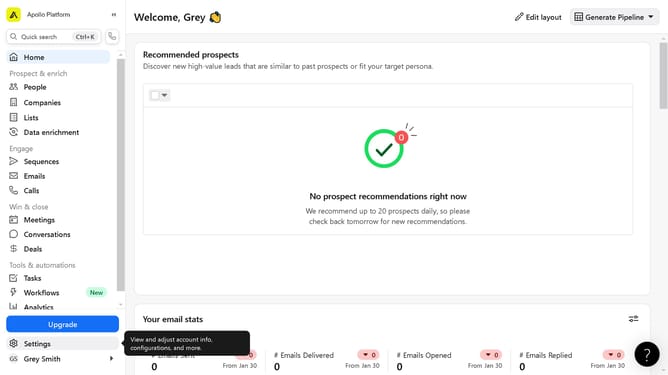
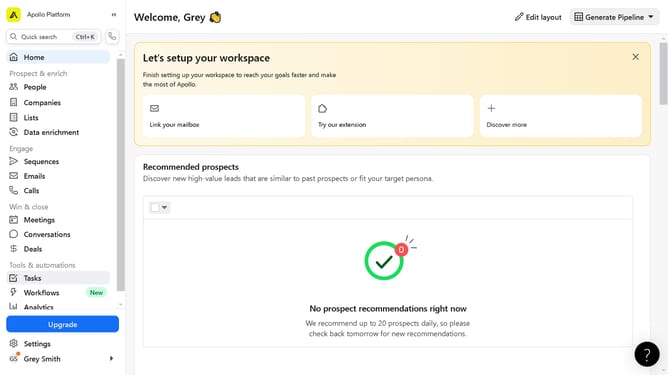
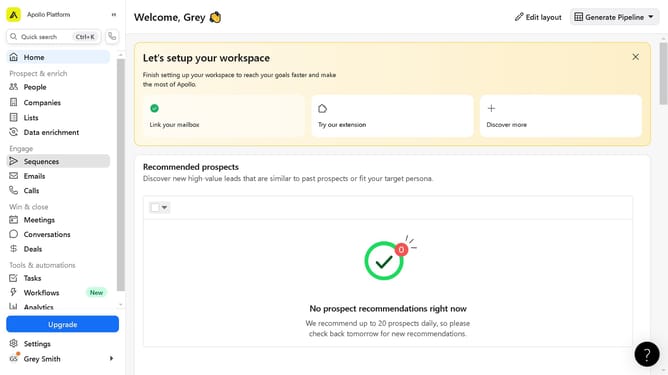
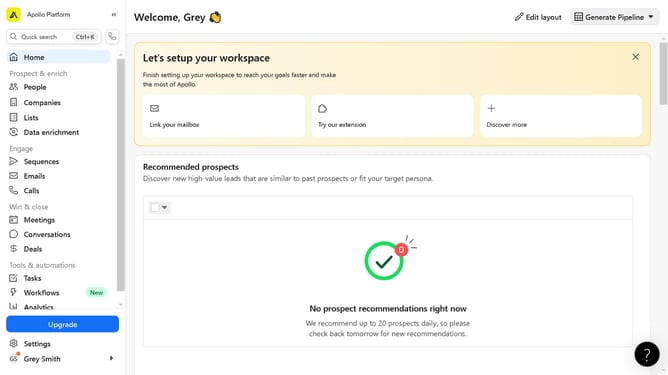
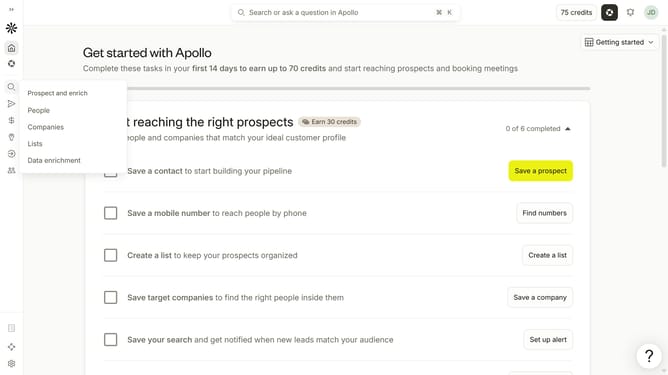
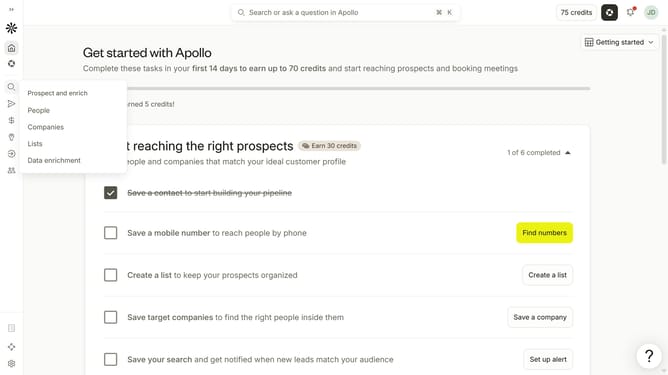
- First click on the search icon on the left sidebar
- Then click on "Companies" in the dropdown menu
- Then click on the dropdown arrow next to "Filter by number of locations"
- Then click on the "Min" input field and enter a value
- Finally, click on the "Max" input field and enter a value
Why should you How to search companies by number of corporate locations in Apollo
Apollo is a cutting-edge platform designed to enhance business intelligence and streamline outreach efforts.
One standout feature is the ability to search companies by the number of corporate locations. This allows users to refine searches and target businesses based on their size and geographic footprint, providing precise insights into company structure.
Utilizing this feature can significantly enhance market analysis and strategic planning, making it easier to identify potential business opportunities and tailor outreach strategies effectively.
Last update