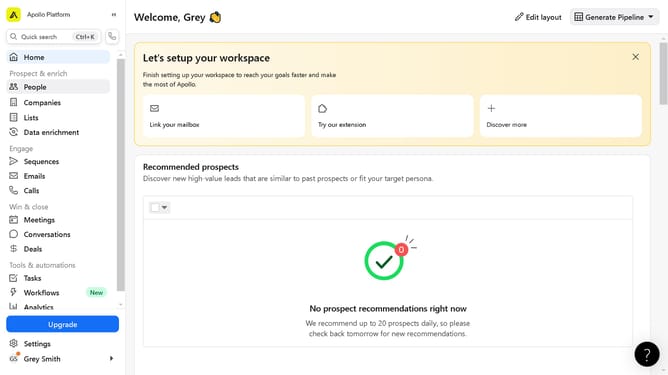
How to edit account profile data on Apollo
Here is how to edit account profile data on apollo
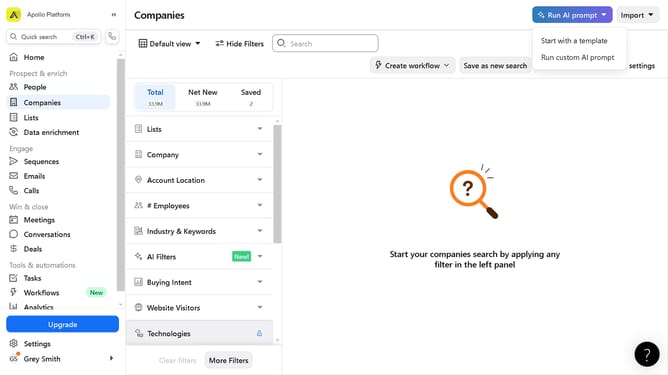
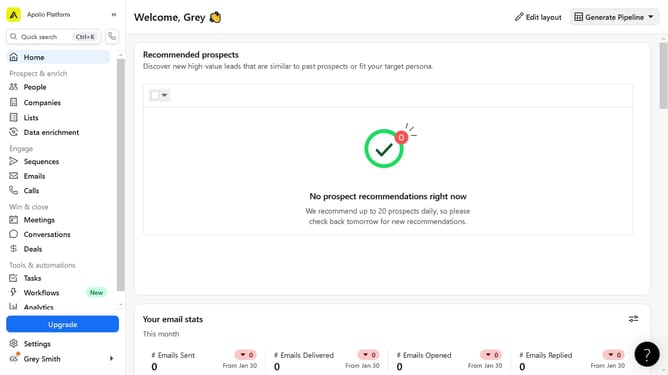
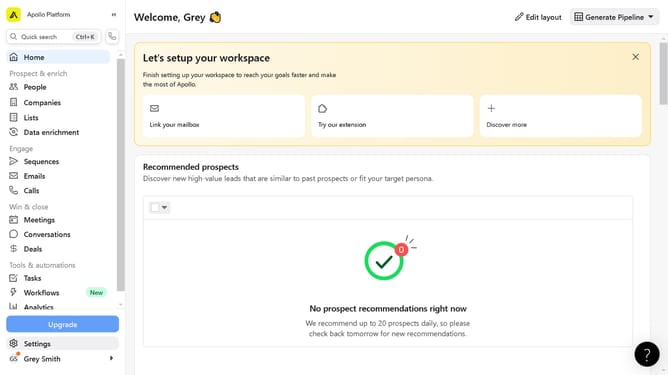
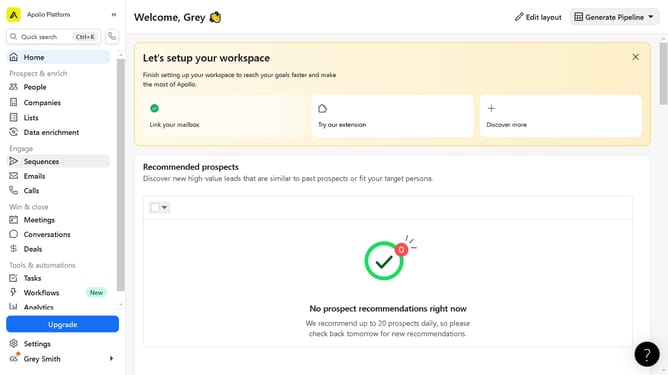
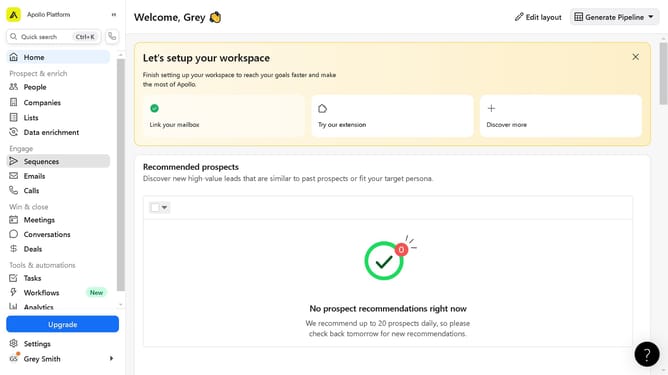
- First click on "Companies" in the left sidebar menu
- Then click on the company name in the companies list
- Next click on the "Actions" dropdown button in the top right corner
- Select "Edit company info" from the Actions dropdown menu
- Next fill in the information fields in the Basic Information section
- Finally click the "Save Company" button in the top right of the Edit Company modal
Why should you edit account profile data on Apollo
Apollo is a dynamic platform designed to streamline communication and foster collaboration.
Editing account profile data on Apollo is straightforward, enabling users to tailor their experience and maintain accurate information.
Keeping your profile up-to-date enhances professional networking and ensures your data reflects current roles and skills.
This feature helps maintain a vibrant and relevant digital presence, making interactions more meaningful and aligned with your goals.
Last update