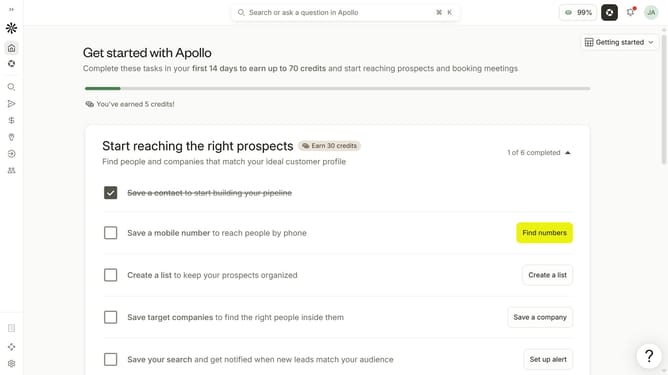
How to search people by past company in a job search Apollo
Here is how to search people by past company in a job search apollo
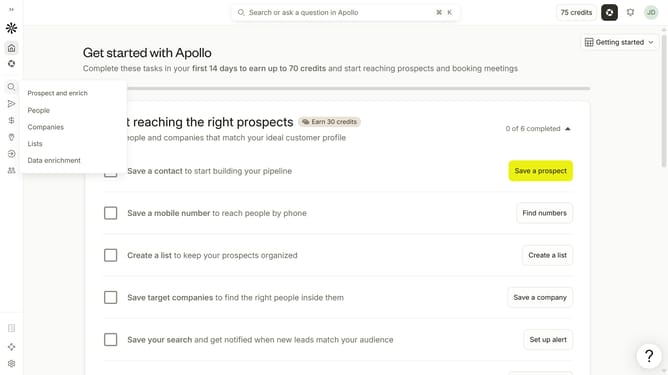
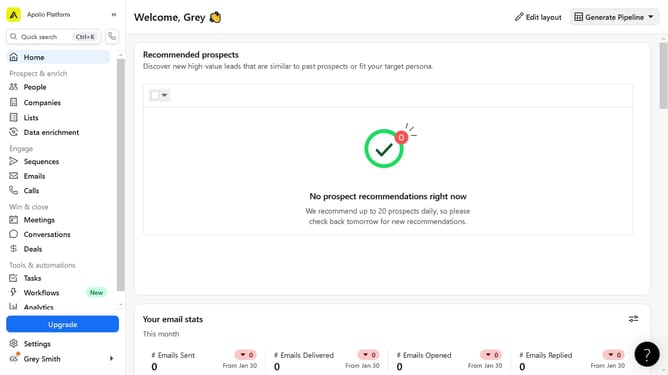
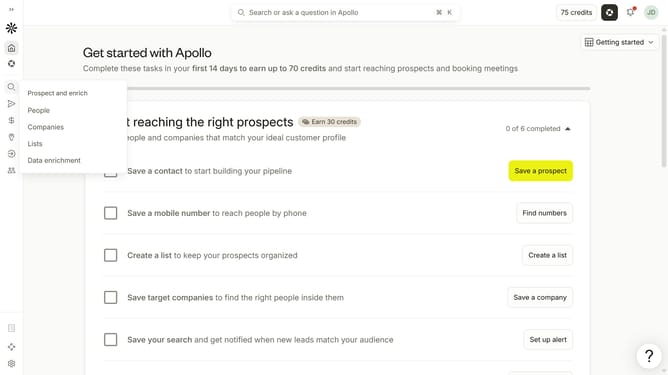
- First click on the magnifying glass icon in the left sidebar
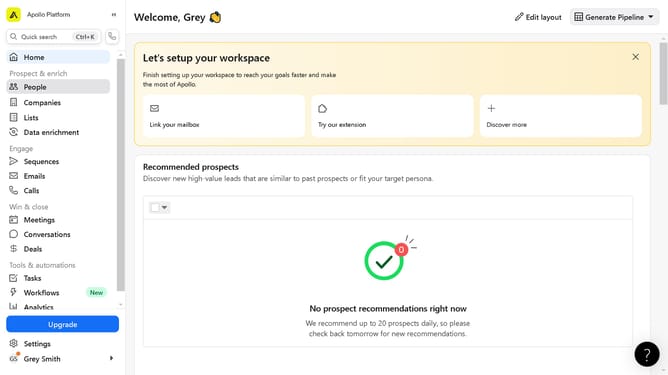
- Then click on "People" in the opened menu
- Next click on the dropdown arrow next to "Company" in the left panel
- Then click on the dropdown for "Enter companies" under "Past company"
- Finally, select a company from the dropdown list
Why should you How to search people by past company in a job search Apollo
Apollo is a dynamic platform designed to revolutionize your job search experience by connecting you with the right opportunities and people.
One standout feature is the ability to search for people by their past companies. This feature unlocks new networking possibilities, allowing you to connect with professionals who have shared similar career paths. By examining their journeys, you can gain valuable insights and find potential mentors or collaborators.
Using this feature enhances your job search by providing a targeted approach to building your professional network, ultimately opening doors to new opportunities and industry connections.
Last update