How to export contacts to a CSV on Apollo
Here is how to export contacts to a csv on apollo
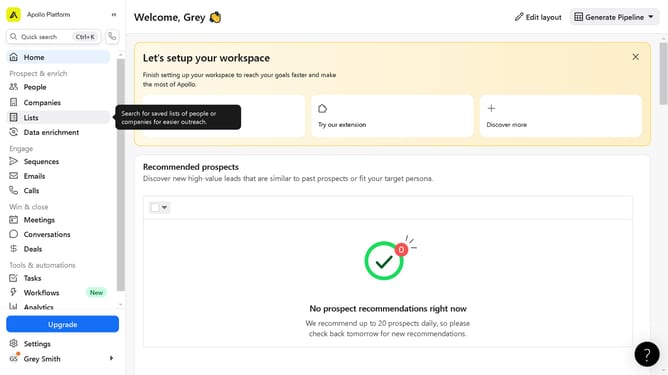
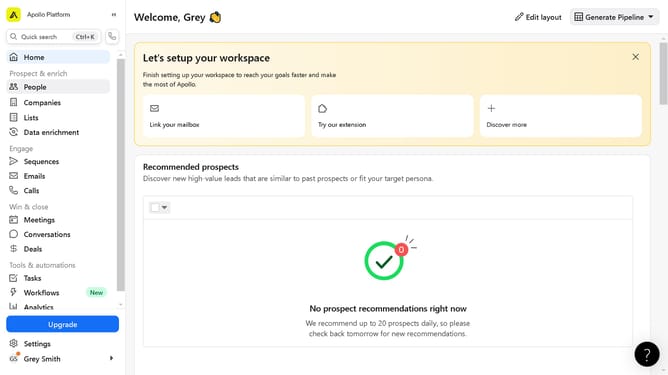
- First click on "People" in the left sidebar under Prospect & enrich section
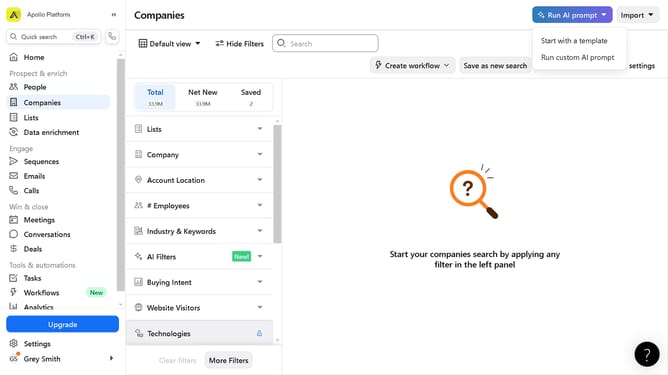
- In the filter panel, click on the filter group to expand it and input filters
- Next click on the checkboxes of the contacts to select
- Click on "Export" button in the top action bar
- Click "Next" button in the Access contact emails dialog
- Click "Edit export CSV settings" link in the export dialog if there are edits you want to do
- Click "Save" button to confirm export settings
- Finally click "Download" button to get the exported CSV file
Why should you export contacts to a CSV on Apollo
Apollo is a dynamic platform designed to streamline sales and marketing processes. Exporting contacts to a CSV on Apollo is a feature that enhances user flexibility and data management efficiency.
Using the export feature allows users to effortlessly organize and access their contact information for further analysis or integration with other tools. This capability is especially beneficial for enhancing targeted campaigns, ensuring data portability, and supporting collaborative efforts across teams.
The seamless export process promotes time savings and boosts productivity by simplifying data handling tasks, empowering users to focus on strategic decision-making.
Last update