How to create and use a list on Apollo
Here is how to create and use a list on apollo
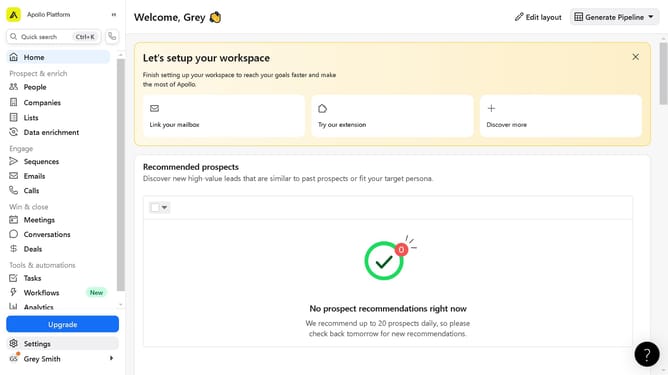
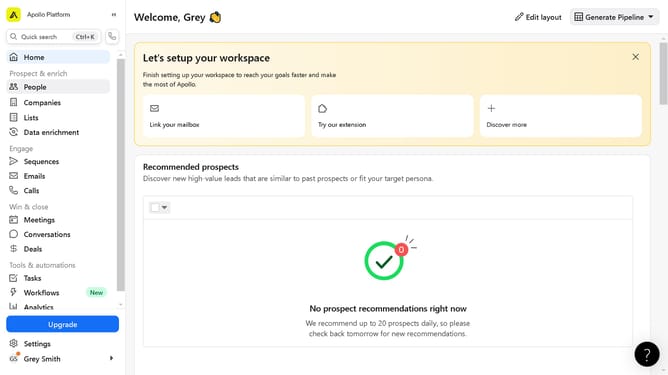
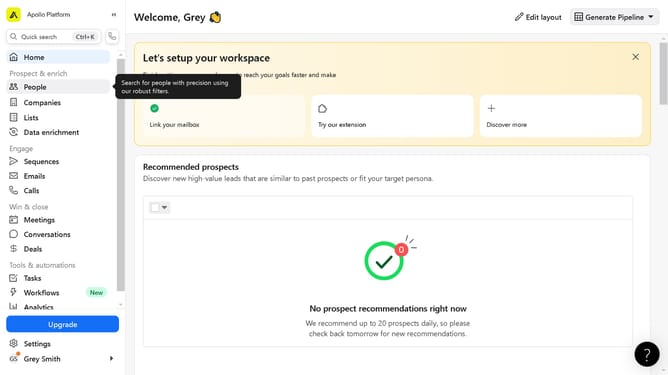
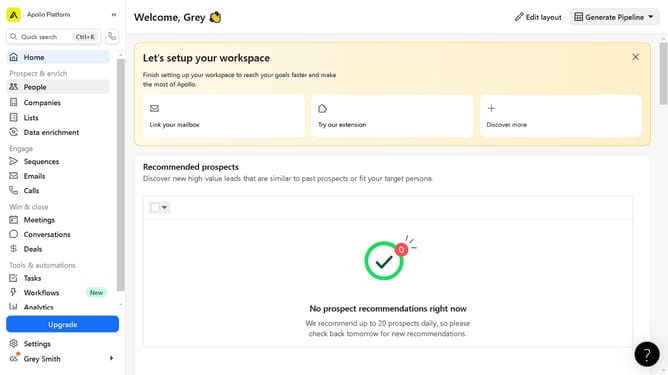
- First click on the "Lists" option located in the left sidebar menu
- Then click on the "Create a list" section in the top right corner
- Fill in the required fields and select the options of newly created list
- Then click the "Create" button on the bottom right corner
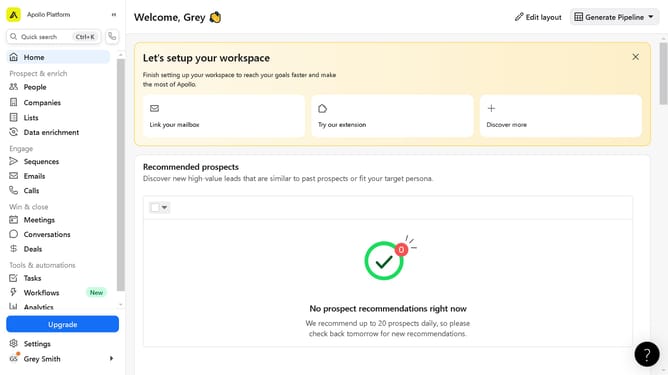
- Next click on the "Companies" section in the left sidebar menu
- Next click on the checkbox of the desired company
- Then click on the "Add to list" button to open the dropdown menu option
- Next click on the list you want to input the selected company
- Finally click on the "Add to list" button in the list window panel
Why should you create and use a list on Apollo
Apollo is a cutting-edge platform designed to enhance communication and productivity within teams.
Creating and using a list on Apollo streamlines your workflow by organizing tasks and priorities effectively.
This feature allows users to categorize and manage tasks, ensuring that nothing slips through the cracks.
With its intuitive design, lists on Apollo help maintain focus and clarity, ultimately boosting productivity and fostering seamless collaboration.
Last update