How to filter exclude people with catch-all emails in a search in Apollo
Here is how to filter exclude people with catch-all emails in a search in apollo
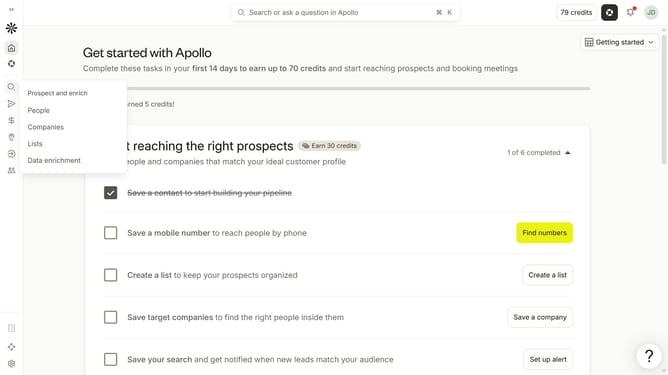
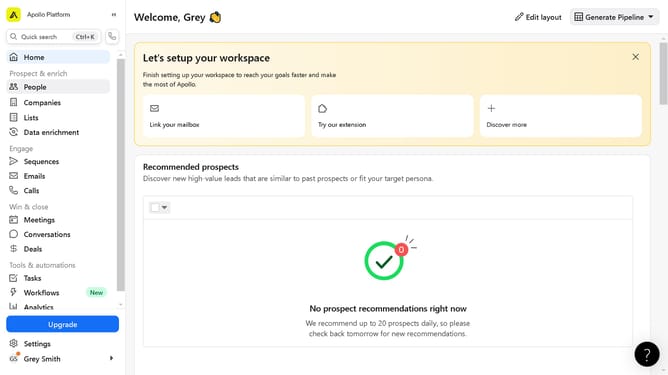
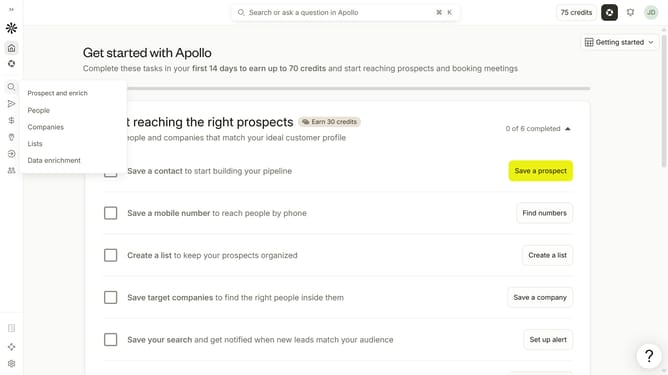
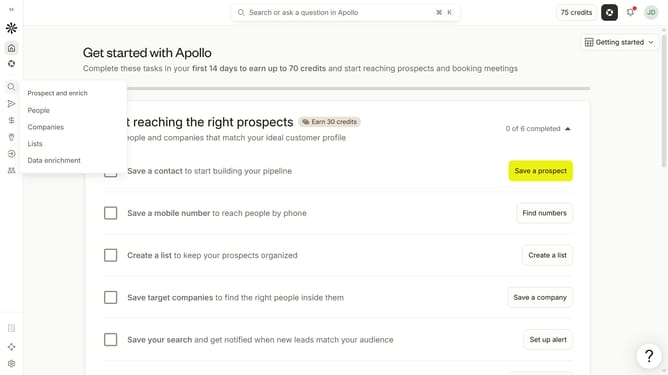
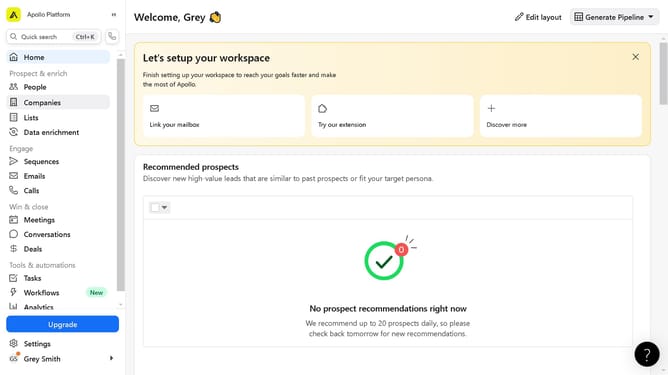
- First click on the search icon in the left sidebar
- Then click on the "People" option from the dropdown menu
- Next, click on the "Email Status" filter in the sidebar
- Then click on the toggle switch to disable "Include catch-all emails" in the main section
Why should you How to filter exclude people with catch-all emails in a search in Apollo
Apollo is a powerful platform designed for sales teams to enhance lead generation and streamline outreach efforts.
One of Apollo’s standout features is its ability to filter and exclude people with catch-all emails in your searches. This feature allows you to refine your search results, ensuring you target only the most relevant and reliable contacts.
By excluding catch-all emails, you improve the quality of your prospect list. This means more accurate outreach and a higher likelihood of connecting with valid recipients, ultimately maximizing the efficiency of your campaigns.
Employing this feature helps maintain a focused and effective strategy, saving time and resources while boosting conversion rates by targeting genuine leads.
Last update