How to exclude a location in a search in Apollo
Here is how to exclude a location in a search in apollo
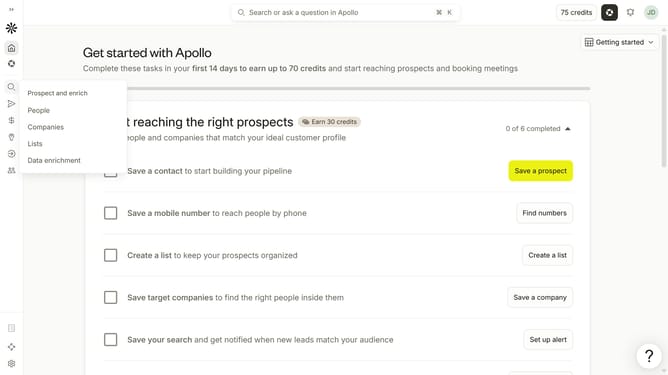
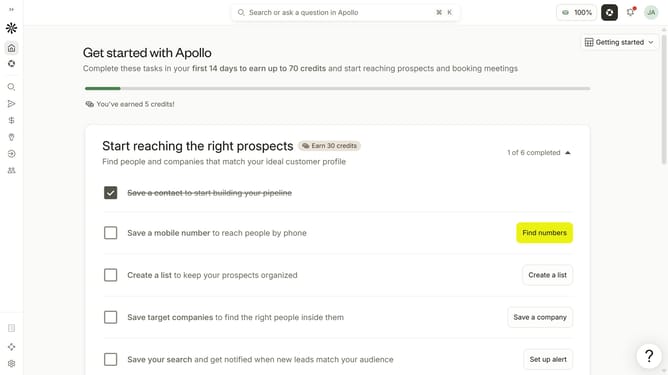
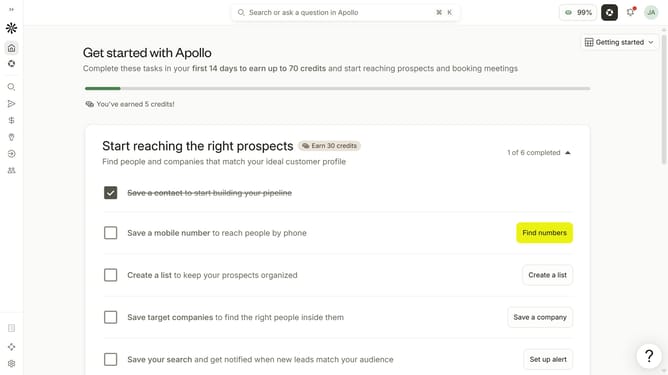
- First click on the search icon in the left sidebar
- Then click on the "People" option from the dropdown menu
- Next, click on the "Location" filter in the left sidebar
- After that, click on the "Exclude locations" dropdown
- Then click on the "Enter locations to exclude" dropdown field
- Finally, select from the list of regions
Why should you How to exclude a location in a search in Apollo
Apollo is a robust platform designed to enhance your business outreach through precision-driven search functionality.
One standout feature is the ability to exclude a specific location from your search. This allows you to zero in on areas relevant to your strategy, filtering out regions that don’t align with your current goals. It’s a powerful way to streamline your search results, saving you time and effort.
Using this exclusion feature ensures more accurate data by focusing only on jurisdictions that matter. As a result, it enhances decision-making, offering tailored insights and increasing the effectiveness of your campaigns.
Last update