How to disable searching contacts from companies with known domains in Apollo
Here is how to disable searching contacts from companies with known domains in apollo
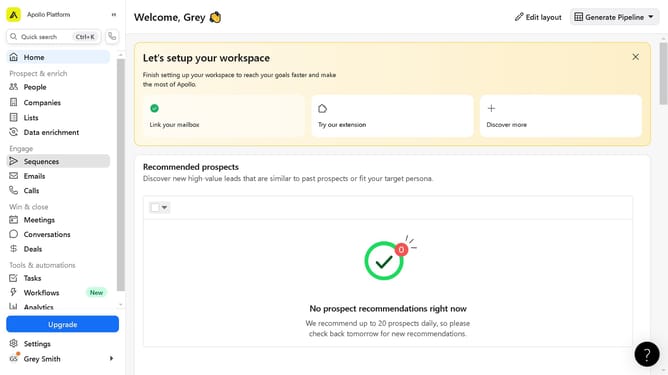
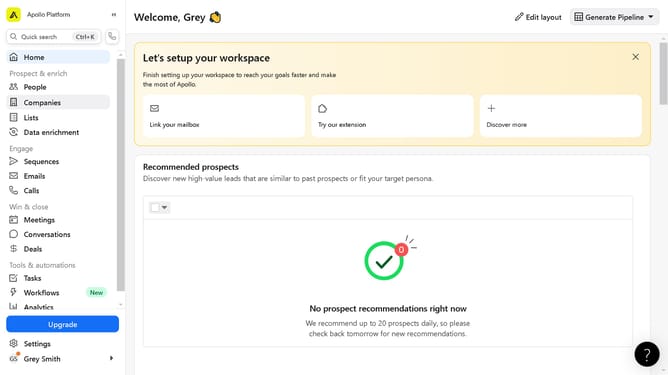
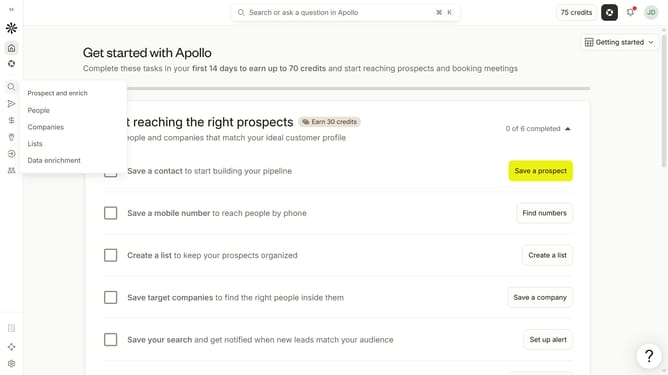
- First click on the magnifying glass icon in the left sidebar
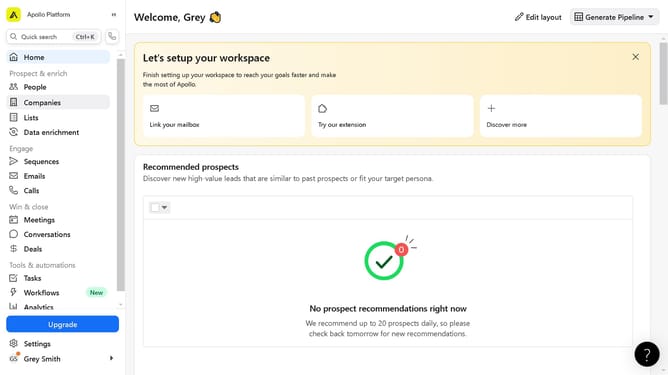
- Then click on "People" in the opened menu
- Next click on the dropdown arrow next to "Company" in the left panel
- Finally, toggle OFF the slider for "Only companies with a known domain" option
Why should you How to disable searching contacts from companies with known domains in Apollo
Apollo is a powerful platform designed to revolutionize your sales and marketing efforts by providing comprehensive prospecting and engagement solutions.
One of its valuable features is the ability to disable searching for contacts from companies with known domains. This feature helps streamline your prospecting process, ensuring your focus remains on new opportunities rather than repeatedly engaging with existing or unsuitable leads.
Utilizing this functionality saves time, optimizes your search efficiency, and ensures your team prioritizes the most valuable potential clients, maximizing productivity and results.
Last update