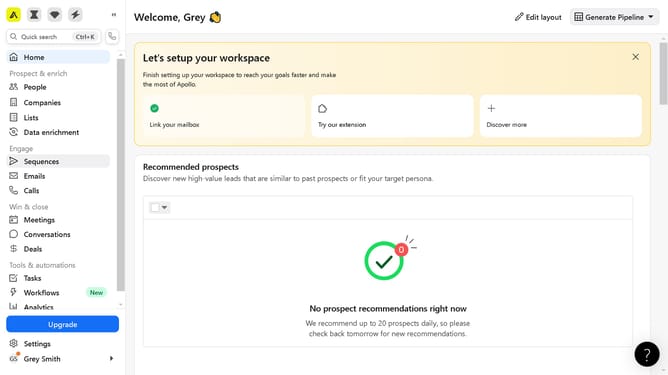
How to search by non-HQ corporate offices location in Apollo
Here is how to search by non-hq corporate offices location in apollo
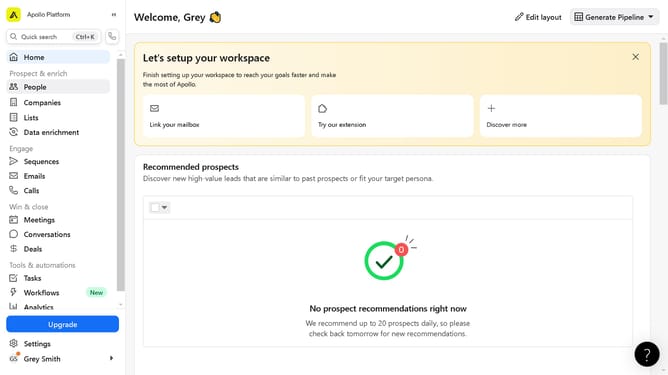
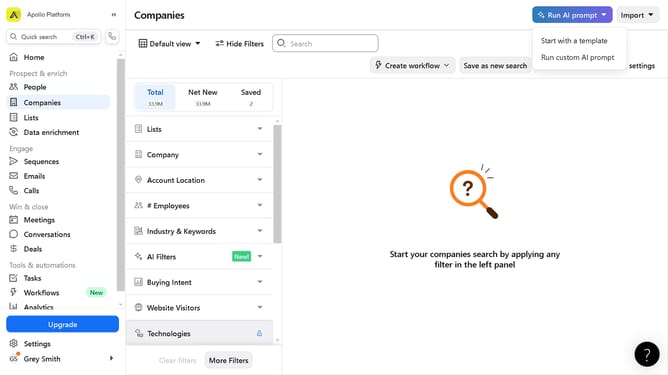
- First click on the search icon in the left sidebar
- Then click on the "People" option from the dropdown menu
- Next, click on the "Location" filter in the left sidebar
- After that, click on the "Account HQ" tab
- Then click on the dropdown menu under "Select region"
- Next, click on the "Non-HQ corporate offices" option
- Then click on the dropdown for "City / State / Country / ZIP"
- Finally, select from the location options
Why should you How to search by non-HQ corporate offices location in Apollo
Apollo is a powerful platform designed to elevate B2B lead generation by providing actionable insights and seamless data access.
This innovative tool allows users to search by non-HQ corporate office locations, enhancing targeting precision without the noise of headquarters data.
Leveraging this feature means tapping into specific geographical insights, enabling businesses to tailor strategies for regional markets and understand local dynamics effectively.
By focusing on non-HQ data, companies can discover hidden opportunities, optimize outreach efforts, and achieve more meaningful connections with potential clients worldwide.
Last update