How to include past titles in a job search in Apollo
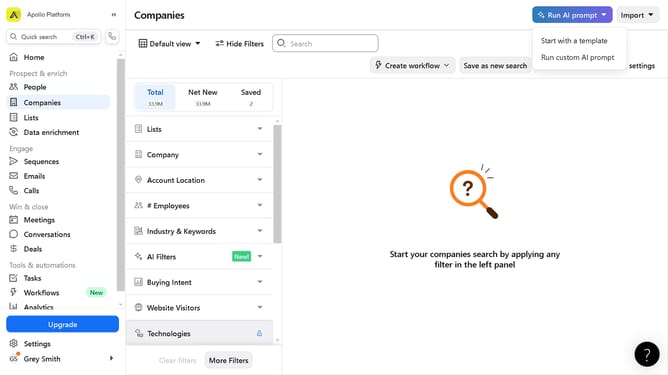
Here is how to include past titles in a job search in apollo
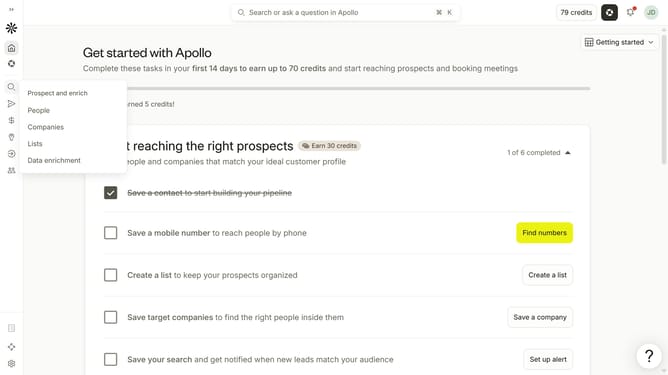
- First click on the magnifying glass icon in the left sidebar
- Then click on "People" in the opened menu
- Next click on the dropdown arrow next to "Job Titles" in the left panel
- After that, click on the "Past job titles" dropdown
- Then click "Enter past titles to include" dropdown button
- Finally click on a job title from the dropdown
Why should you How to include past titles in a job search in Apollo
Apollo is a cutting-edge platform designed to optimize job searches through advanced AI technology.
One of Apollo’s standout features is the ability to include past job titles in your search, enriching your job-hunting experience. This feature allows job seekers to leverage their previous roles, ensuring a more tailored search that aligns with their career trajectory.
By incorporating past titles, users can uncover opportunities that match their experience, increasing the relevance of search results. This not only saves time but also enhances the accuracy of job matches, leading to better career opportunities aligned with one's expertise.
Last update