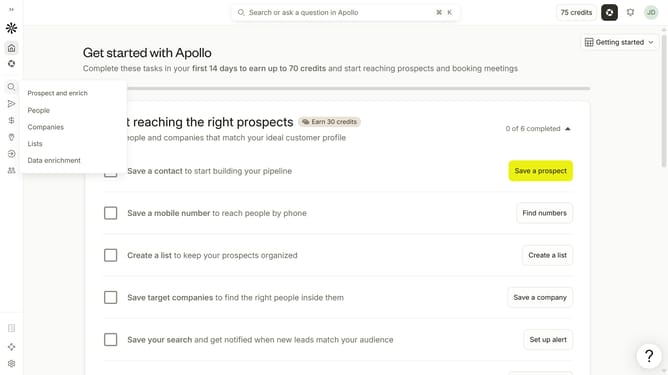
How to disable private conversations in Apollo
Here is how to disable private conversations in apollo
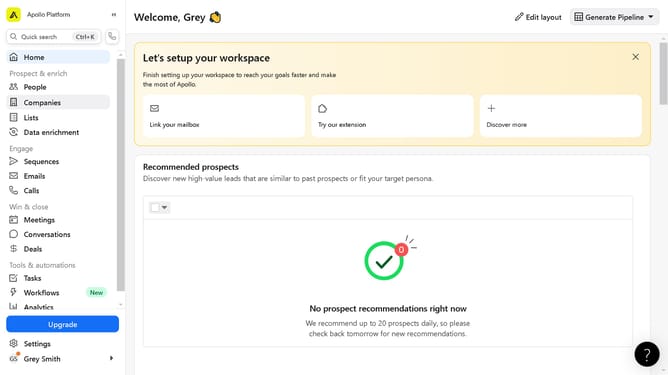
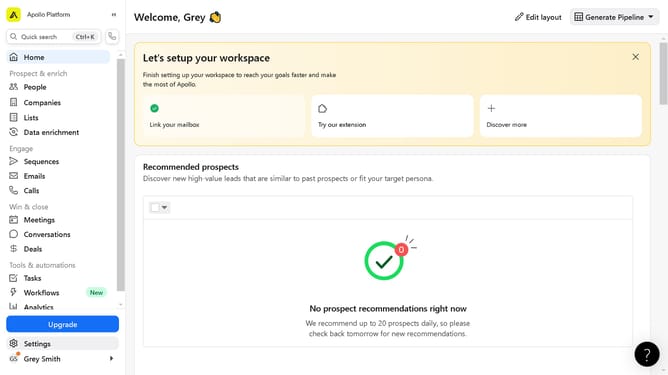
- First click on the user avatar in the top right corner of the header
- Then click on "Your profile" in the dropdown menu
- Next click on the 'Conversations' tab in the main content area
- Then toggle OFF the slider next to "Enable Private Conversations" to disable it
- Finally click on the "Save" button to apply the changes
Why should you How to disable private conversations in Apollo
Apollo is a versatile app designed to enhance your Reddit browsing experience with a sleek, user-friendly interface.
The ability to disable private conversations in Apollo elevates your control over interactions, ensuring uninterrupted and focused browsing. By streamlining communications, users enjoy a more immersive content discovery, free from unsolicited messages.
Embracing this feature helps in fostering a distraction-free environment, allowing users to engage more deeply with communities and discussions they value most. It’s all about creating a seamless and distraction-free browsing adventure.
Last update