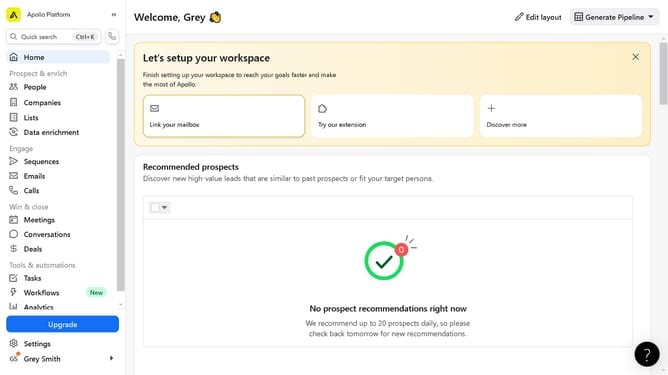
How to save, share and set alerts for search views on Apollo
Here is how to save, share and set alerts for search views on apollo
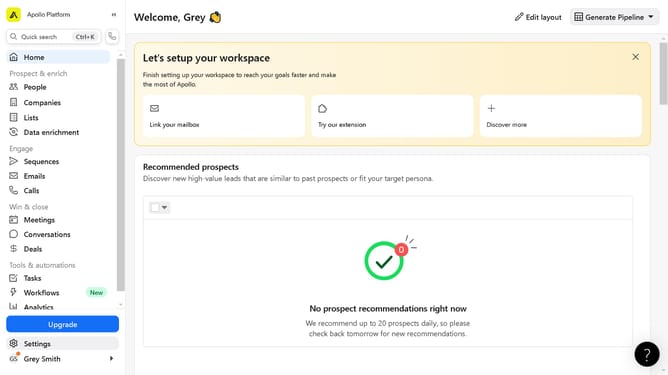
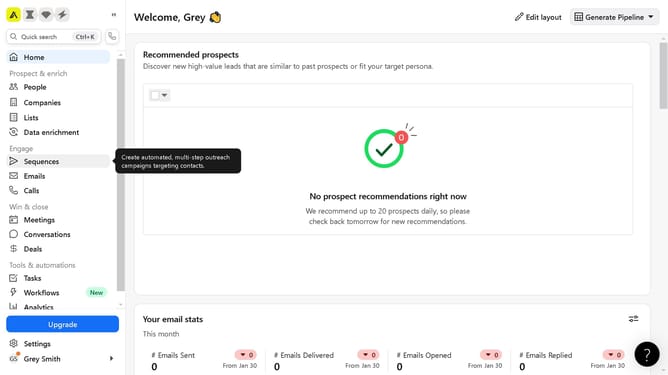
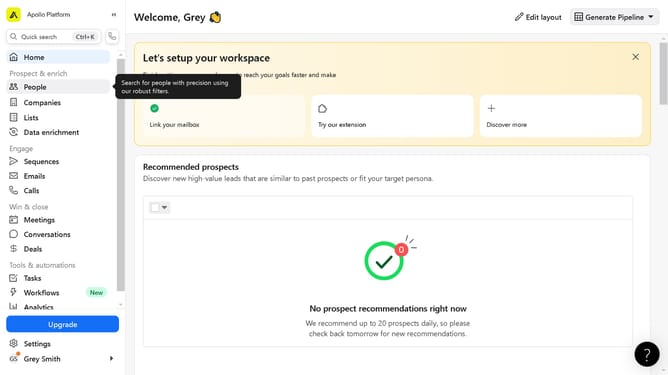
- First click on "People" in the left sidebar navigation menu
- Then click on the "Default view" button in the search box in the top toolbar
- Click on the "Create saved search" button to make a new saved search
- Type in your preferred search name on the open text field
- Click on the "Visibility" icon in the right sidebar settings window panel
- Next click on the dropdown arrow to open visibility options
- Then click on the "Everyone" option to make your saved search public
- Then click on the "Done" button to finish the view settings
- Next click on the "Alerts" icon in the right sidebar window panel
- Next click on the dropdown arrow to open alert options
- Click on your desired option on when to get a notification for your search subscription
- Next click on the "Done" button to finish the settings
- Finally click on the "Create search" button on the right bottom corner of the settings window panel
Why should you save, share and set alerts for search views on Apollo
Apollo is a powerful tool designed to streamline your lead generation and sales process with ease.
Saving search views on Apollo allows users to easily revisit key data, providing a convenient means for tracking changes and trends over time. Sharing search views is another valuable feature, enabling collaboration and seamless communication across teams by maintaining a single, up-to-date snapshot of vital insights.
Setting alerts for your search views on Apollo ensures you're immediately informed about significant updates, helping you stay proactive and well-equipped to seize new opportunities.
These features collectively enhance productivity and foster informed decision-making, supporting users in achieving their sales objectives efficiently.