How to create a new email template on Apollo
Here is how to create a new email template on apollo
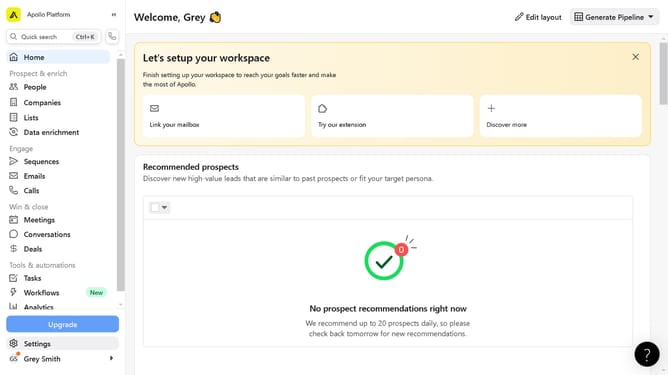
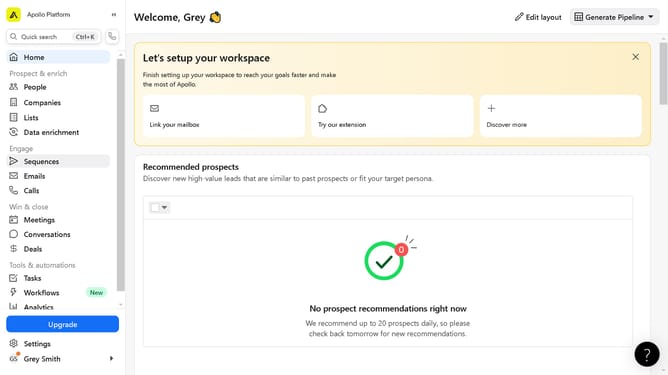
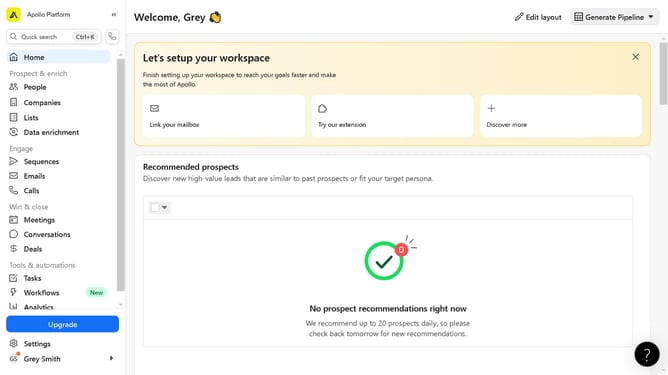
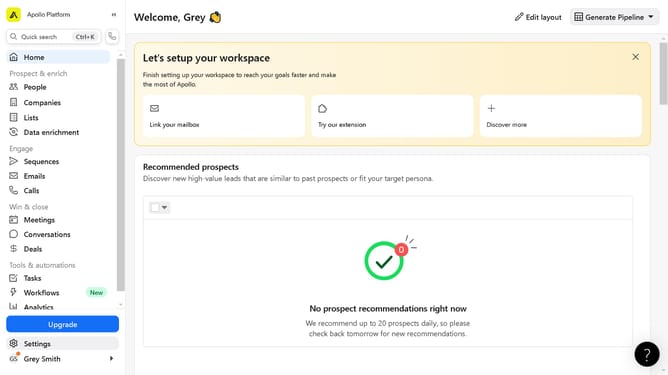
- First click on the "Emails" item in the left sidebar under the Engage section
- Then click on the "Templates" tab in the top navigation bar
- Next click on the "Create template" button in the top right corner
- Then configure and fill in the fields on your new template
- Click on the formatting toolbar at the bottom of the email body editor
- Finally click on the "Save" button in the top right corner to save your new email template
Why should you create a new email template on Apollo
Apollo is an innovative sales engagement platform designed to streamline communication and boost growth efforts.
Creating a new email template in Apollo allows you to maintain consistency and professionalism in your outreach efforts. By utilizing this feature, you ensure that your communication aligns with your brand and messaging strategies.
This powerful capability saves time, enabling you to focus on crafting personalized messages and delivering them at scale. Harnessing Apollo's email templates transforms your workflow, enhancing efficiency and impact.
Last update