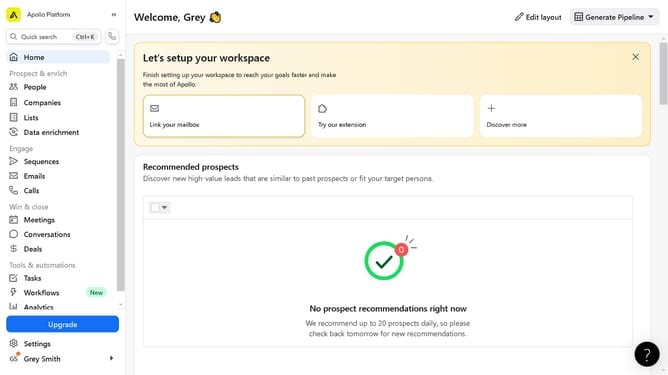
How to access a contact profile on Apollo
Here is how to access a contact profile on apollo
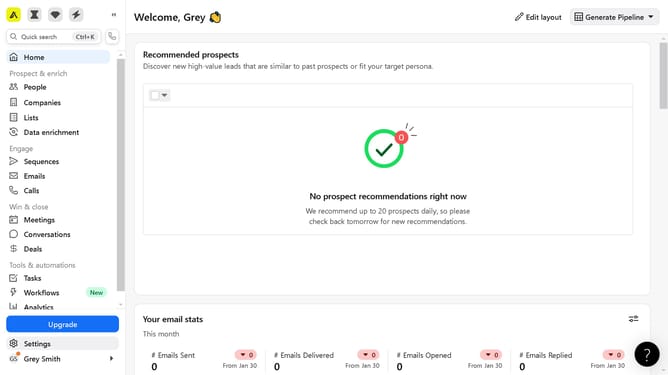
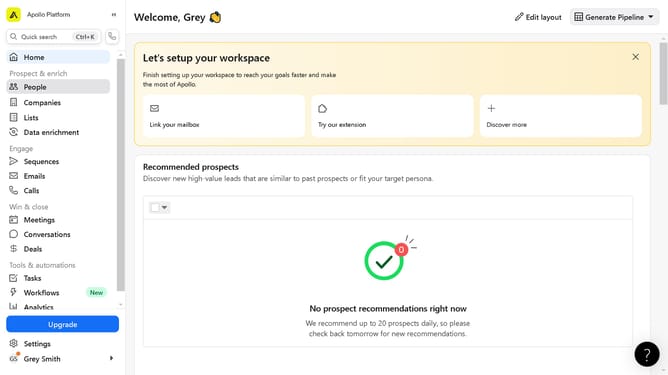
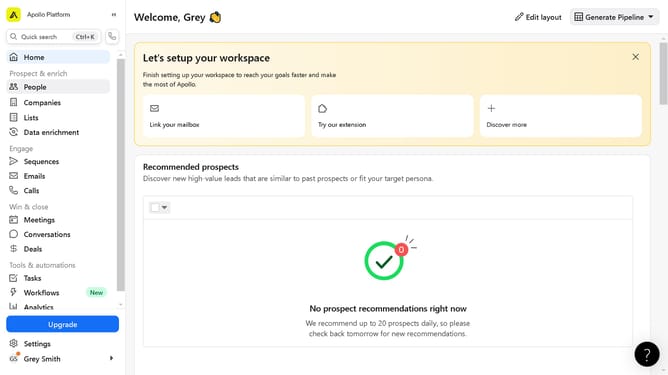
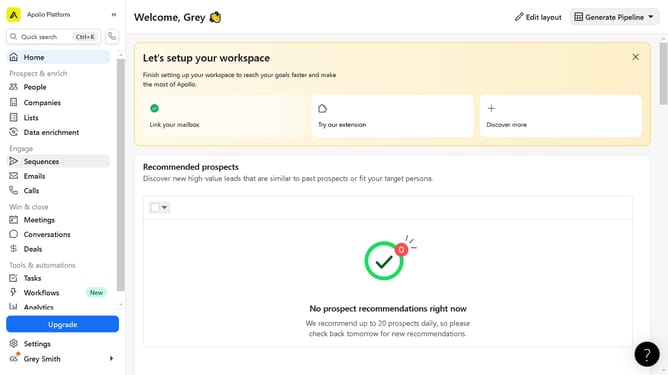
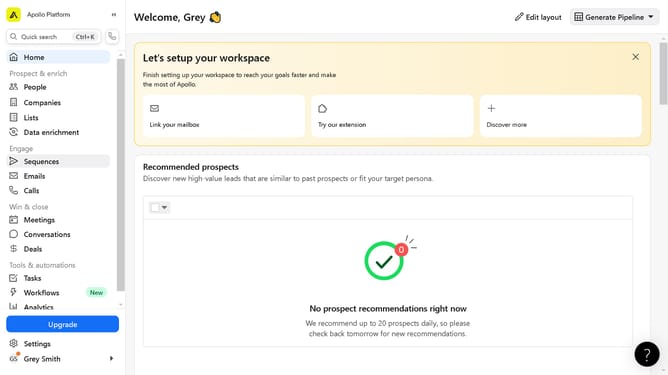
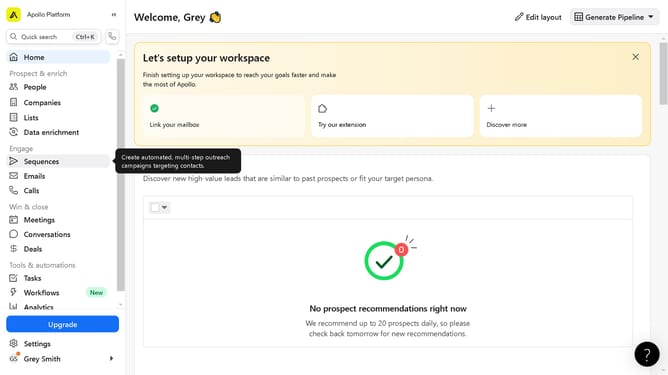
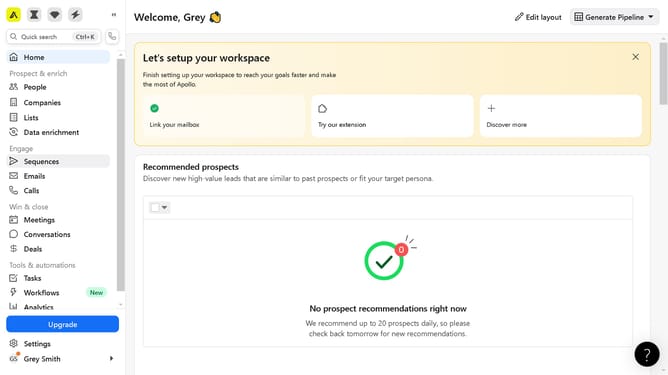
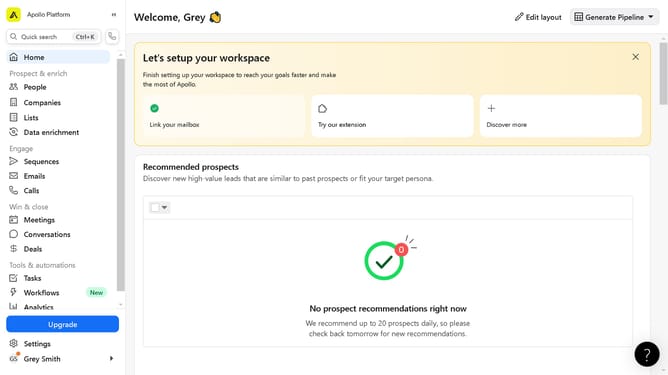
- First click on the "People" item in the left sidebar menu under the Prospect & enrich section
- Then click on the contact name in the main contacts list table
- Finally click on the "Contact overview" tab in the contact details page header
Why should you access a contact profile on Apollo
Apollo is a cutting-edge platform designed to optimize business communication and networking.
Accessing a contact profile on Apollo is intuitive and streamlined, adding immense value to your networking efforts.
By easily locating and viewing contact details, you can more effectively manage relationships, ensuring you stay informed and connected.
This feature provides quick insights, empowering you to engage in more personalized and productive interactions.
Last update