How to update your first name in Apollo
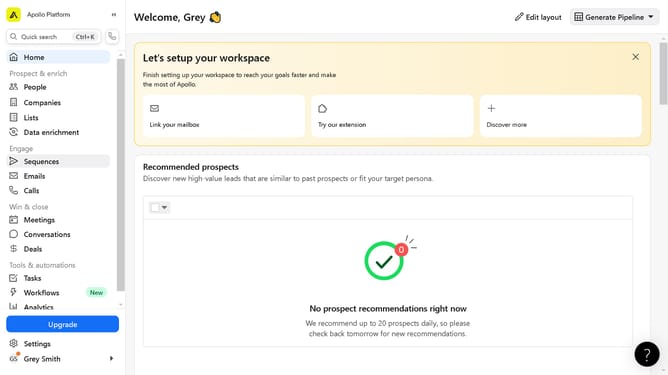
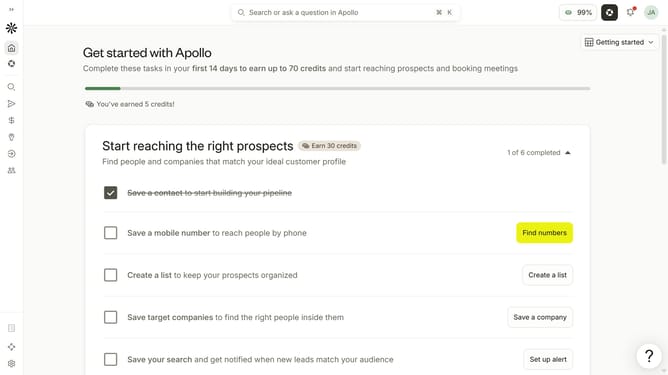
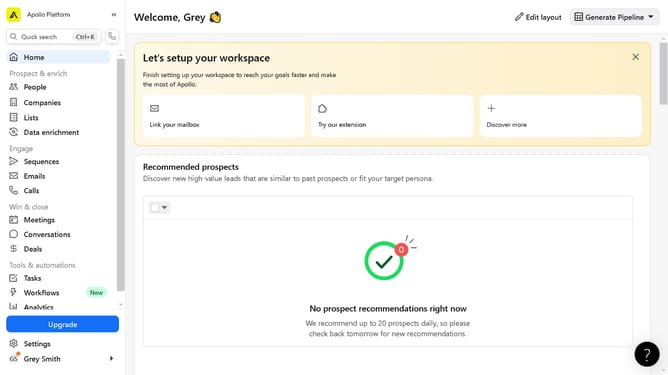
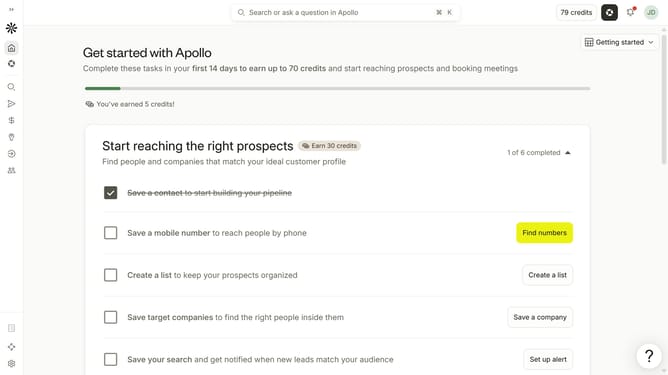
Here is how to update your first name in apollo
- First click on the user avatar in the top right corner of the header
- Then click on "Your profile" in the dropdown menu
- Next, click on the "First name" input field and edit it
- Finally click on the "Save" button in the top right corner of the page
Why should you How to update your first name in Apollo
Apollo, a seamless platform designed to streamline your professional communications and workflow, offers a user-friendly interface with customizable settings suited to enhance your experience.
One of its convenient features is the ability to update your first name effortlessly. This is beneficial for those who've undergone a name change or prefer using a different name professionally. It ensures your name accurately reflects your identity in all correspondences and communications.
Using this feature enhances your personal brand integrity and ensures consistent, up-to-date information across the platform. It's a small but impactful way to maintain professional accuracy and personalization.
Last update