How to include specific current companies in a job search Apollo
Here is how to include specific current companies in a job search apollo
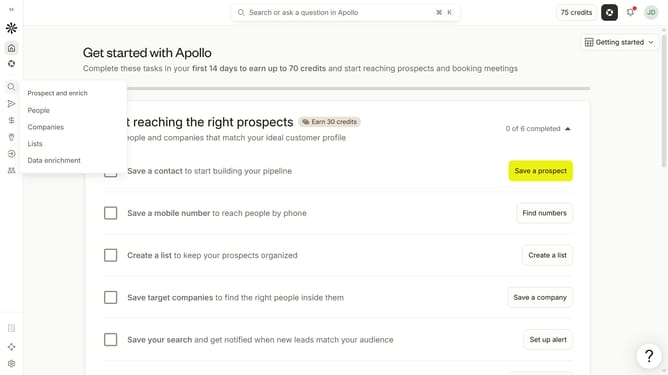
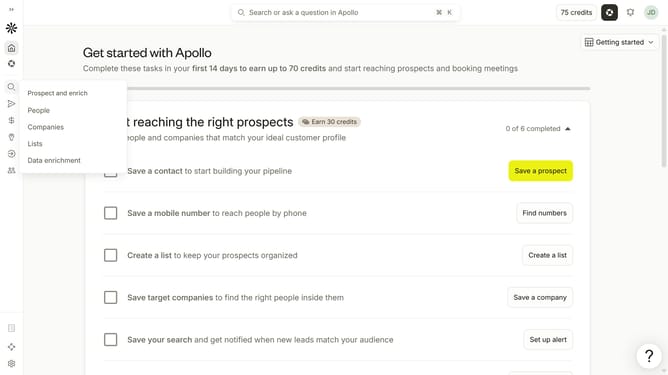
- First click on the magnifying glass icon in the left sidebar
- Then click on "People" in the opened menu
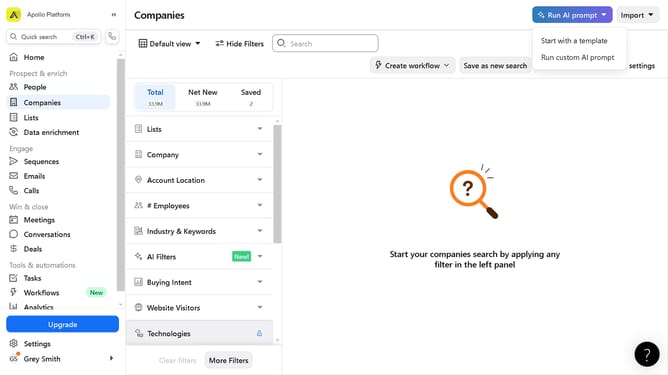
- Next click on the dropdown arrow next to "Company" in the left panel
- After that, click on the "Is any of" button
- Then click on the "Enter companies" input field and enter the included company name
- Finally select from the list of suggested companies
Why should you How to include specific current companies in a job search Apollo
Apollo is a dynamic platform designed to optimize job searching by streamlining the process.
When targeting specific companies in your job search, Apollo offers features that allow you to effortlessly filter and pinpoint organizations currently of interest. This ensures your job hunt is focused and relevant.
By honing in on particular companies, you save time and enhance the quality of your applications. This approach boosts your chances of connecting with employers who align with your career goals, making your job search more effective and rewarding.
Last update