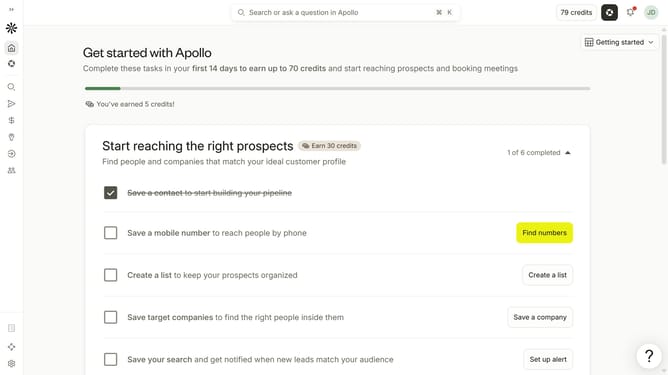
How to filter people with verified emails in Apollo
Here is how to filter people with verified emails in apollo
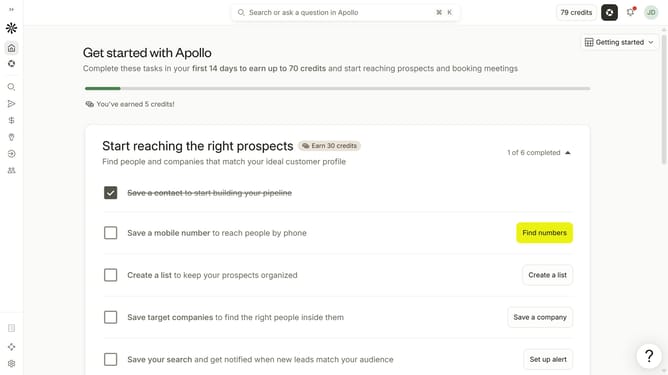
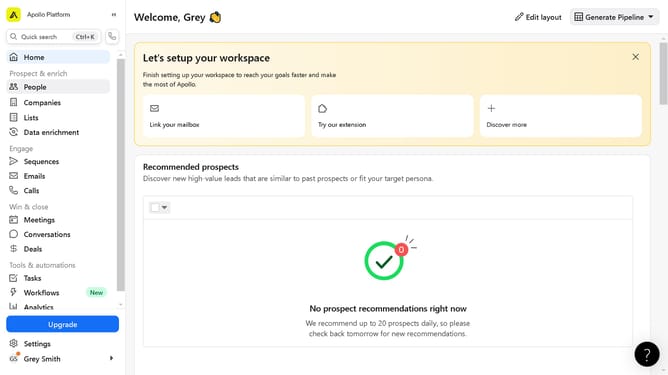
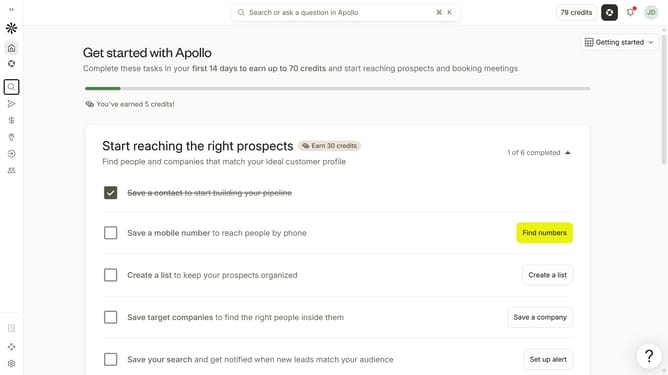
- First click on the search icon in the left sidebar
- Then click on the "People" option from the dropdown menu
- Next, click on the "Email Status" filter in the sidebar
- Finally, click on the "Verified" checkbox under "Safe to send"
Why should you How to filter people with verified emails in Apollo
Apollo is a powerful platform designed to streamline your sales and outreach efforts by providing enriched contact information and robust engagement tools.
One standout feature in Apollo is its ability to filter contacts by verified email addresses. This ensures that your communications land in active inboxes, enhancing your reach and response rates.
Using this feature boosts efficiency by allowing you to focus only on contacts with confirmed email validity. As a result, your team saves time and resources while increasing the chance of successful engagement and conversions.
Last update