How to connect Hubspot to Apollo
Here is how to connect hubspot to apollo
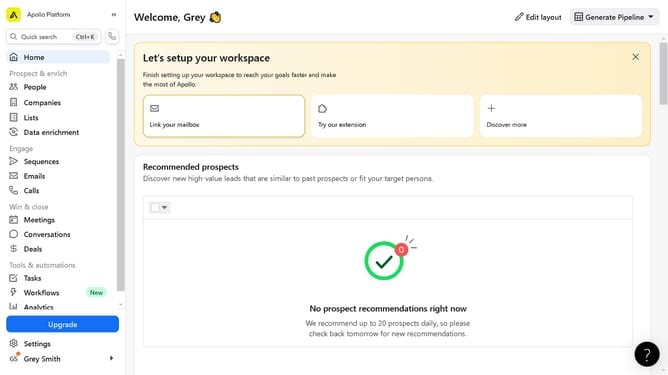
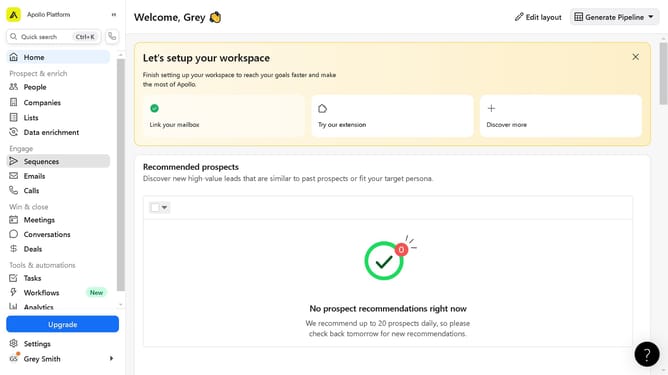
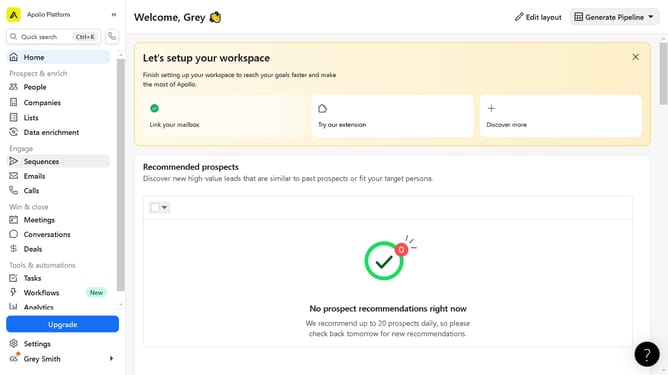
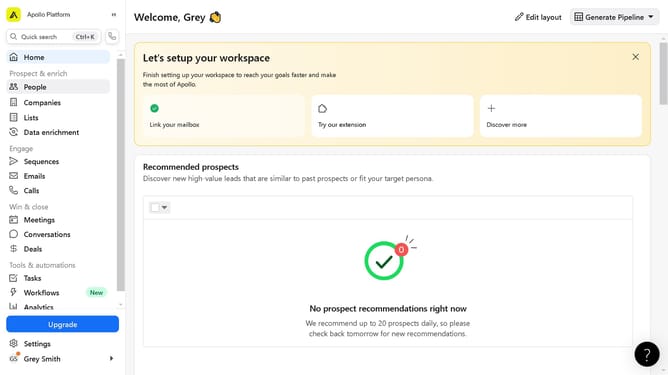
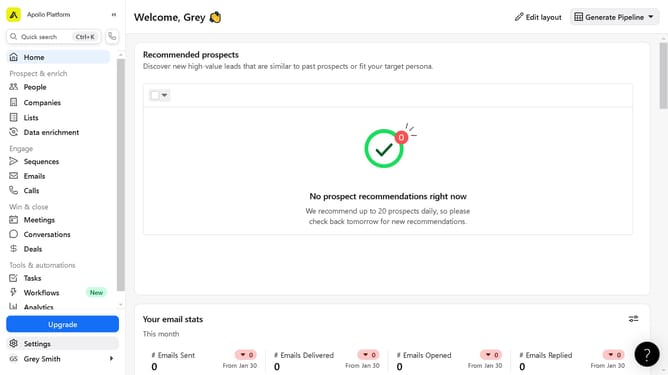
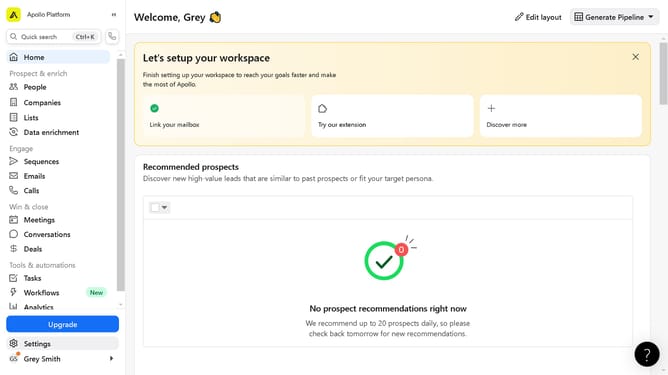
- First click on "Settings" in the left sidebar menu
- Then click on "Integrations" option in the left sidebar settings menu
- Then click on "Connect" button next to the HubSpot integration
- Click on "Yes, continue" button in the HubSpot connection confirmation dialog
- Click on "Sign in to your HubSpot account" button on the connection page
- Next select the account from the list by clicking on it
- Finally click on "Choose Account" button to confirm the account selection
Why should you connect Hubspot to Apollo
Apollo is an advanced platform designed to elevate sales and customer outreach strategies.
Connecting Hubspot to Apollo seamlessly fuses your marketing and outreach efforts, enabling teams to streamline workflows efficiently.
This integration empowers users to automatically sync contacts, eliminating manual data entry and reducing errors, which enhances productivity and accuracy.
Embracing this connection results in a more synchronized team, improved communication, and ultimately, better performance in achieving sales goals.
Last update