How to filter contacts by number of employees on a predefined range in Apollo
Here is how to filter contacts by number of employees on a predefined range in apollo
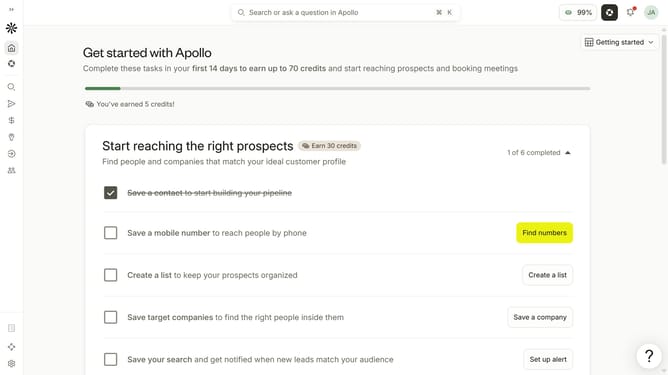
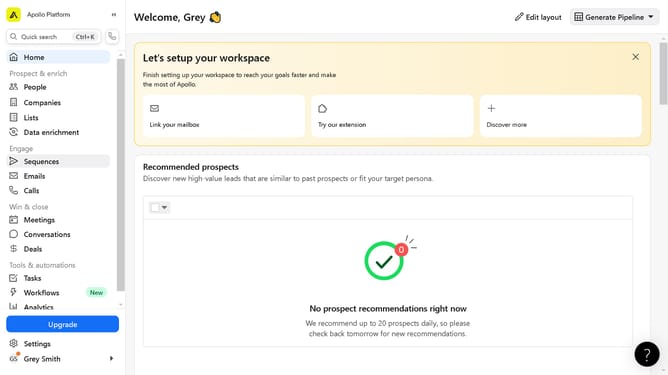
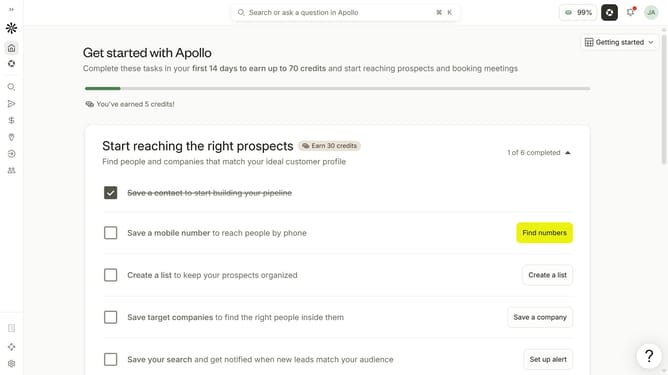
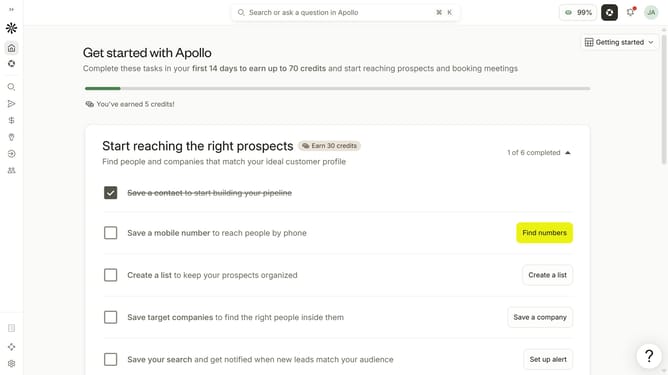
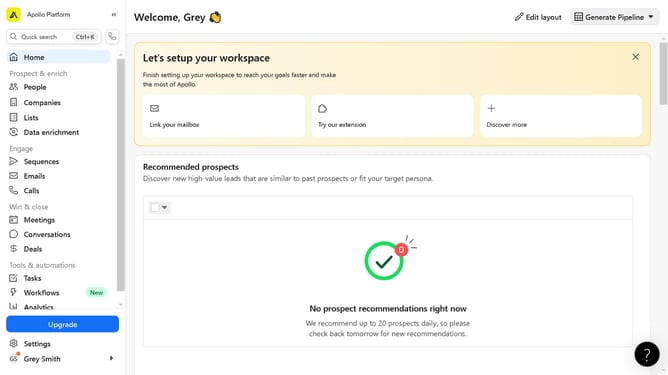
- First click on the search icon in the left sidebar
- Then click on the "People" option from the dropdown menu
- Next, click on the dropdown arrow next to "# Employees"
- Then select "Predefined Range" in the "# Employees" filter options
- Finally, click on the checkbox for your preferred range
Why should you How to filter contacts by number of employees on a predefined range in Apollo
Apollo is a robust sales intelligence platform designed to supercharge your outreach strategies.
One of its standout features is the ability to filter contacts by the number of employees within a predefined range. This feature enables businesses to target companies that fit their ideal customer profile more precisely.
Using this filter allows for efficient customization of your outreach efforts, ensuring you engage with prospects that align perfectly with your business goals. The result is a streamlined process that saves time while maximizing the potential for successful engagements and partnerships.
Last update